
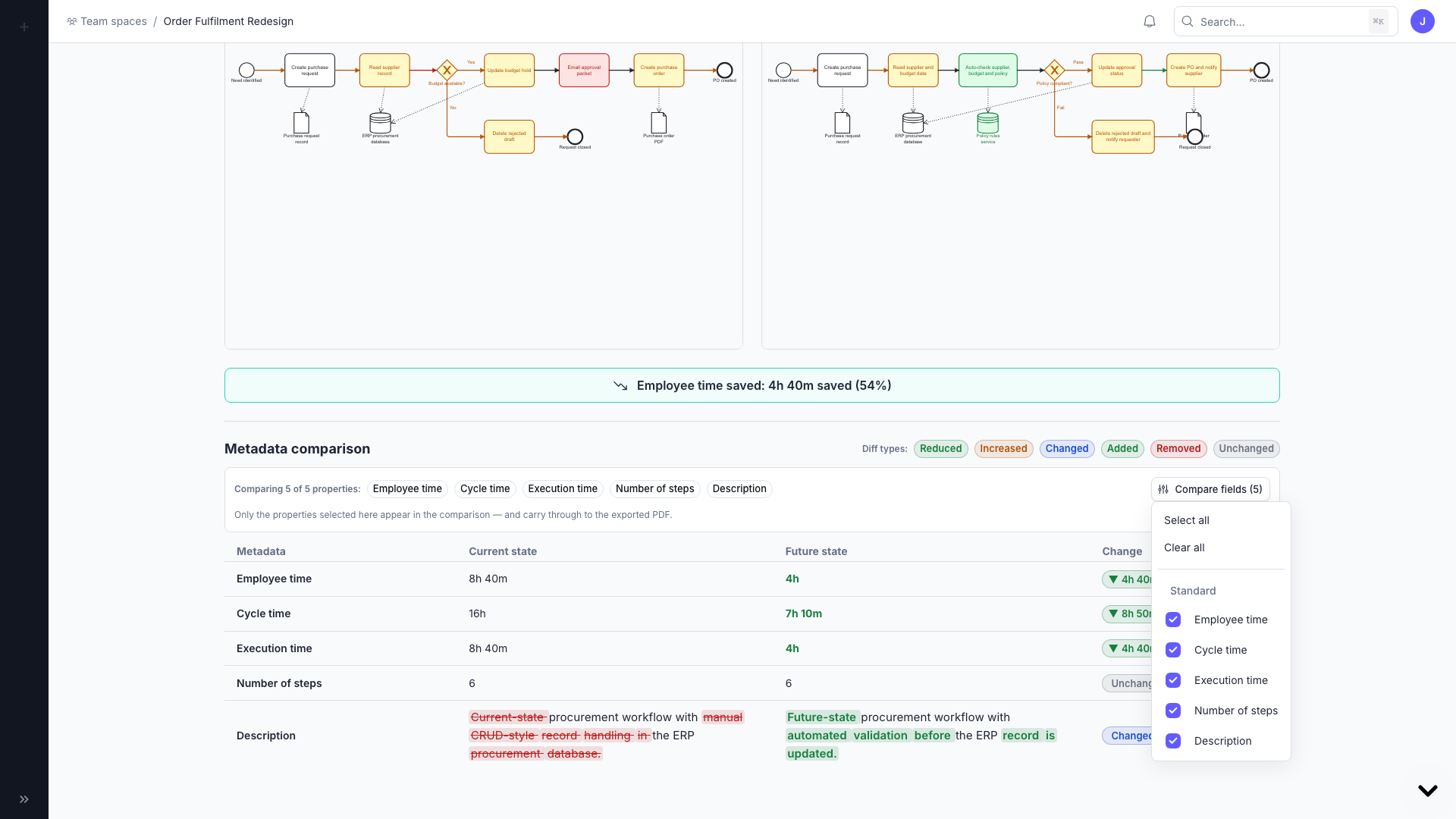
As-is / To-be comparisons let you link a current-state process map with a future-state version and compare them side by side.
Create a comparison
- Open a workspace with at least two related process maps.
- In the Contents tab, link a map as As-is and select its To-be counterpart.
- Open the 'Current/Future' tab to see the side-by-side comparison.
Configure the comparison
- Edit employee time saved.
- Choose which standard or custom metadata fields to compare.
- Open the fullscreen view to see highlighted diagram differences and the diff legend.
Export
Export a focused comparison as a PDF or Word document to share the before-and-after story with stakeholders.