Changelog
2026
- One-shot process model your entire organisationNew
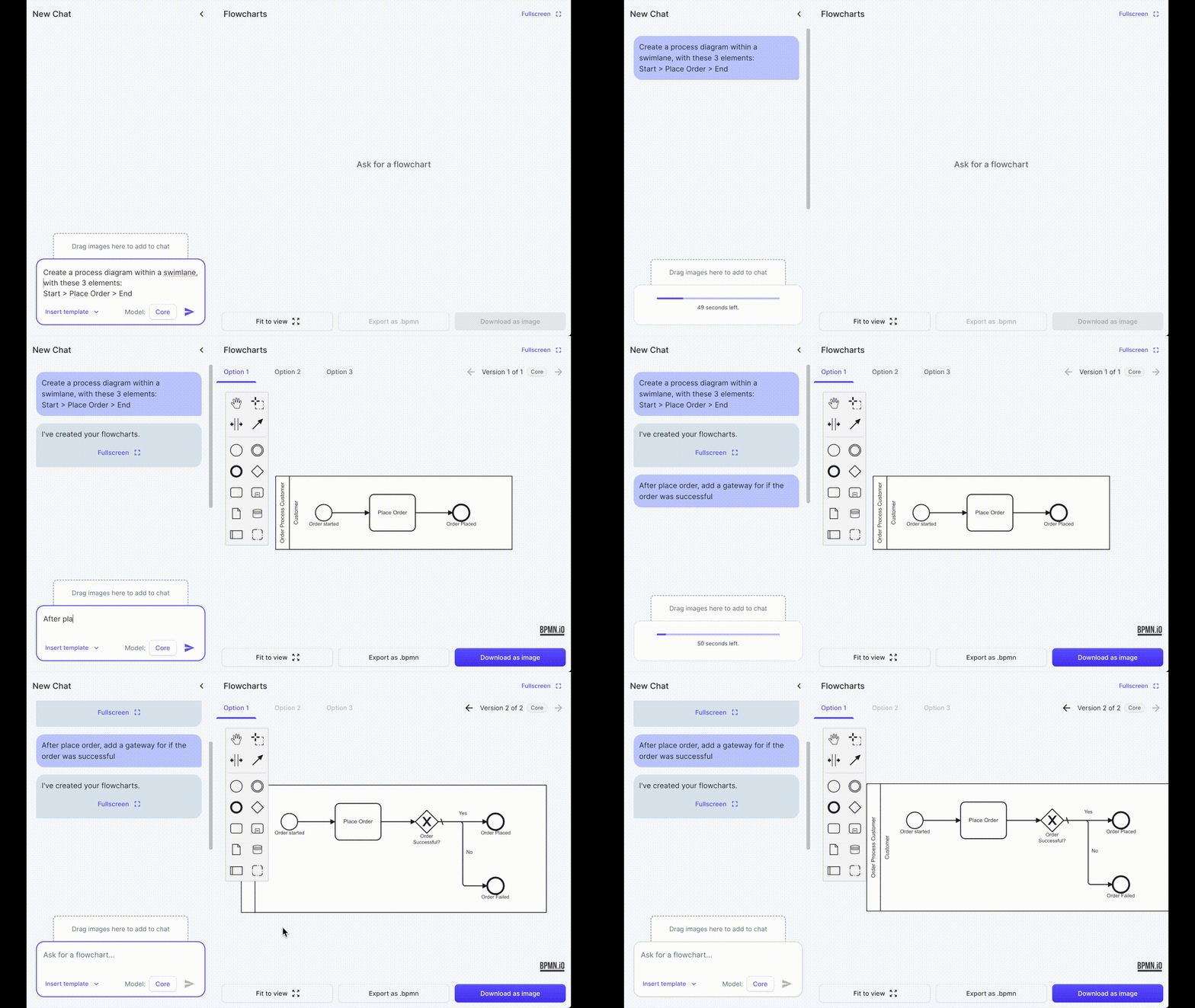
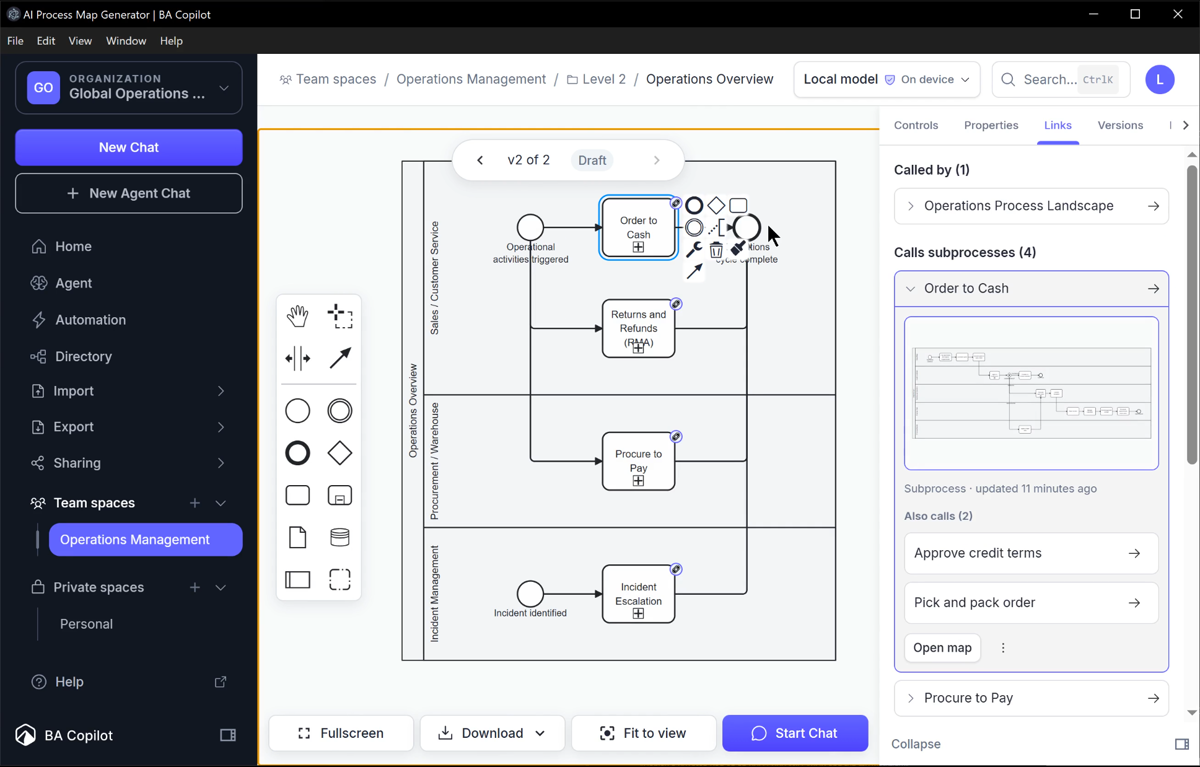
You can now automatically generate a linked process model, with metadata, for your entire organisation, from one prompt. This works on Local Edition (for laptop or desktop), and Cloud Edition. Below…
- Organization Process DirectoryNew
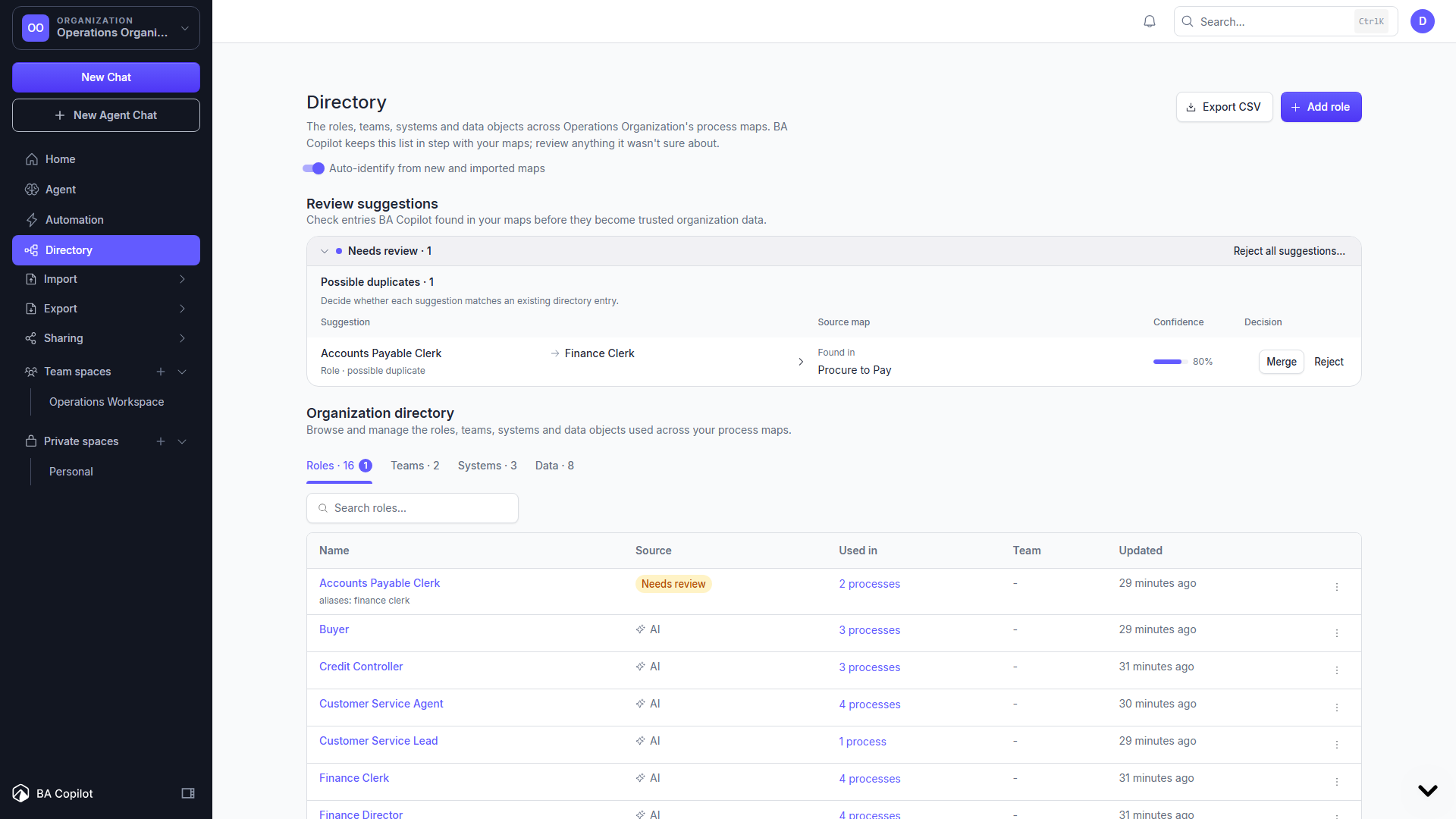
Keep the people, teams, systems, data objects, and responsibilities in your organization-space process maps consistent. BA Copilot can identify these items from generated and imported maps, then…
- Linked Process MapsNew
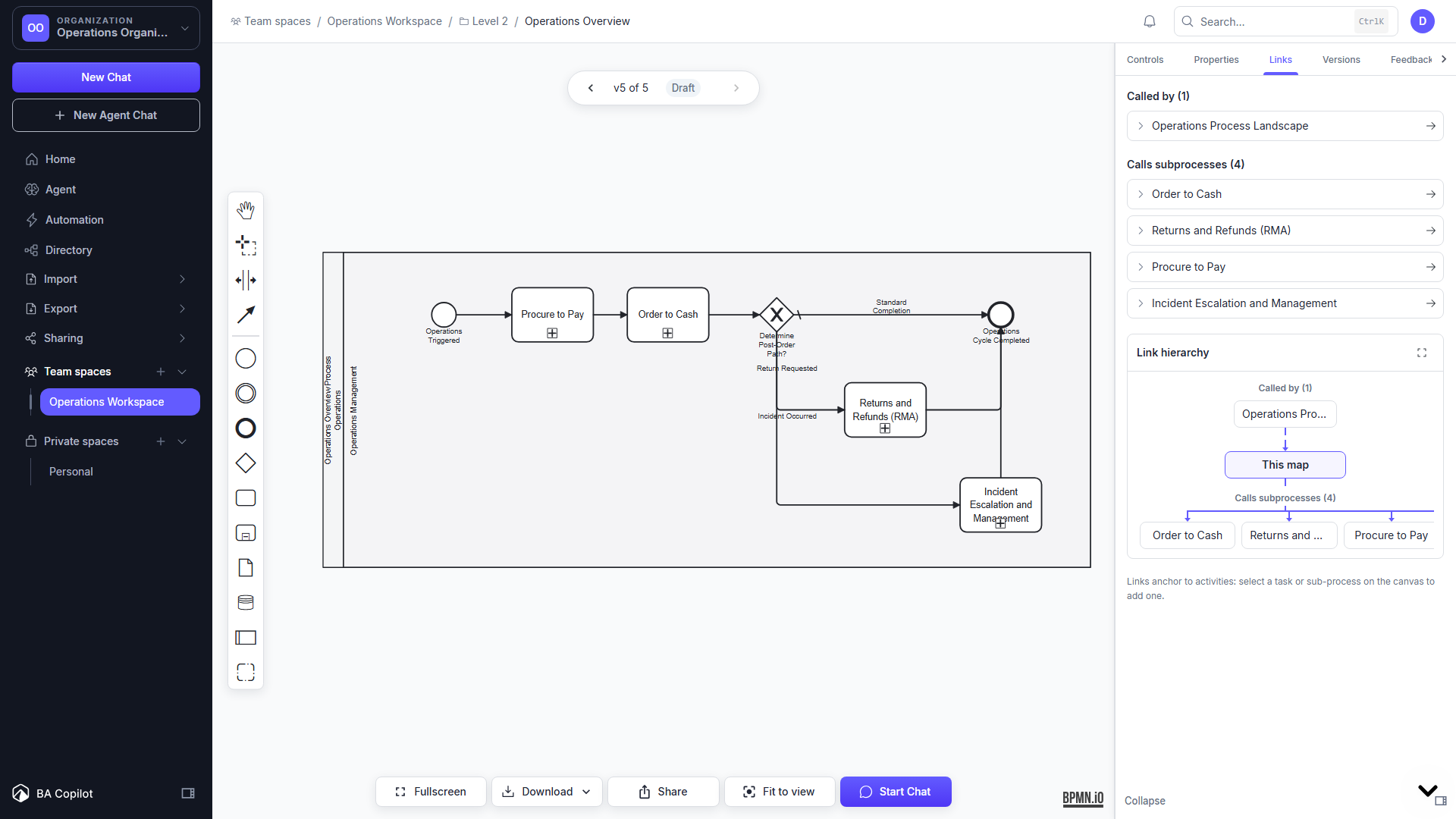
Connect a high-level activity to the saved subprocess map that explains how the work is done. Links are anchored to tasks, subprocesses, or call activities, so each relationship has a clear place in…
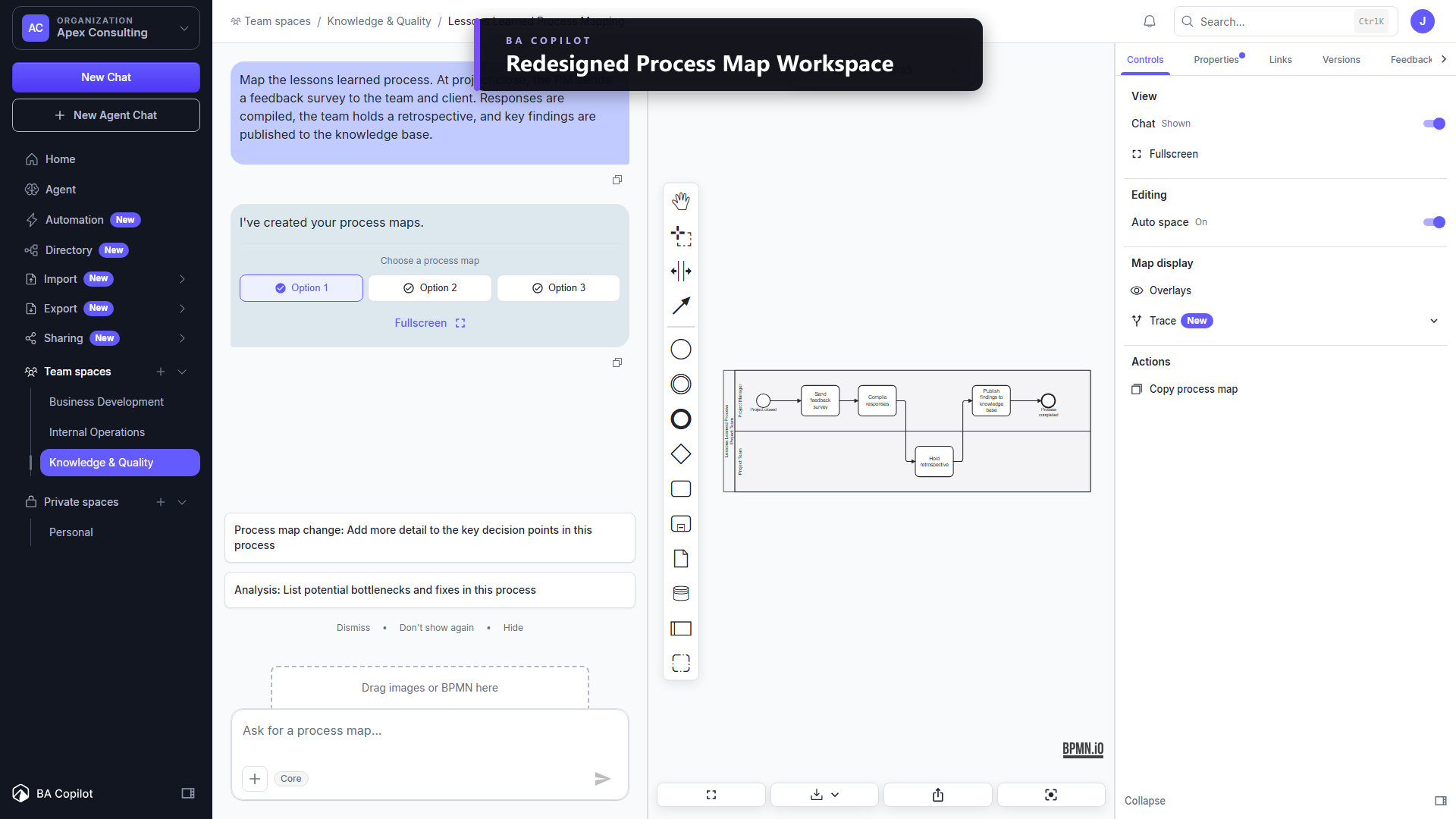
- Redesigned Process Map WorkspaceImproved
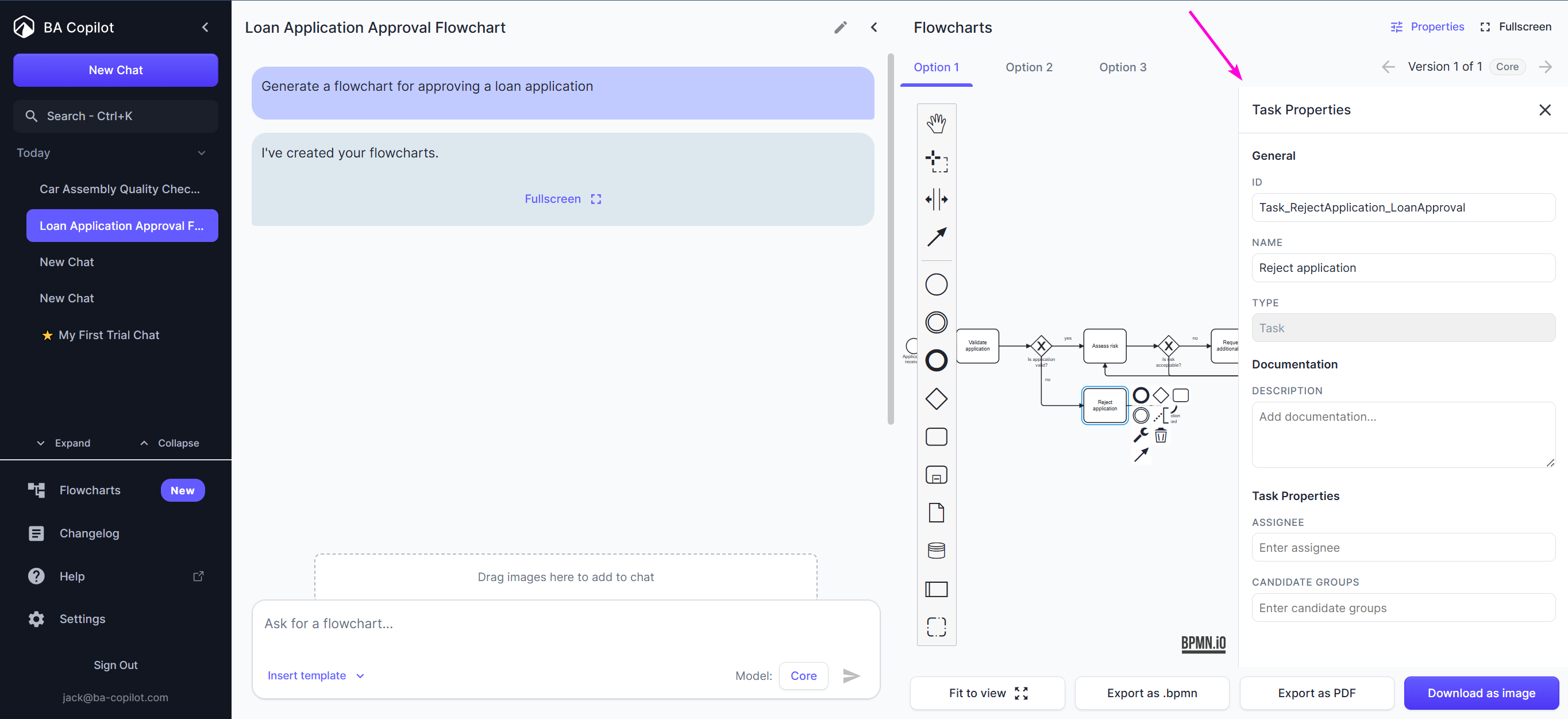
The process map workspace now brings Controls, Versions, Feedback, Present, Properties, Style, and Links into one collapsible right sidebar. Map options are selected in chat, versions use preview…
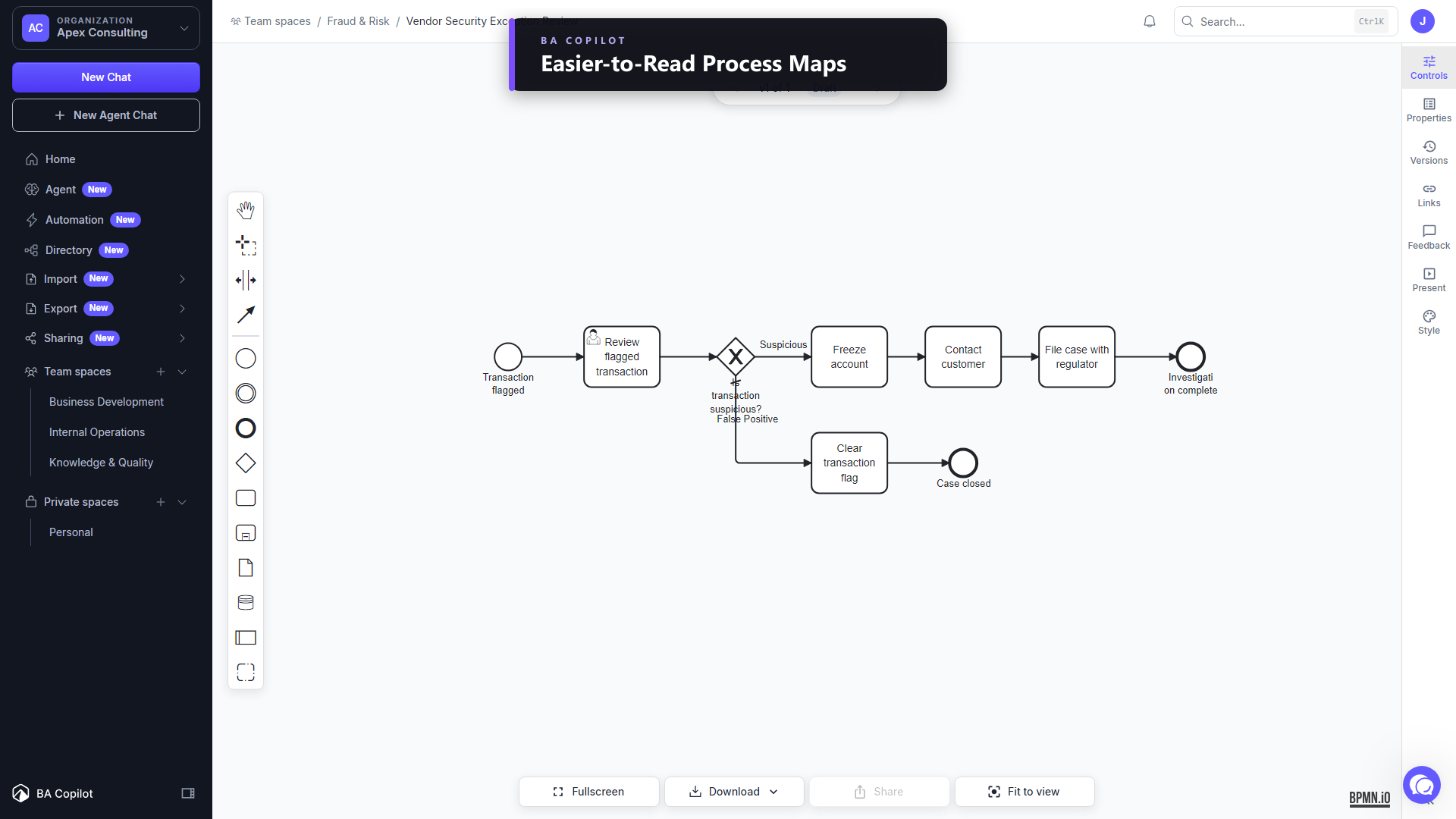
- Easier-to-Read Process MapsImproved
Process map labels are now larger, better spaced, and more consistent across tasks, lanes, events, gateways, flows, and annotations. BA Copilot uses spare room inside the map while keeping every…
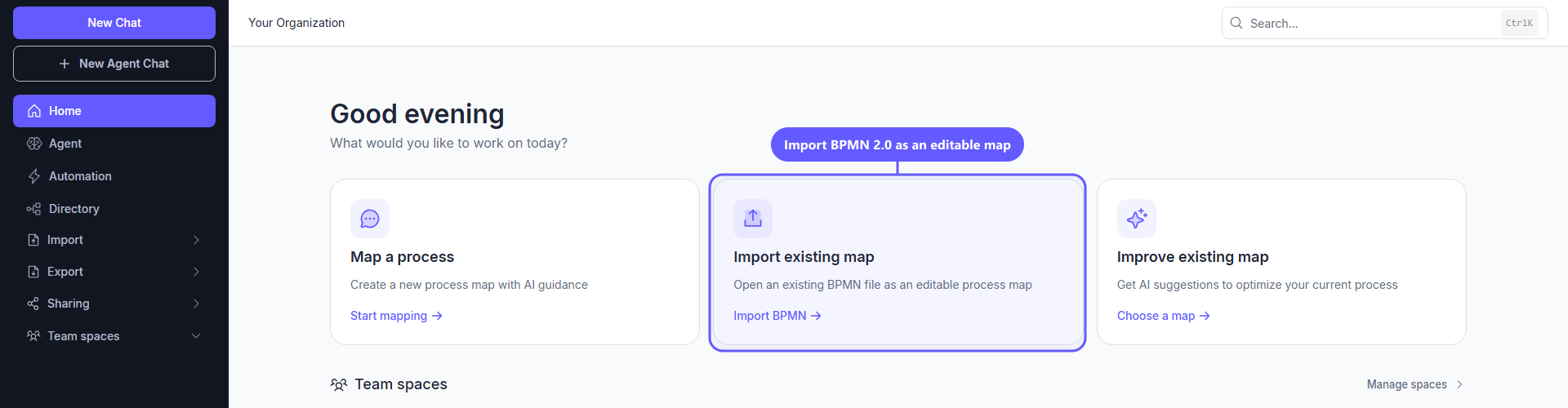
- Import BPMN AnywhereNew
Bring an existing BPMN 2.0 file into BA Copilot as an editable process map without regenerating it. Import is available from the dedicated page, dashboard quick actions, editable spaces, chat…
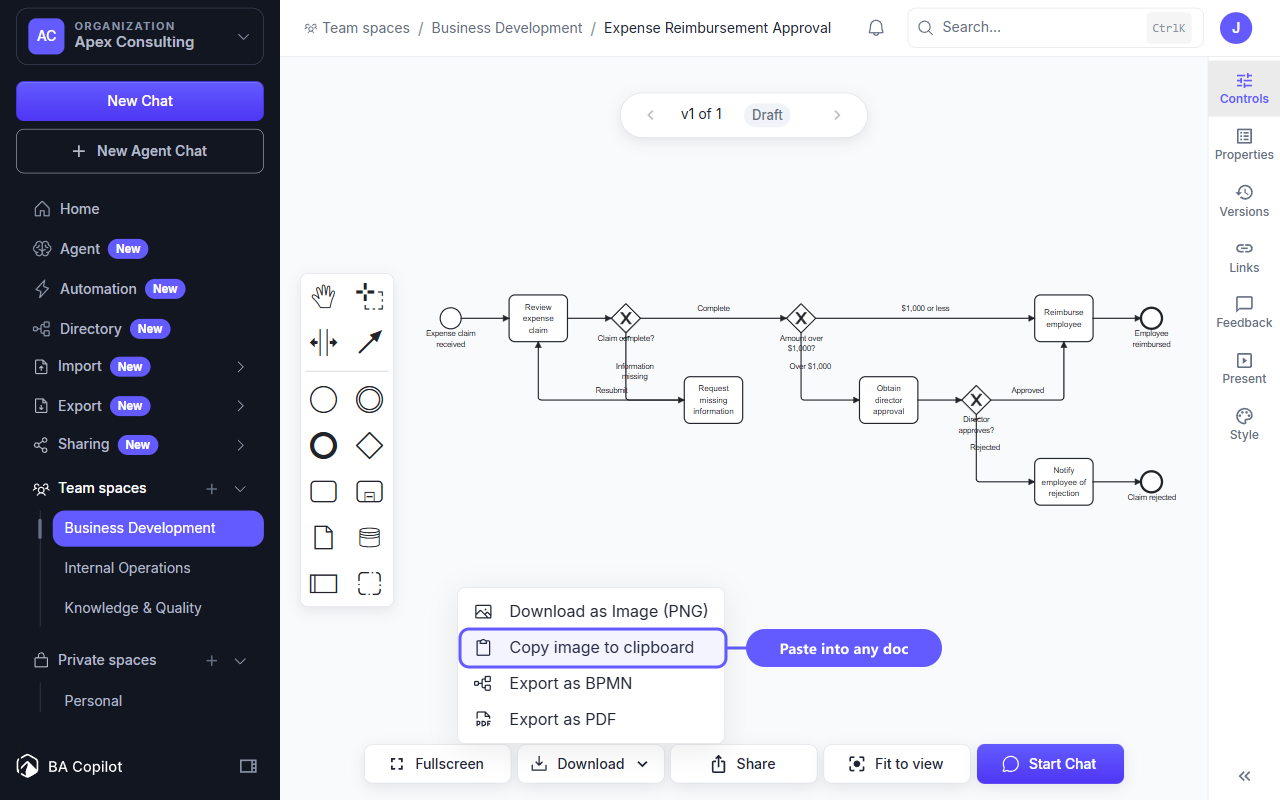
- Copy Process Map ImageNew
Copy a process map as a PNG and paste it directly into Word, PowerPoint, Slack, Confluence, or another compatible app. The new Copy image to clipboard action is available from the Download menu in…
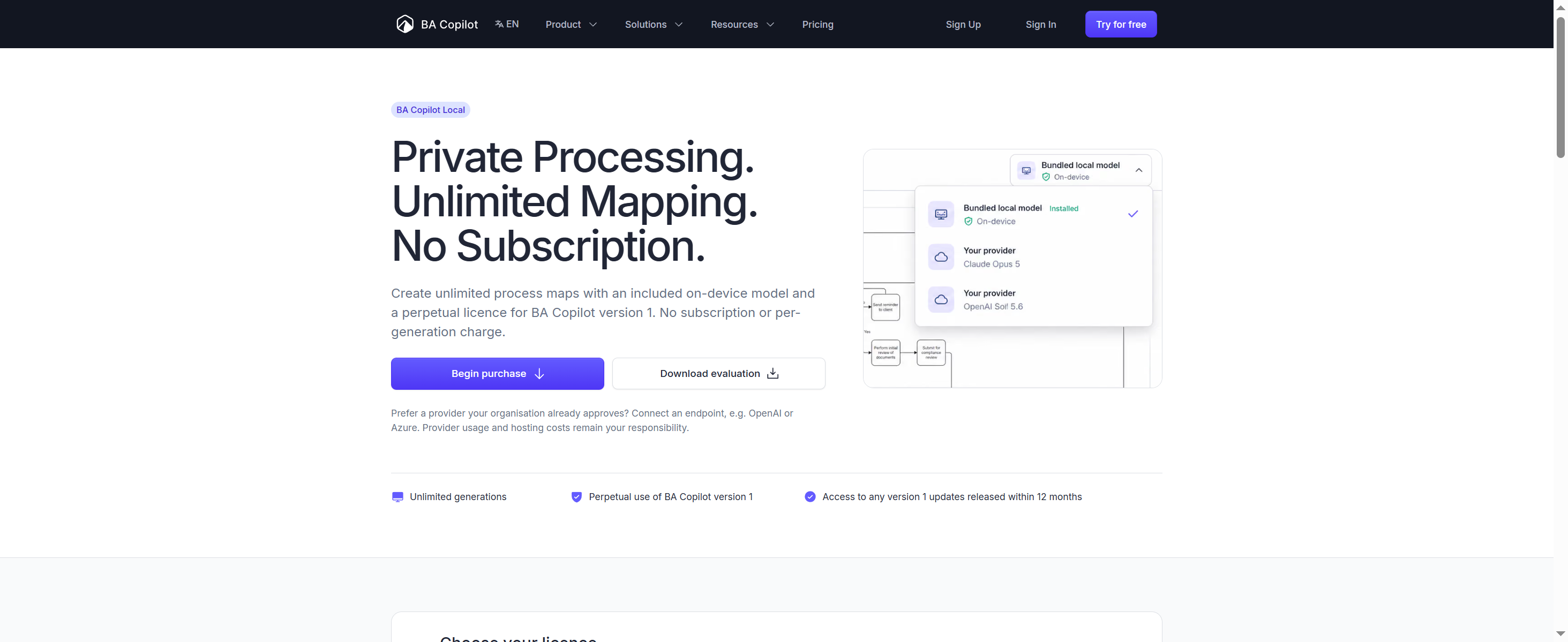
- BA Copilot Local EditionNew
BA Copilot Local Edition is a desktop app that runs on your own device. It includes an on-device model, so you can create BPMN 2.0 process maps without a subscription and without a per-generation…
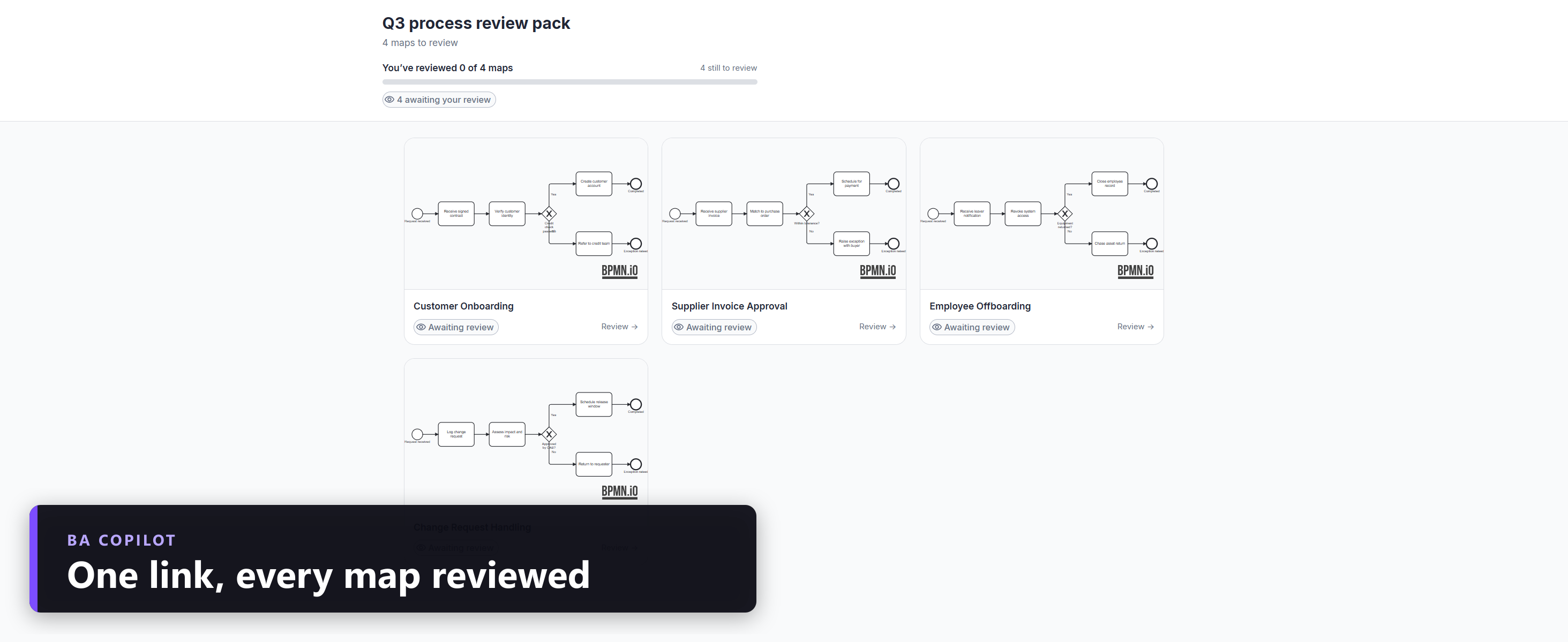
- Share multiple process maps for external feedbackNew
BA Copilot now lets you share several process maps with one secure external-feedback collection. Select the maps that need review, send one collection link, and reviewers can open a gallery, choose…
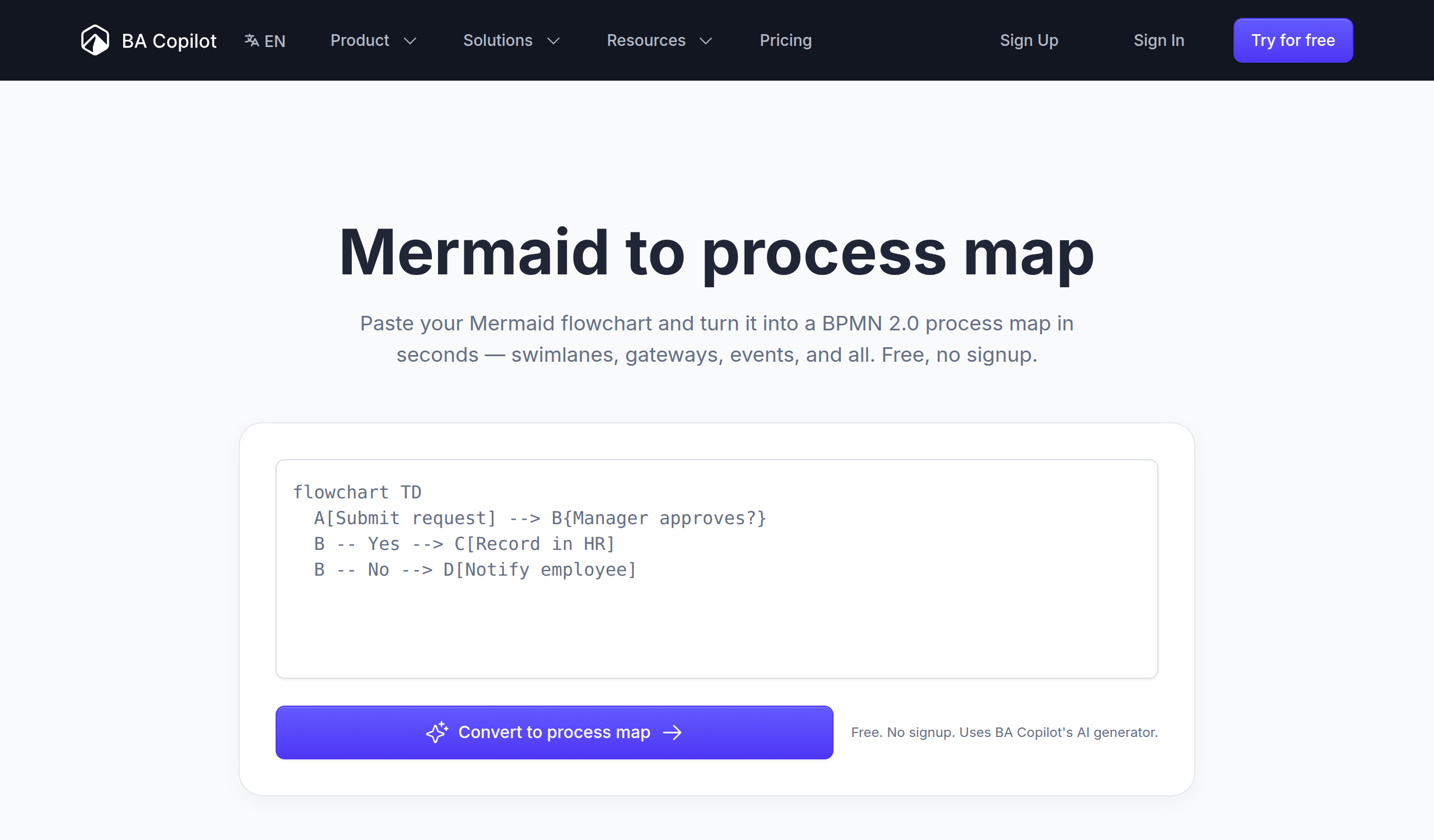
- Turn images, whiteboards, and Mermaid into process mapsNew
BA Copilot now has dedicated image-to-process-map and whiteboard-to-process-map tool pages, with the live AI generator embedded directly on the page. Drop or paste a flowchart screenshot, diagram…
- A faster core modelImproved
We have upgraded the core model behind process-map generation. Maps now arrive around 2.8x faster on our standard benchmark: roughly 3 seconds for a typical process map, down from about 9. The bigger…
- Fixed missing BPMN editor tools on touchscreen laptopsFixed
BA Copilot no longer hides the BPMN editor palette on touchscreen laptops when the browser reports touch capability in a misleading way. If the app detects mouse, trackpad, or pen input, it…
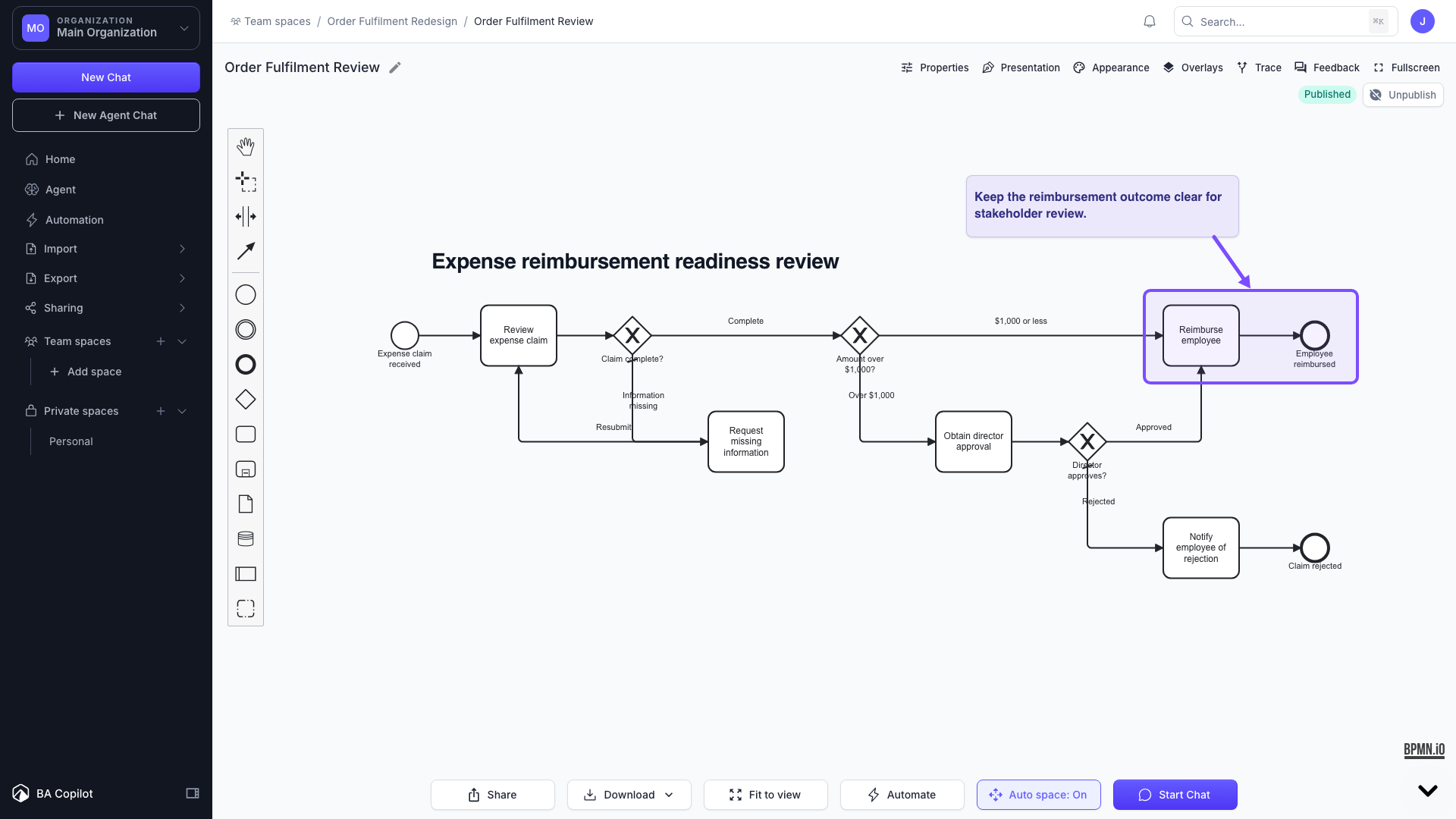
- Add client-ready annotations to process mapsNew
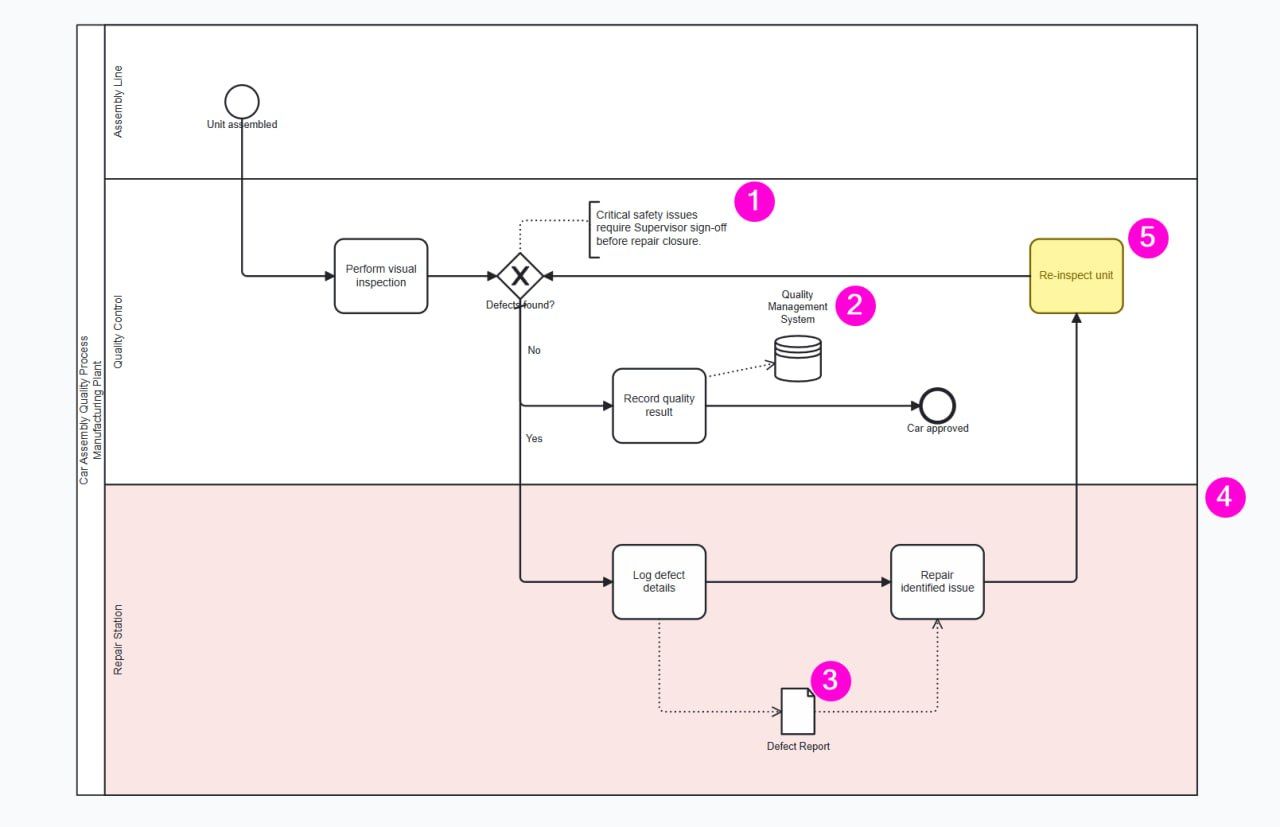
BA Copilot now includes a Presentation Layer for process maps. You can add titles, labels, callouts, highlight boxes, and arrows on top of a process map without changing the underlying BPMN. The…
- Compare As-is and To-be process mapsNew
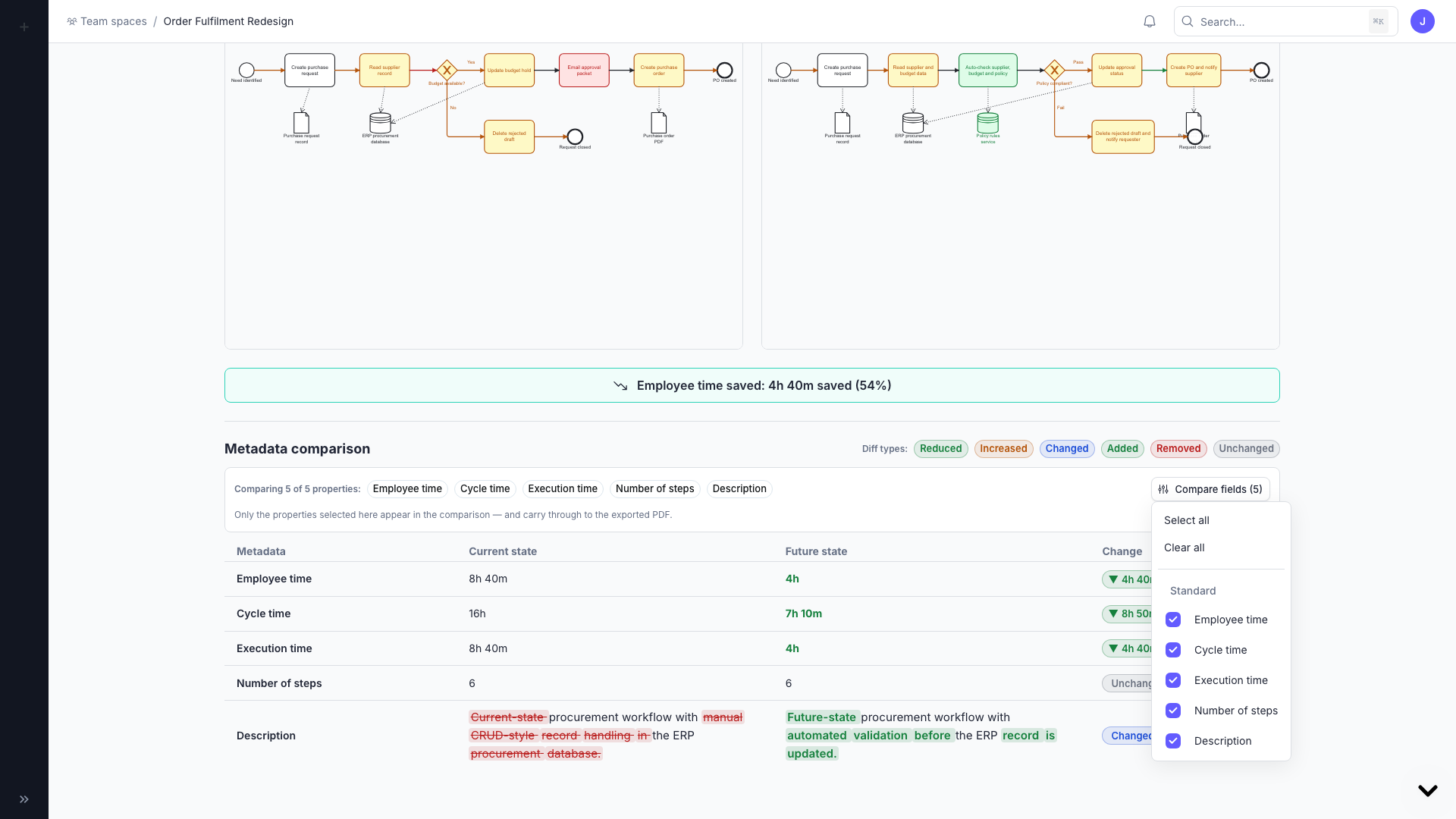
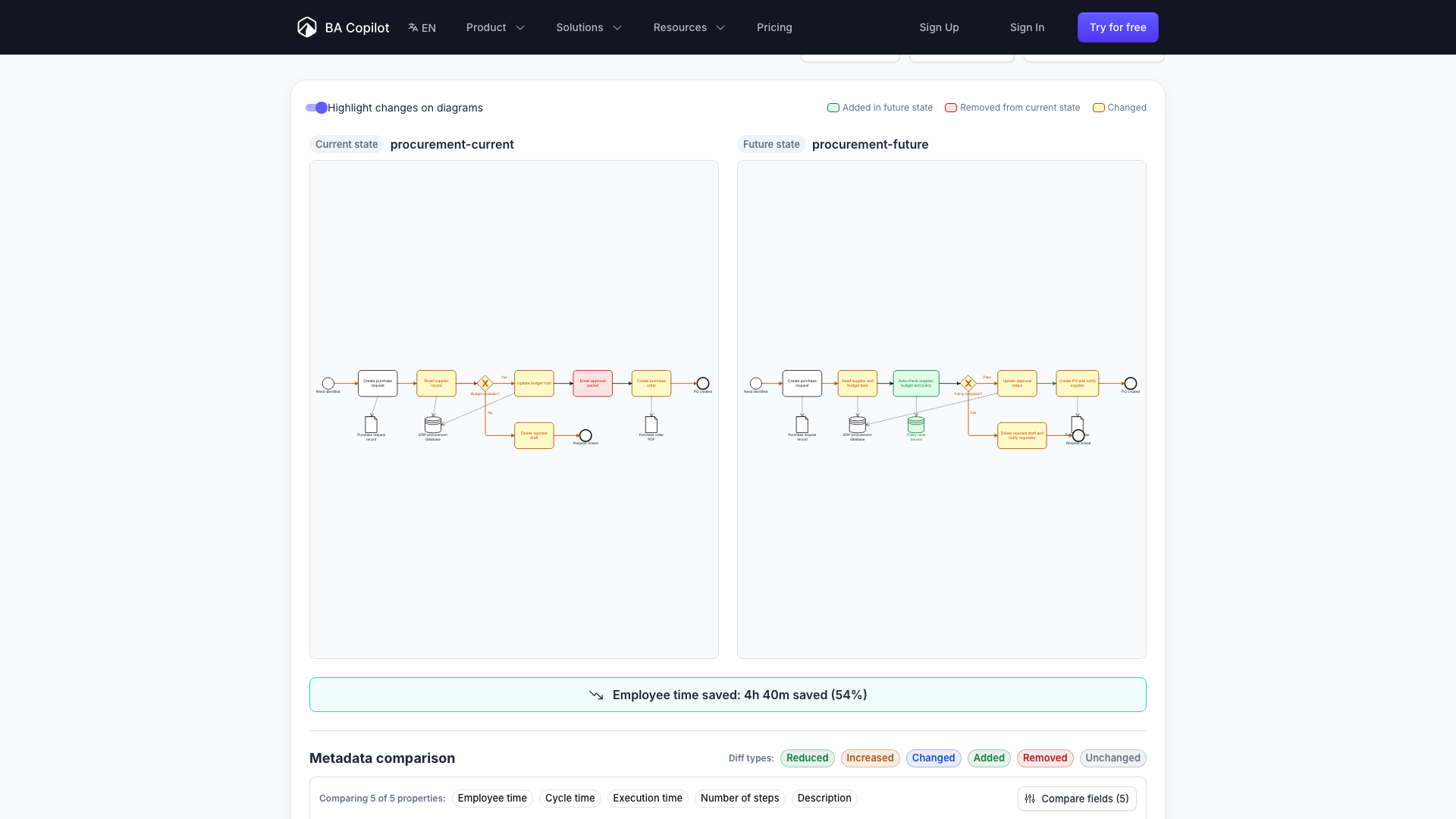
BA Copilot now supports As-is / To-be process map comparisons. You can link a current-state process map with a future-state version, then compare the diagrams and metadata side by side. The…
- Custom instructions and reusable prompt templatesNew
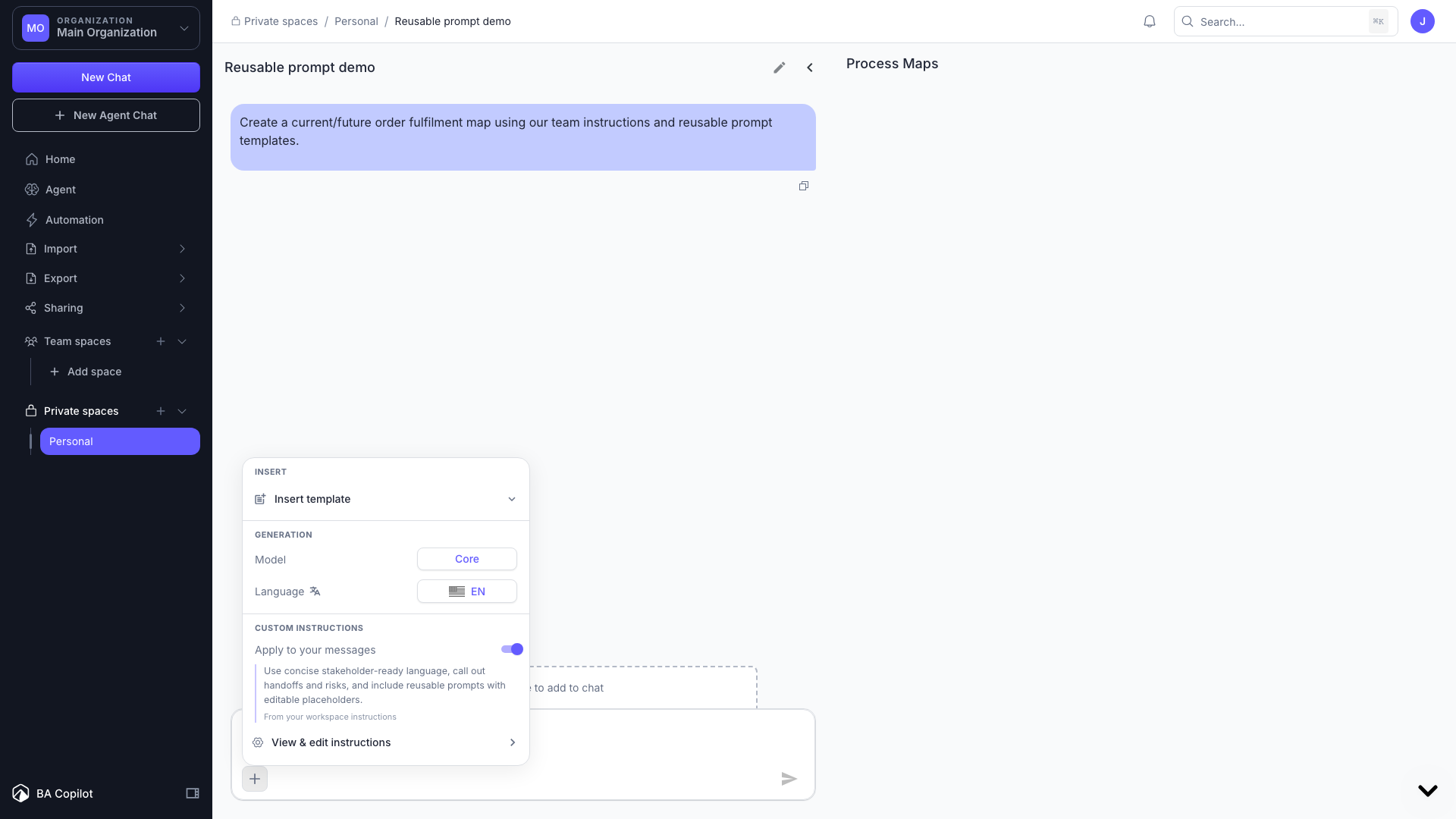
BA Copilot now lets you personalize the AI assistant with custom instructions and reusable prompt templates. Custom instructions let you save guidance for an organization or workspace so BA Copilot…
- Export process maps to Word documentsNew
BA Copilot can now export process maps as editable Word documents as well as PDFs. In the export flow, choose Word document (.docx) from the new Format selector. BA Copilot uses the same map…
- Free BPMN process map comparison toolNew
BA Copilot now has a free BPMN process map comparison tool. Upload two BPMN files, such as a current-state and future-state process map, and compare them in the browser. The tool shows the diagrams…
- Cleaner dashboard sidebar and settings navigationImproved
BA Copilot has reorganized the dashboard sidebar and settings area. The sidebar now has clearer sections for the organization selector, Spaces, and Sharing. Sharing starts collapsed, so the main…
- Free Visio GeneratorNew
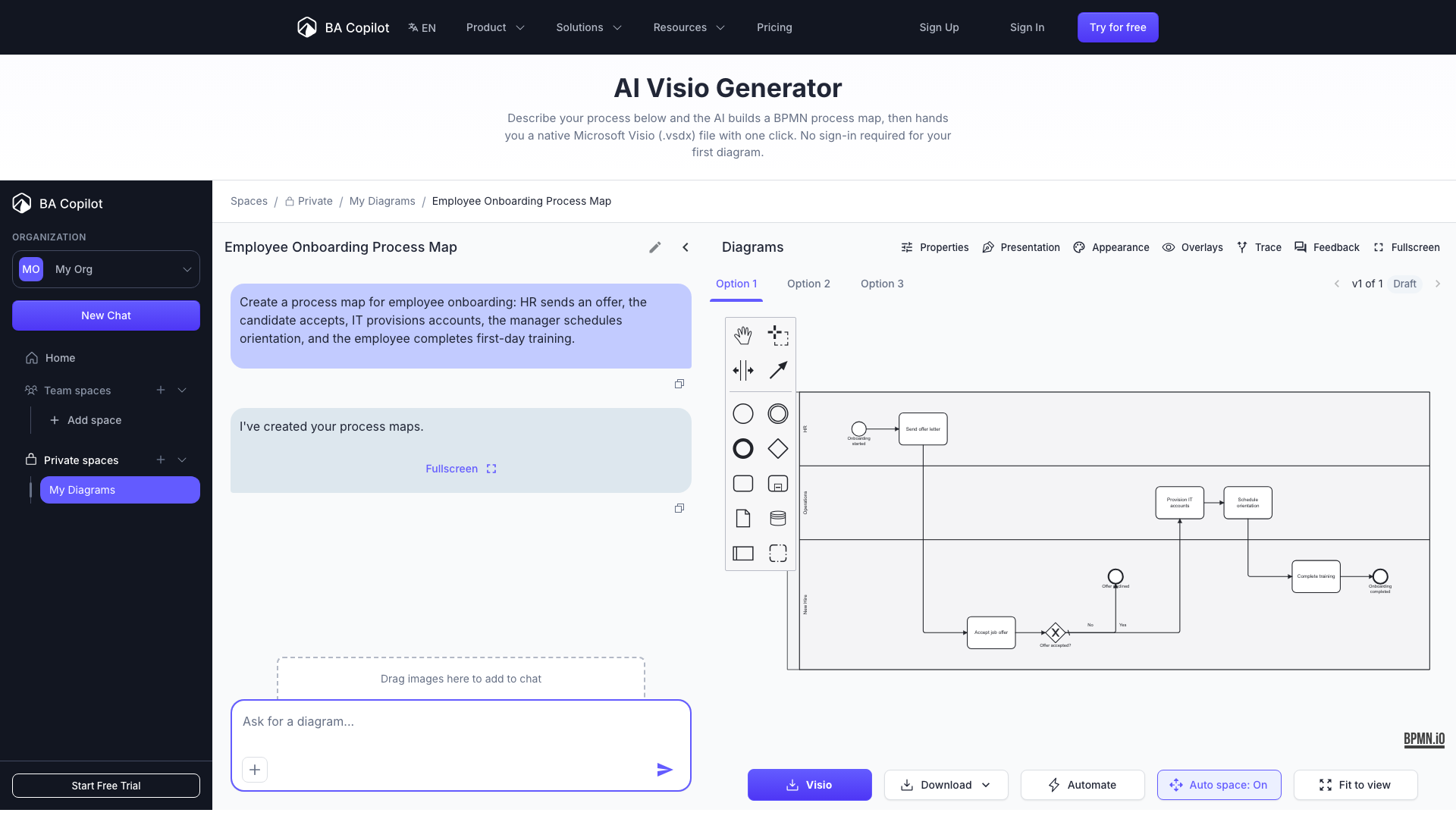
BA Copilot now has a free Visio generator. Describe a process in plain English, generate an editable process map, and download it as a real Visio (.vsdx) file without signing in. It is useful when…
- Automate your processesNew
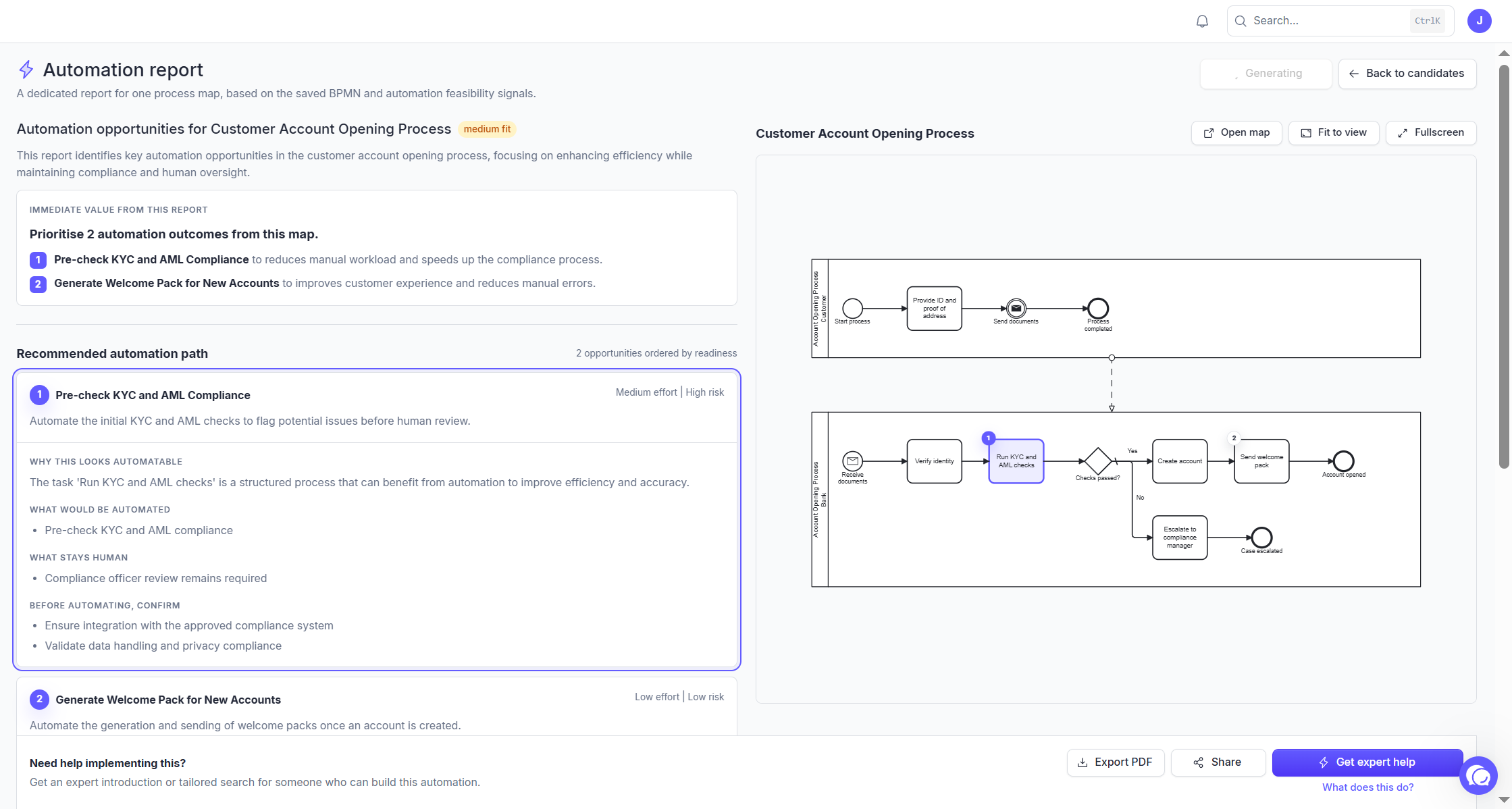
You can now receive a report on the highest value places to automate, and then request an expert to get it implemented. The report ranks each opportunity by the time and money it would save, and…
- AI process-mapping tools benchmarkNew
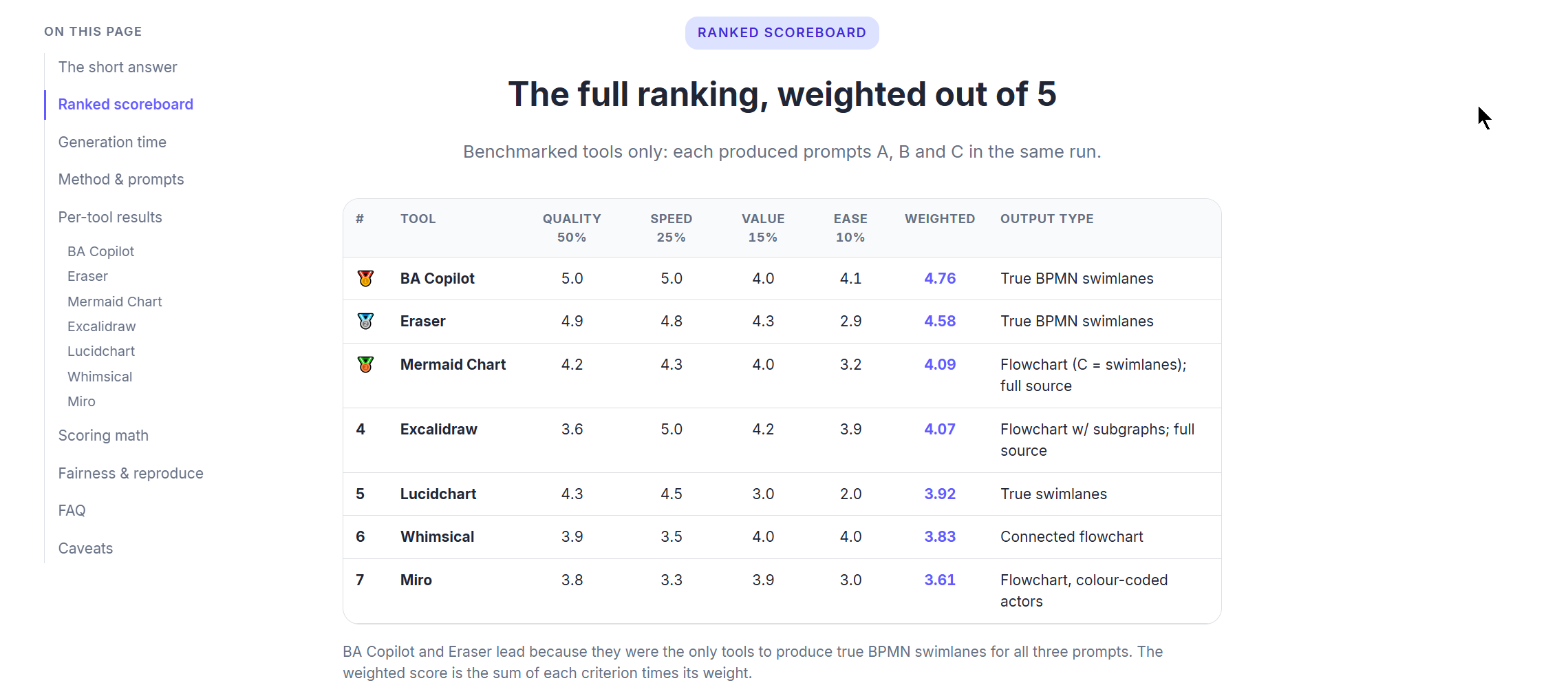
BA Copilot now has a public AI process-mapping tools benchmark. The benchmark compares seven AI process-mapping tools on the same three prompts, using a fixed weighted rubric: process-map quality,…
- Set default colours for new process mapsNew
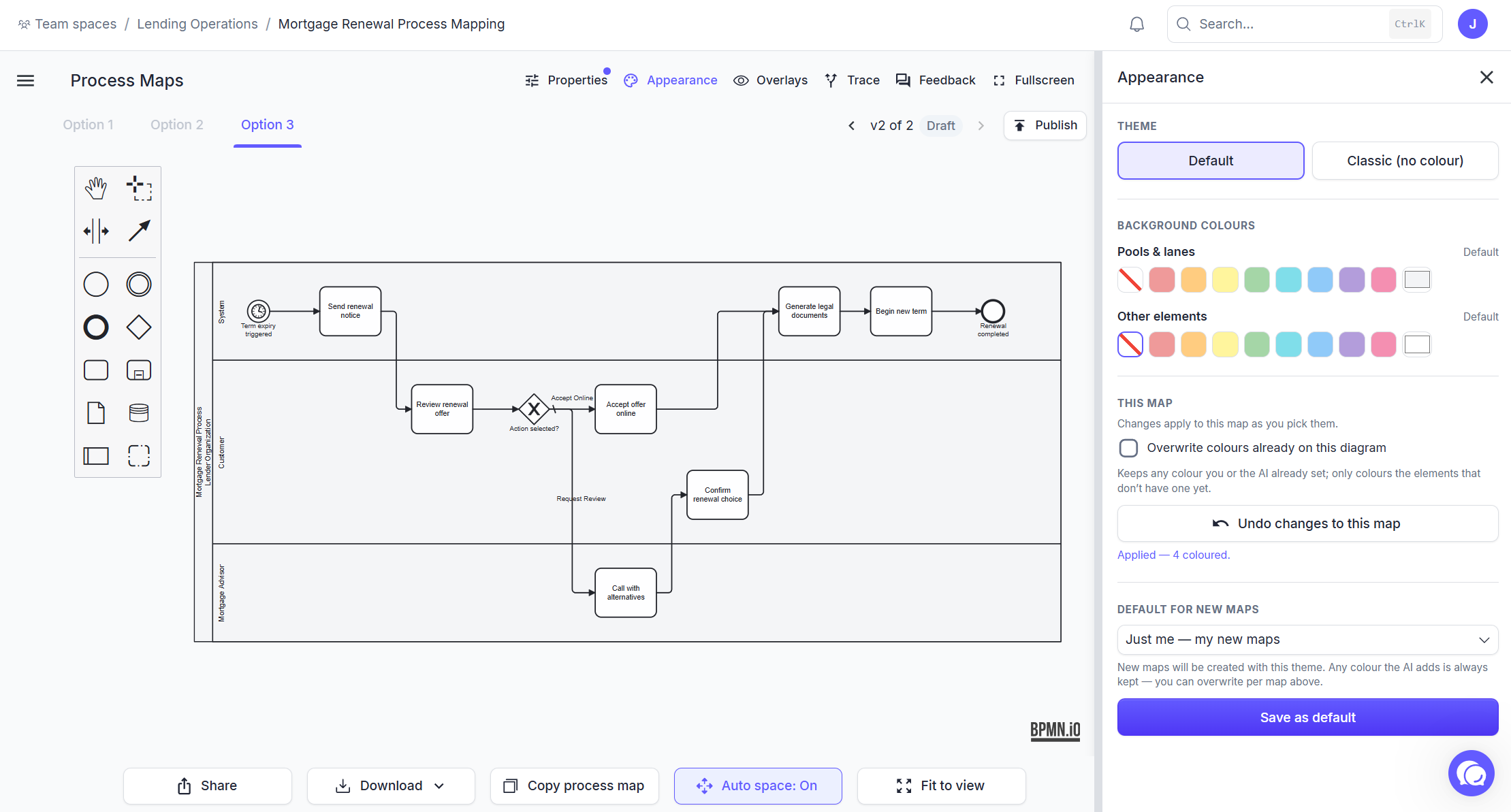
BA Copilot now lets you set the default appearance for new process maps. New maps generated in chat, agent chat, import, API, or MCP can start with your saved theme, including the default grey pool…
- Trace paths through complex process mapsNew
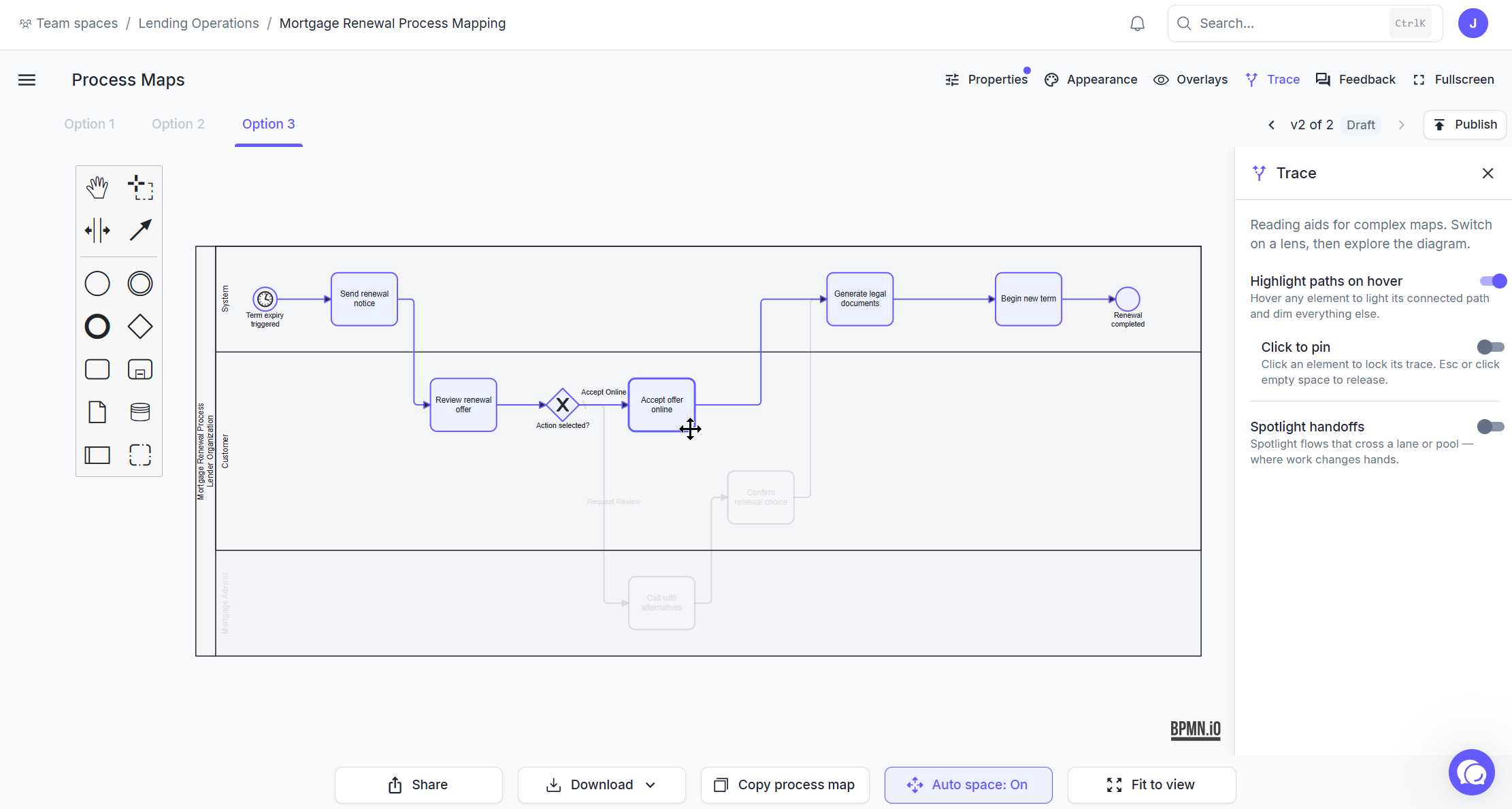
BA Copilot now has a Trace panel for reading complex BPMN process maps. Open Trace from the process-map header to turn on three viewer lenses: highlight paths on hover, click to pin a trace, and…
- Bulk export your process maps to Visio (.vsdx)New
You can now export many process maps to Visio at once. A new “Export to Visio” page in the sidebar lets you pick maps across your spaces and download them all as real Visio (.vsdx) files in one go,…
- Auto space for manual process-map editsNew
BA Copilot now has Auto space mode for manually editing process maps. When you add a new BPMN element from the palette or context pad, BA Copilot can automatically make room for it instead of letting…
- Export your process maps to Visio (.vsdx)New
BA Copilot now exports your process maps as Visio (.vsdx) files, and they use the real Microsoft BPMN stencil, so every shape opens as a genuine, editable Visio BPMN element rather than a flattened…
- Free BPMN to Visio converterNew
BA Copilot now has a free BPMN to Visio converter. Upload a BPMN file and turn it into an editable Visio file, without signing in. It is useful when you need to share a process map with a team that…
- Free Visio to BPMN converterNew
BA Copilot now has a free Visio to BPMN converter. Upload a Visio file and turn its process diagrams into BPMN files, without signing in. It is useful when existing process knowledge is stuck in old…
- Faster process map generationImproved
BA Copilot now gets your first generated process map on screen much faster. Initial process maps appear 44% faster, and common refinements feel up to 2x faster. The practical difference: less waiting…
- Agent chat now supports queued promptsImproved
BA Copilot's agent chat is easier to use during longer tasks. You can now send another prompt while the agent is still responding. BA Copilot queues it, shows how many prompts are waiting, and sends…
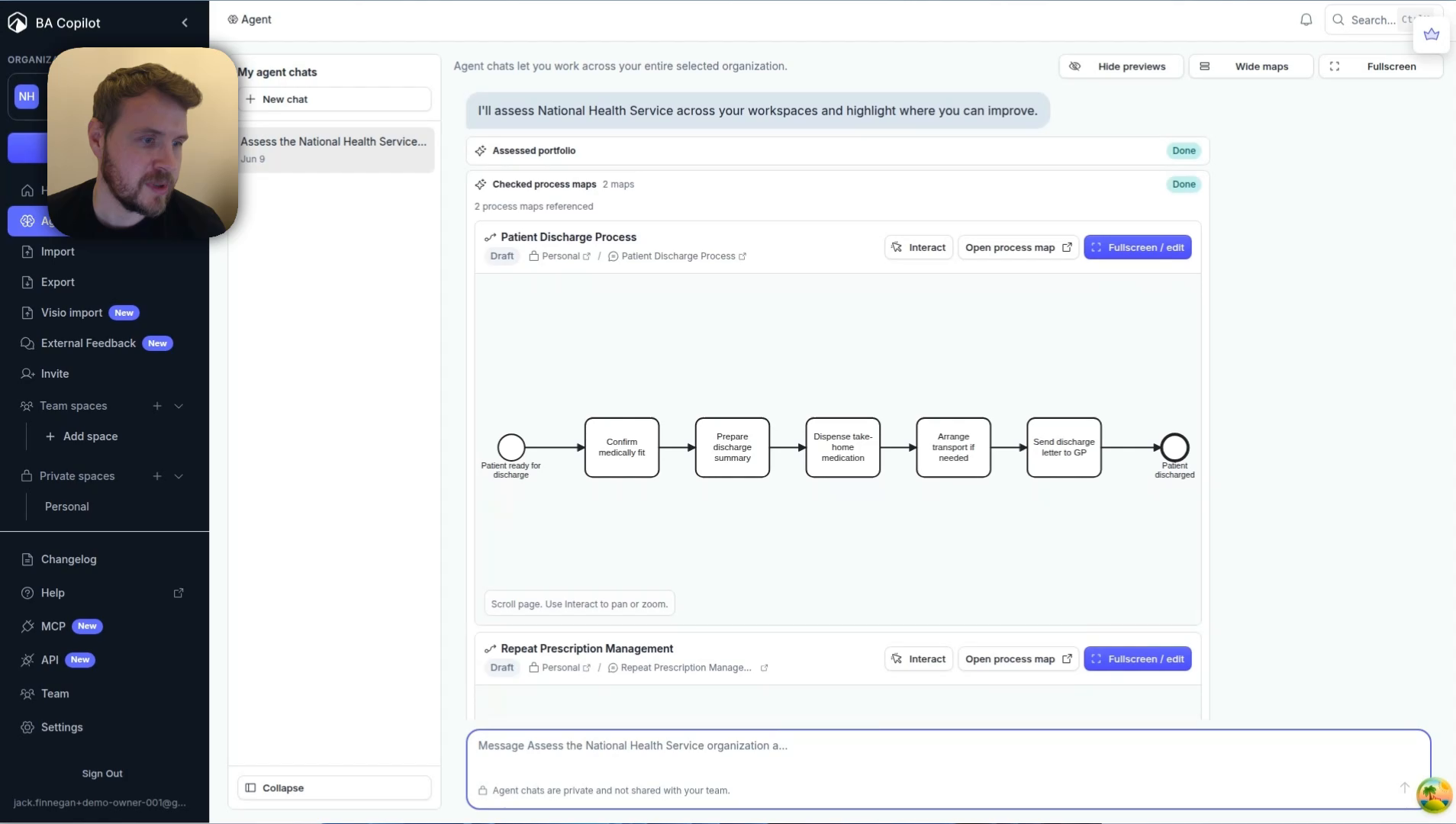
- Agent chats can review your process workspaceImproved
BA Copilot agent chats can now help review and improve the process work already in your workspace. Use them to ask for feedback on a process map, generate more process maps at once, and turn the next…
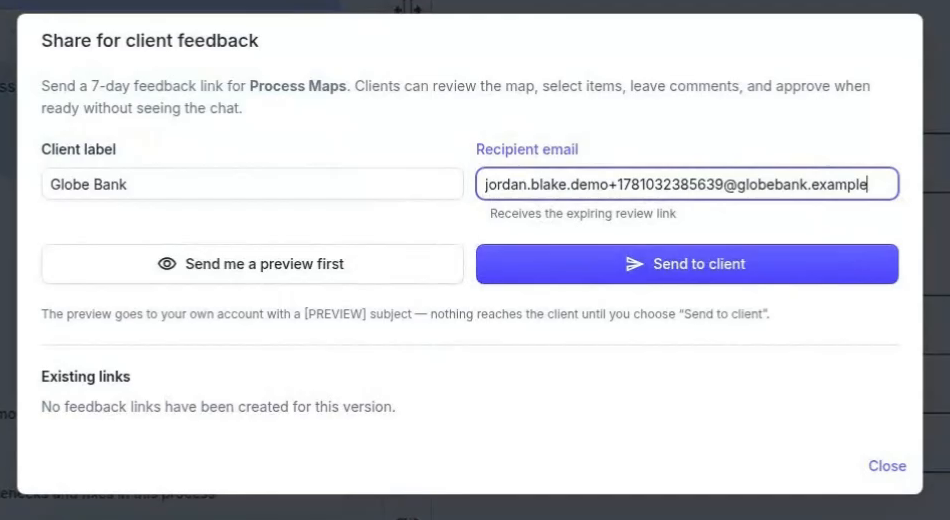
- Share Processes ExternallyImproved
You can now share a process-map version with people outside BA Copilot and collect their feedback from a secure review link. Stakeholders can leave comments and approval stays attached to the…
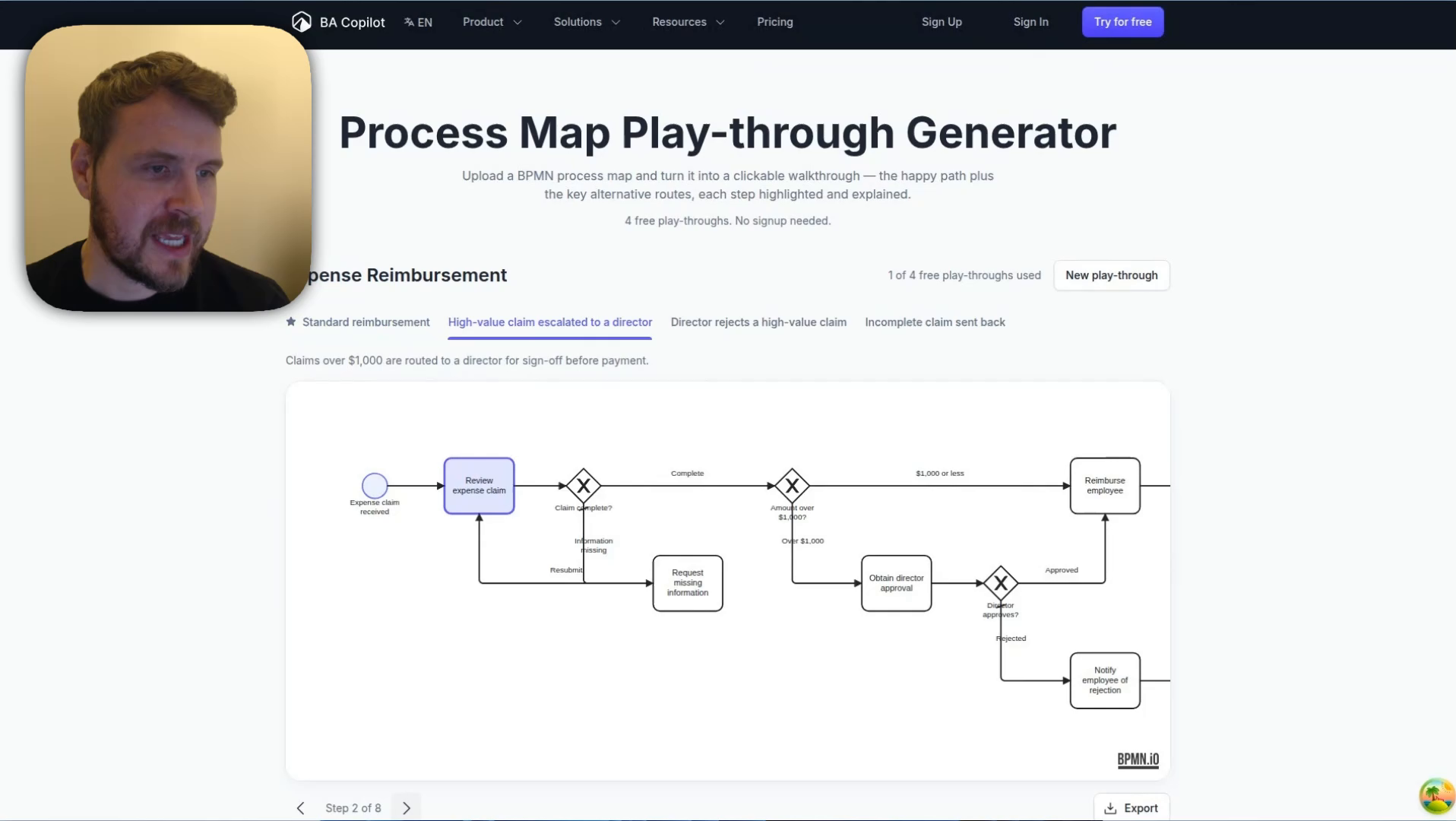
- Turn BPMN files into clickable process play-throughsImproved
The Process Map Play-through Generator turns a BPMN file into an interactive step-by-step walkthrough. Upload a BPMN file or try the sample diagram, then review the generated route tabs, highlighted…
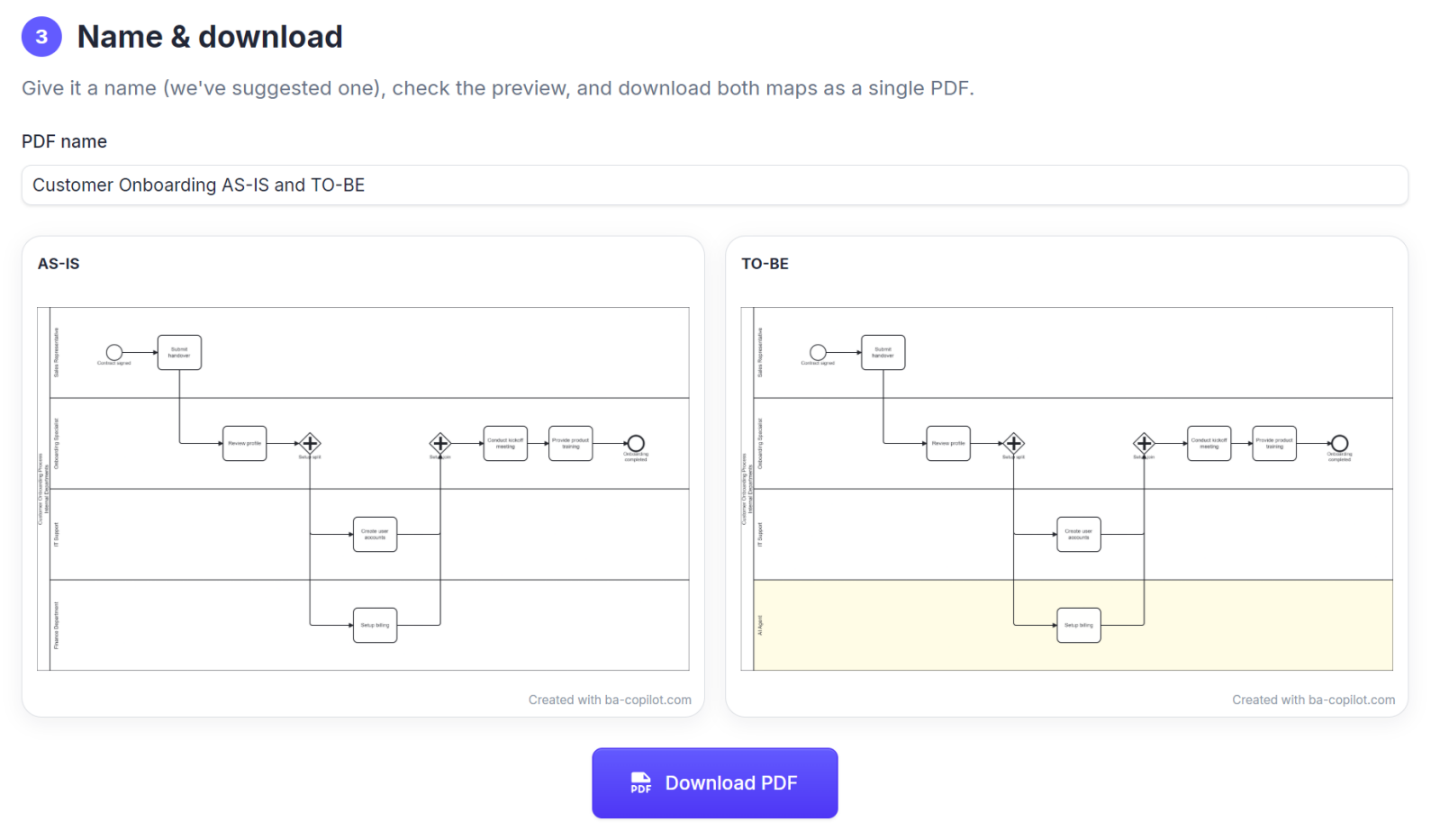
- Free AS-IS to TO-BE templateNew
BA Copilot now has a free AS-IS to TO-BE template. Use the page to map your current process, redesign the future state, and work through a practical checklist so the TO-BE process is clear enough to…
- Free new-BA starter packNew
BA Copilot now has a free new-BA starter pack for the first 90 days. It includes AS-IS and TO-BE process maps, a requirements document, RACI, and stakeholder register so new business analysts have a…
- Free pack: 12 core process mapsNew
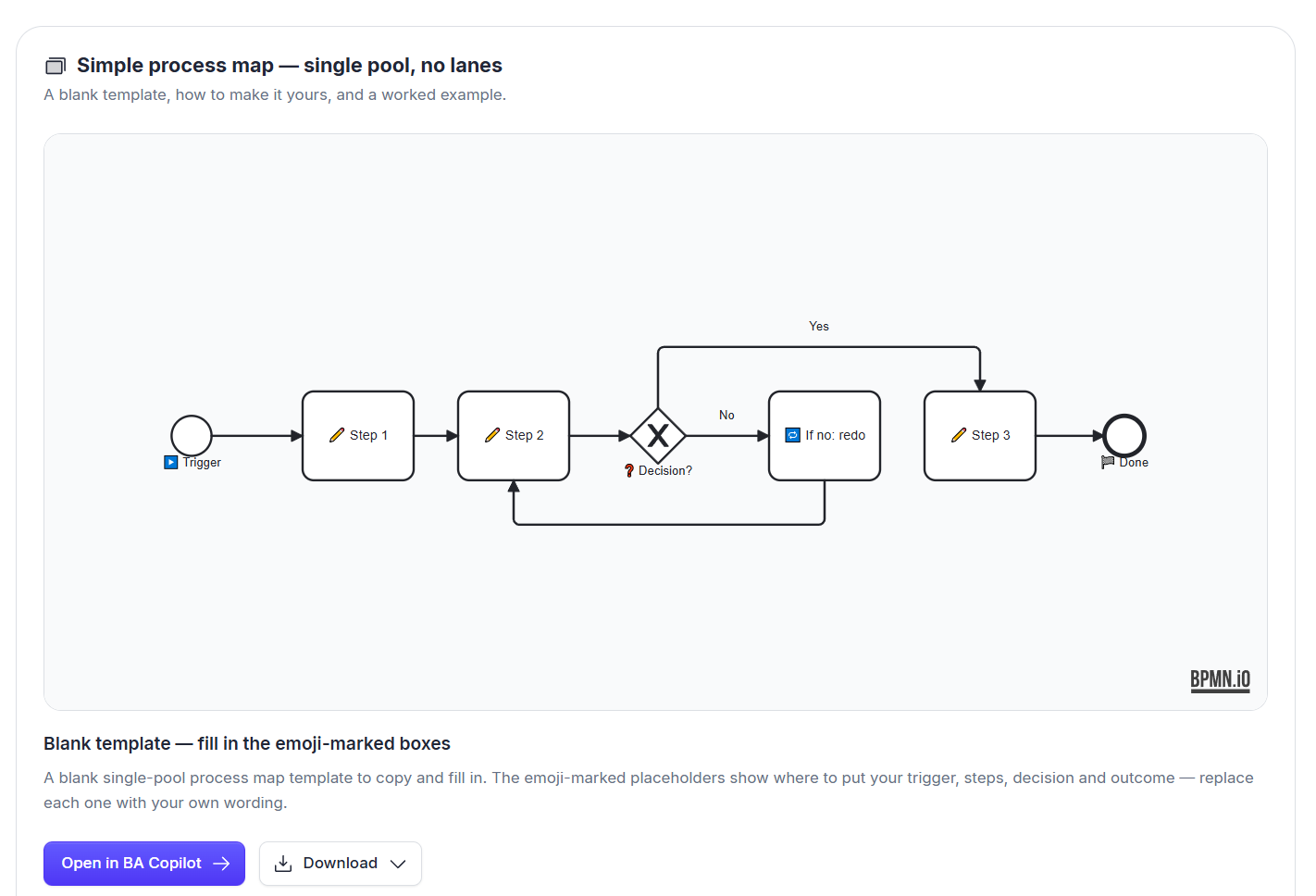
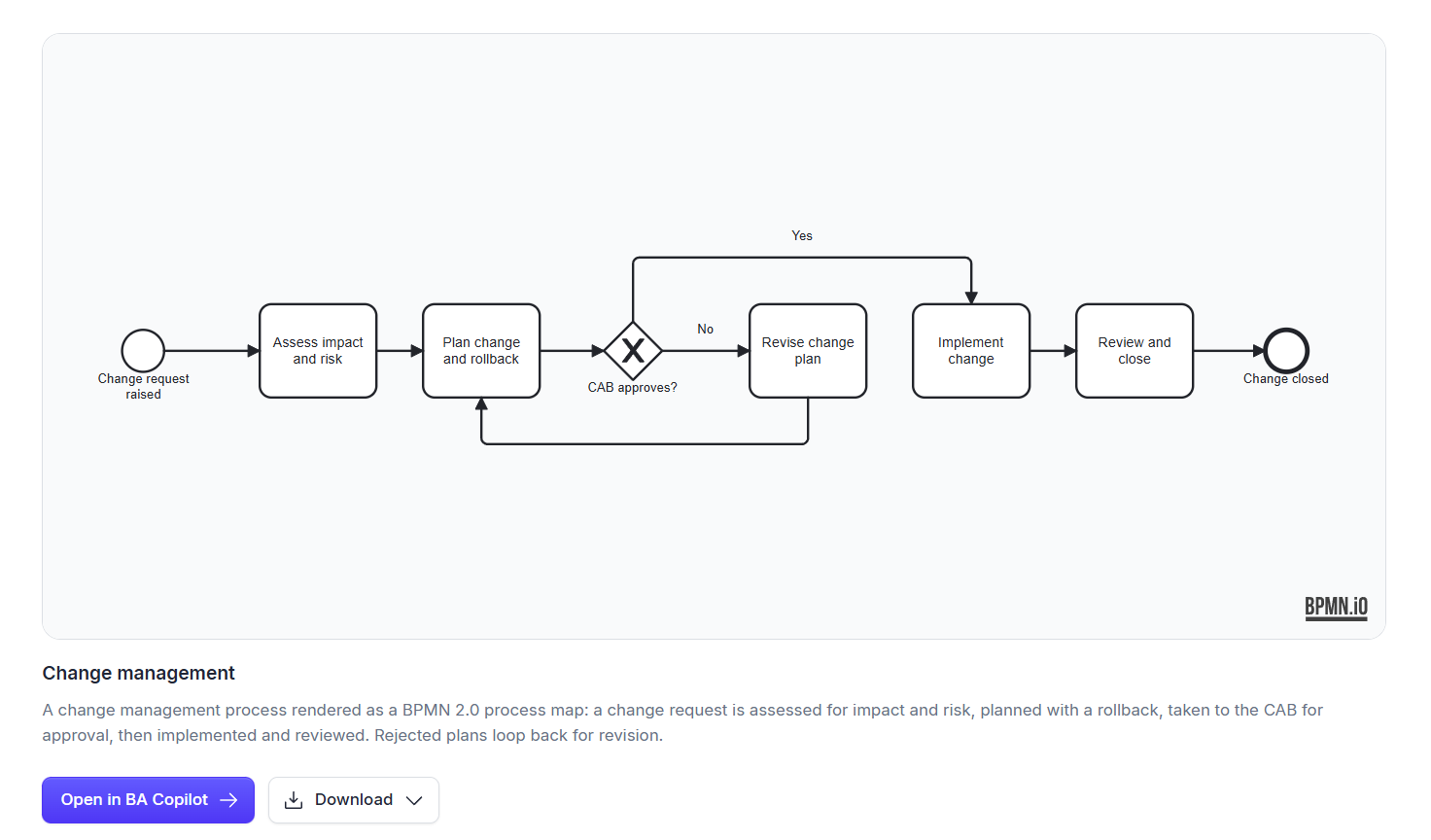
BA Copilot now has a free pack of 12 editable BPMN process maps for common operations workflows. The pack includes starter maps for change management, procure-to-pay, invoice approval, onboarding,…
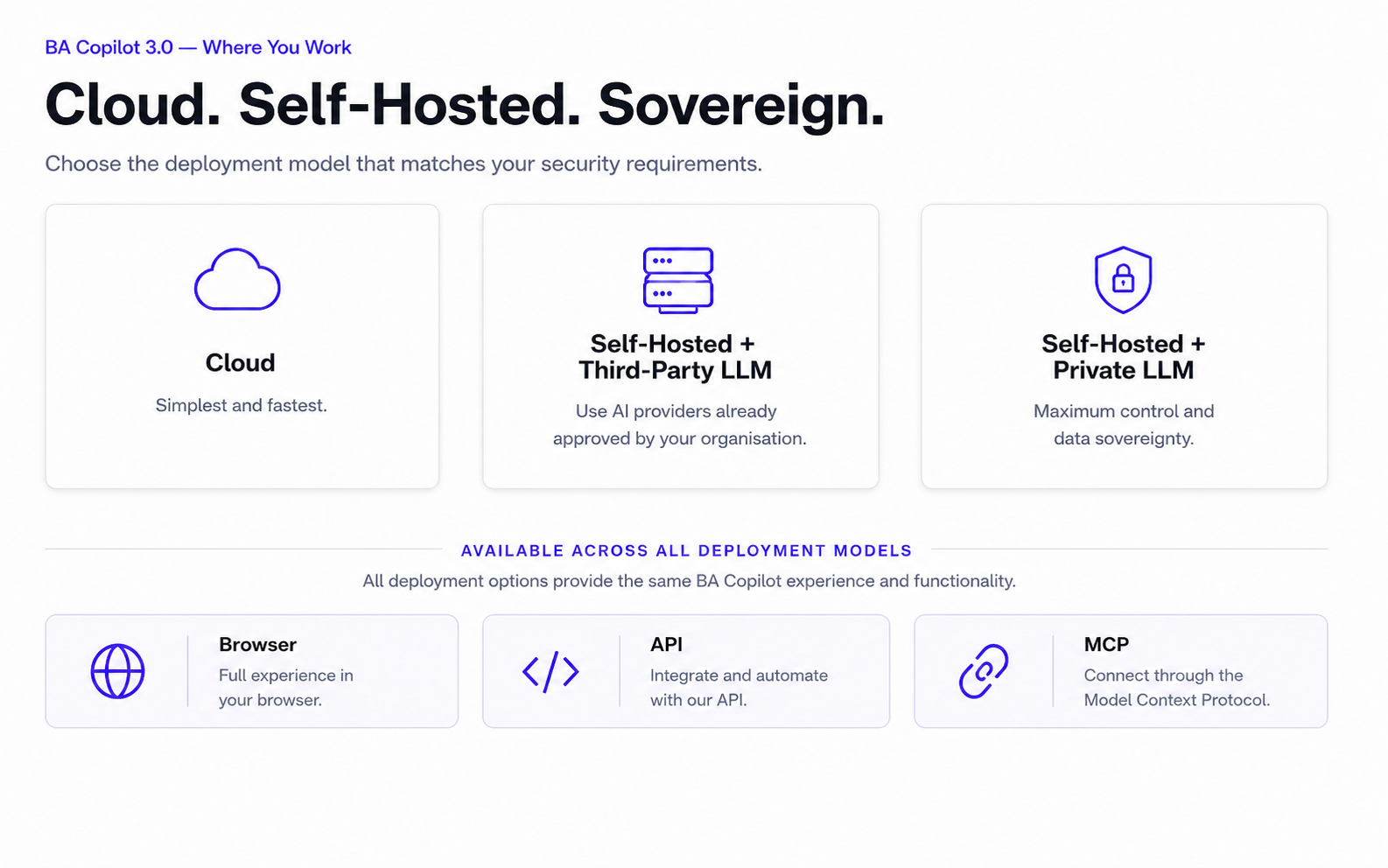
- BA Copilot 3.0 - Where You Work
BA Copilot 3.0 supports more flexible deployment models for teams with different security, privacy, and data-sovereignty requirements. Teams can use BA Copilot in the cloud for speed, run it…
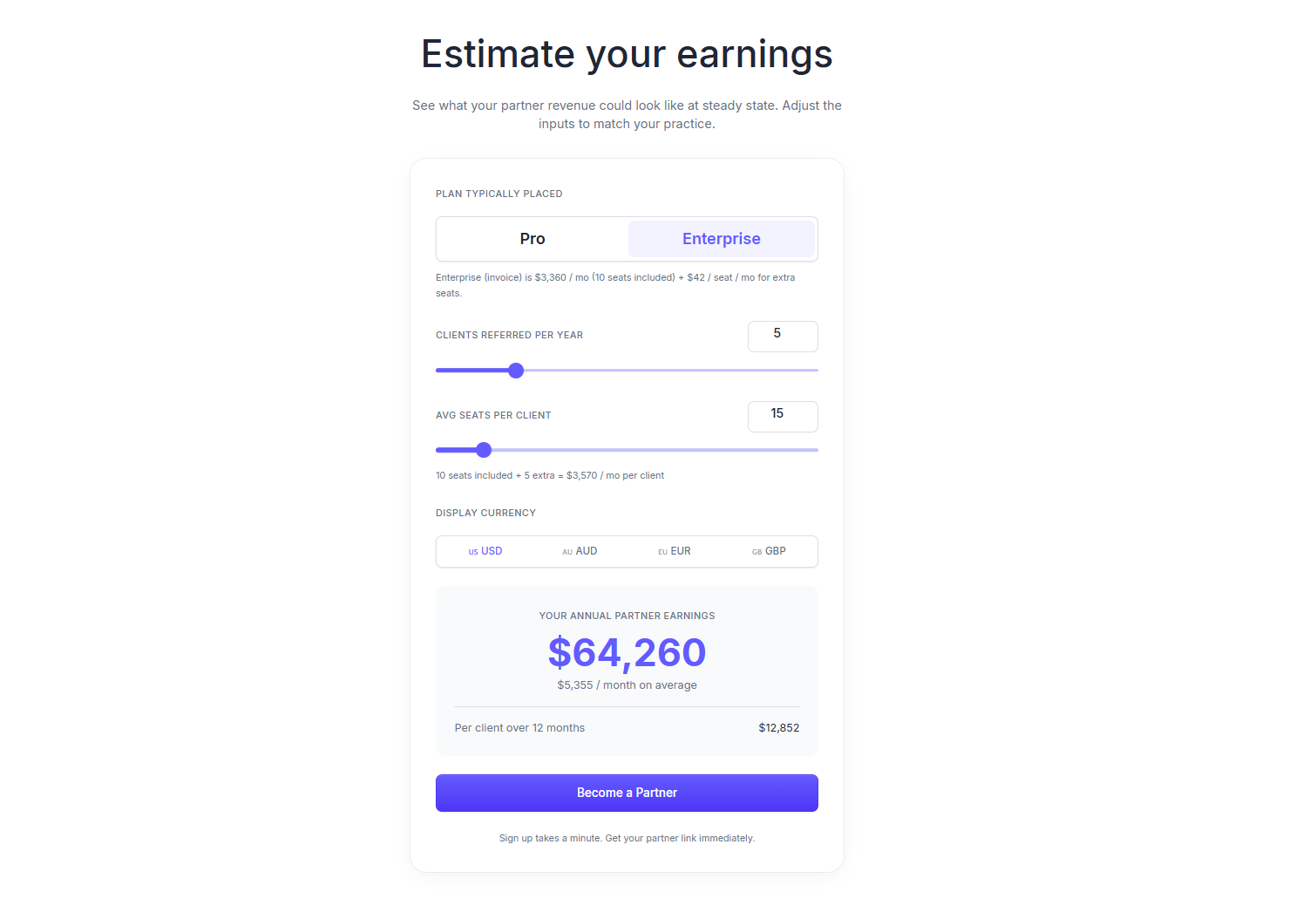
- Consultant Partner Program
BA Copilot now has a Consultant Partner Program for consultants who introduce clients to BA Copilot. Consultants can sign up through the program page, get a unique partner link immediately, and earn…
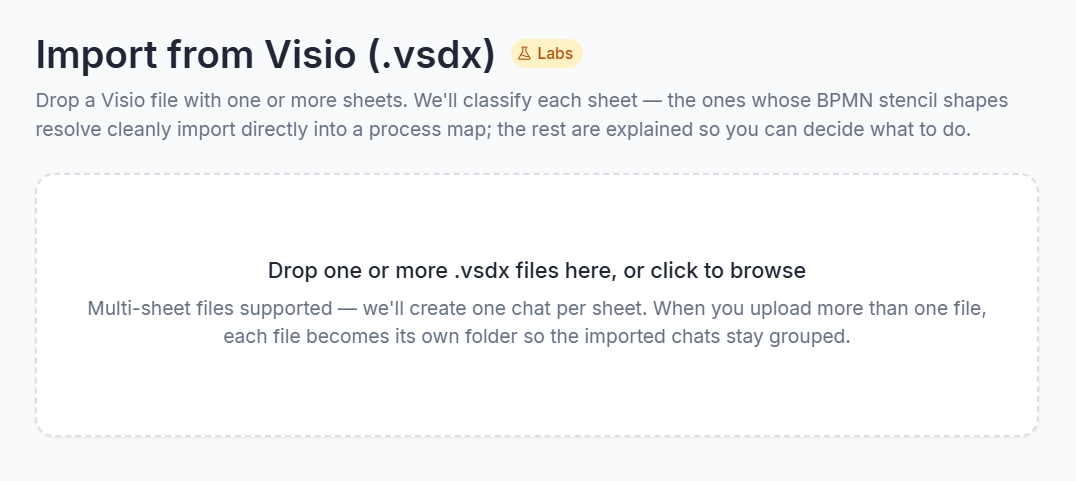
- Import your Visio files into BA Copilot
BA Copilot now imports your Visio (.vsdx) files directly, so you can turn existing Visio diagrams into editable process maps in seconds instead of redrawing them. Each sheet becomes its own chat with…
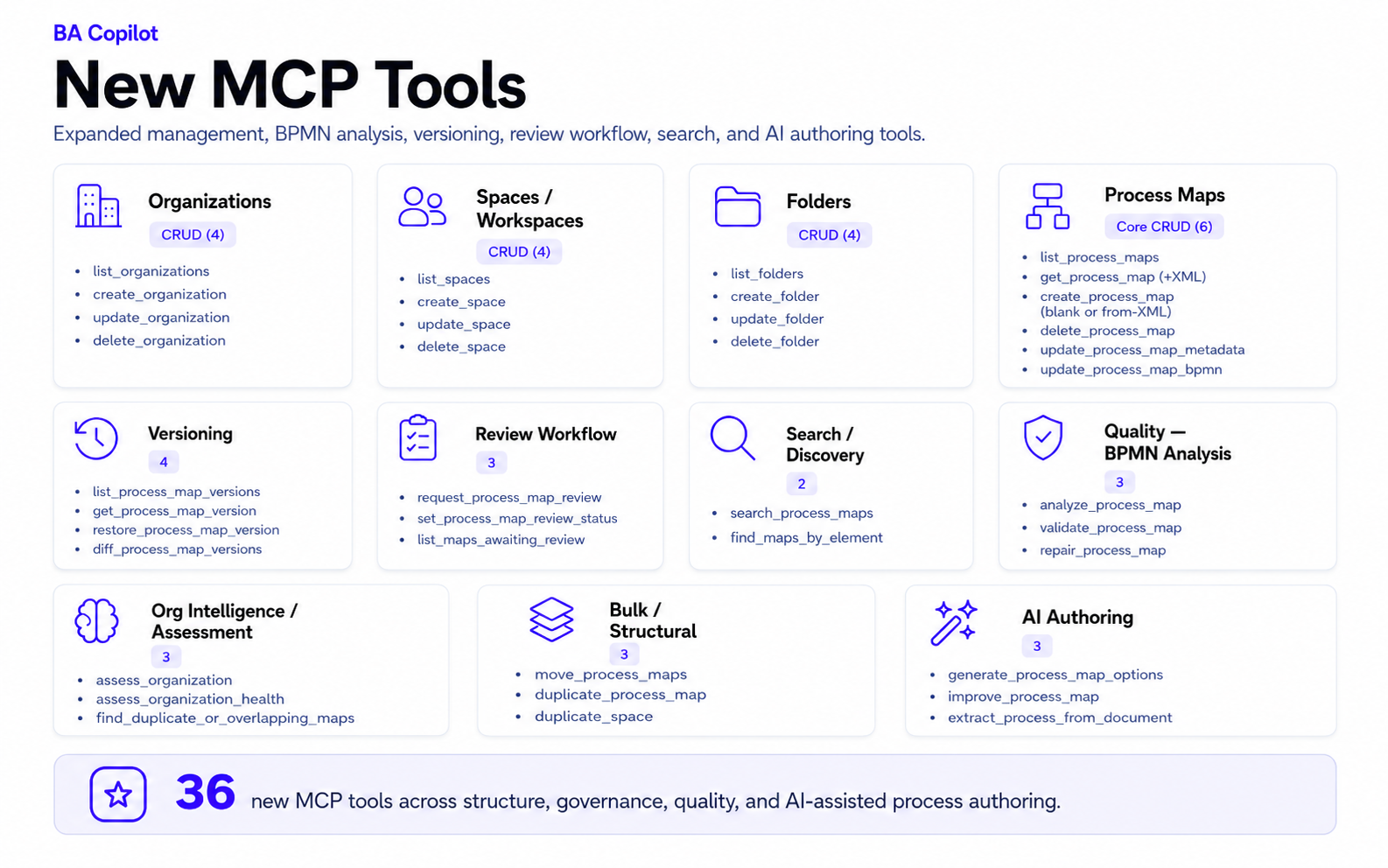
- Claude can manage full BA Copilot process libraries through MCP
BA Copilot's MCP connector for Claude now covers full process-library management, not just single-map generation. Claude can work across the BA Copilot hierarchy: organizations, spaces, folders, and…
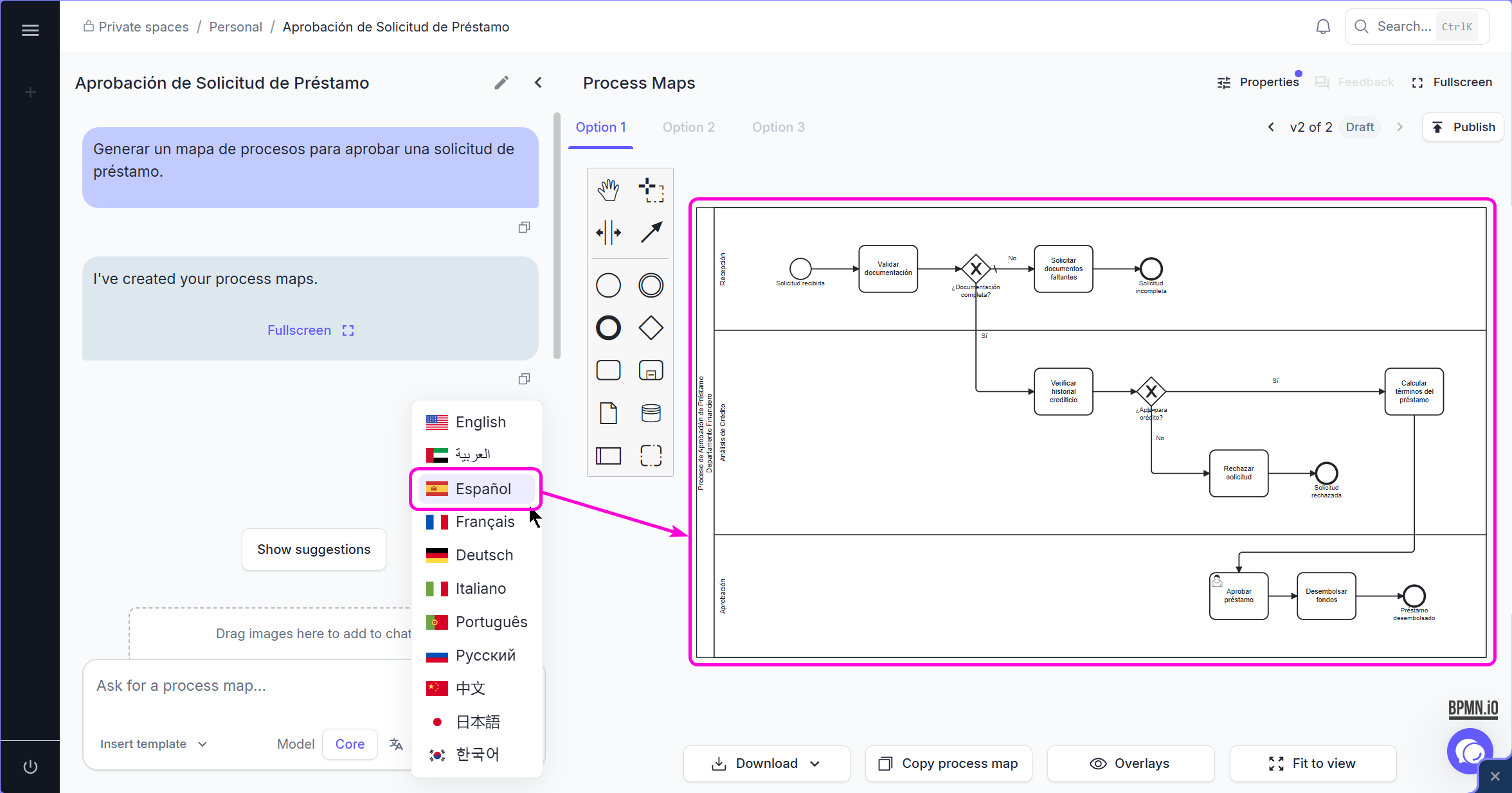
- Choose the language for AI-generated process maps
BA Copilot now has a diagram language selector for AI-generated process maps. The selector sits in the chat input next to the model selector, so users can choose the language for the text generated…
- Browser Back returns from folders to the space
BA Copilot now keeps your place in browser history when you open a folder inside a space, so pressing the browser Back button takes you back to the space root instead of jumping somewhere else.…
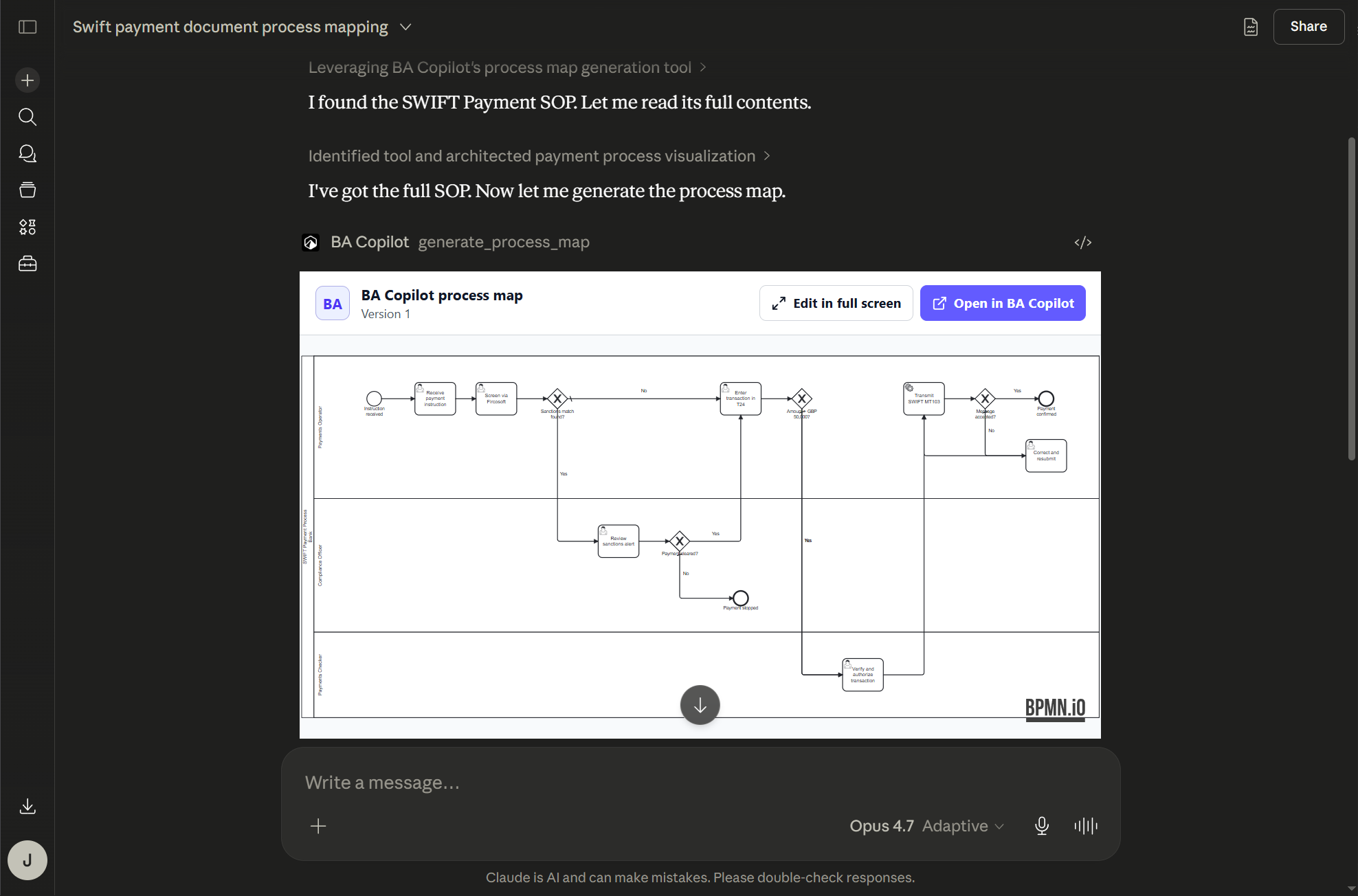
- Connect Claude to BA Copilot with MCPNew
BA Copilot has launched MCP support for Claude. You can now use Claude Code, Claude Desktop, and Claude.ai to create BA Copilot process maps from the context and connections already available in…
- Redesigned home pageImproved
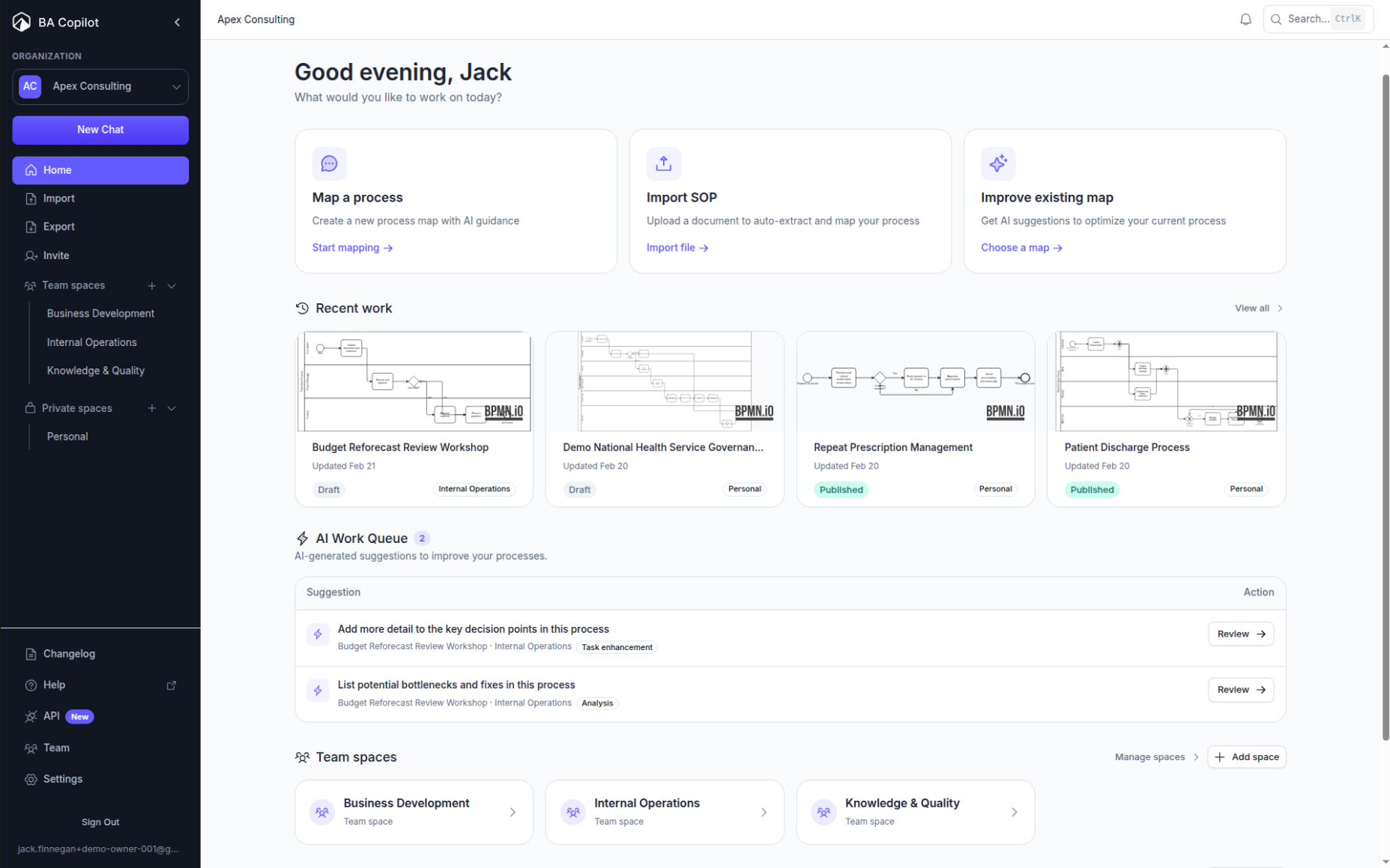
BA Copilot now has a redesigned dashboard home page that brings the main work actions into one place. The home page shows quick actions for mapping a process, importing an SOP, and improving an…
- Diagram generation can now include richer BPMN detailsImproved
BA Copilot's diagram generation can now include richer BPMN details when they are relevant to the process: - Text annotations - Object stores - Data objects - Coloured lanes - Coloured elements…
- Colour selection is now availableNew
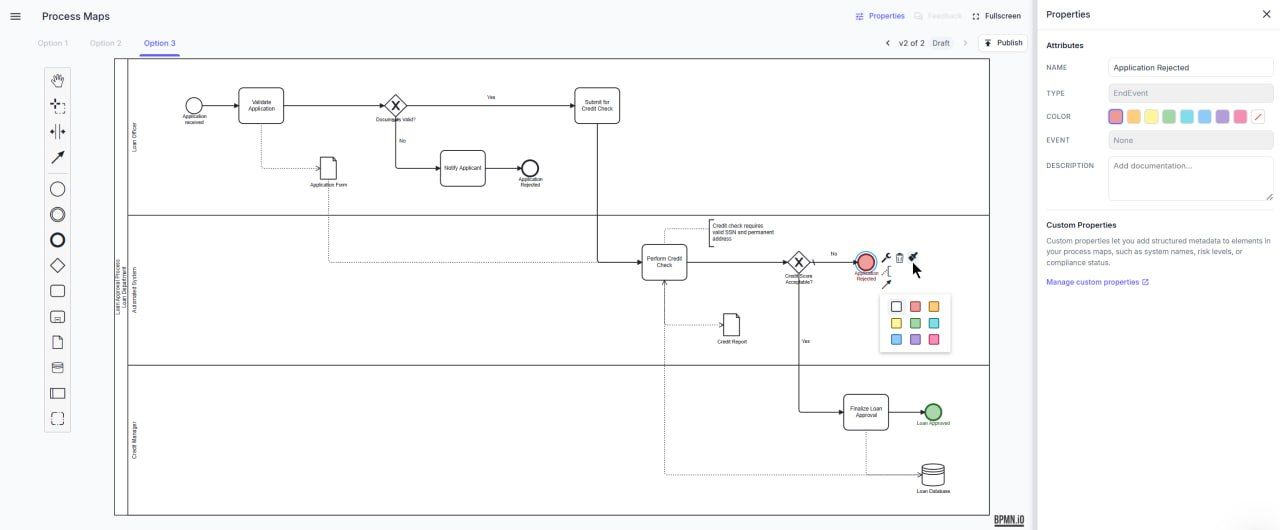
BA Copilot now supports colour selection for process maps, making it easier to visually group related lanes, tasks, and other diagram elements. Use colours to highlight responsibilities, distinguish…
- Fixed message flows connecting only to poolsFixed
BA Copilot fixed an issue where BPMN message flows could connect only to the outer pool, rather than to the correct task or element inside that pool. Message flows now attach to the relevant BPMN…
- Fixed connector lines running through process map elementsFixed
BA Copilot now routes connector lines around process map elements more cleanly. Lines that previously cut through tasks and other BPMN shapes now avoid those elements, making generated and edited…
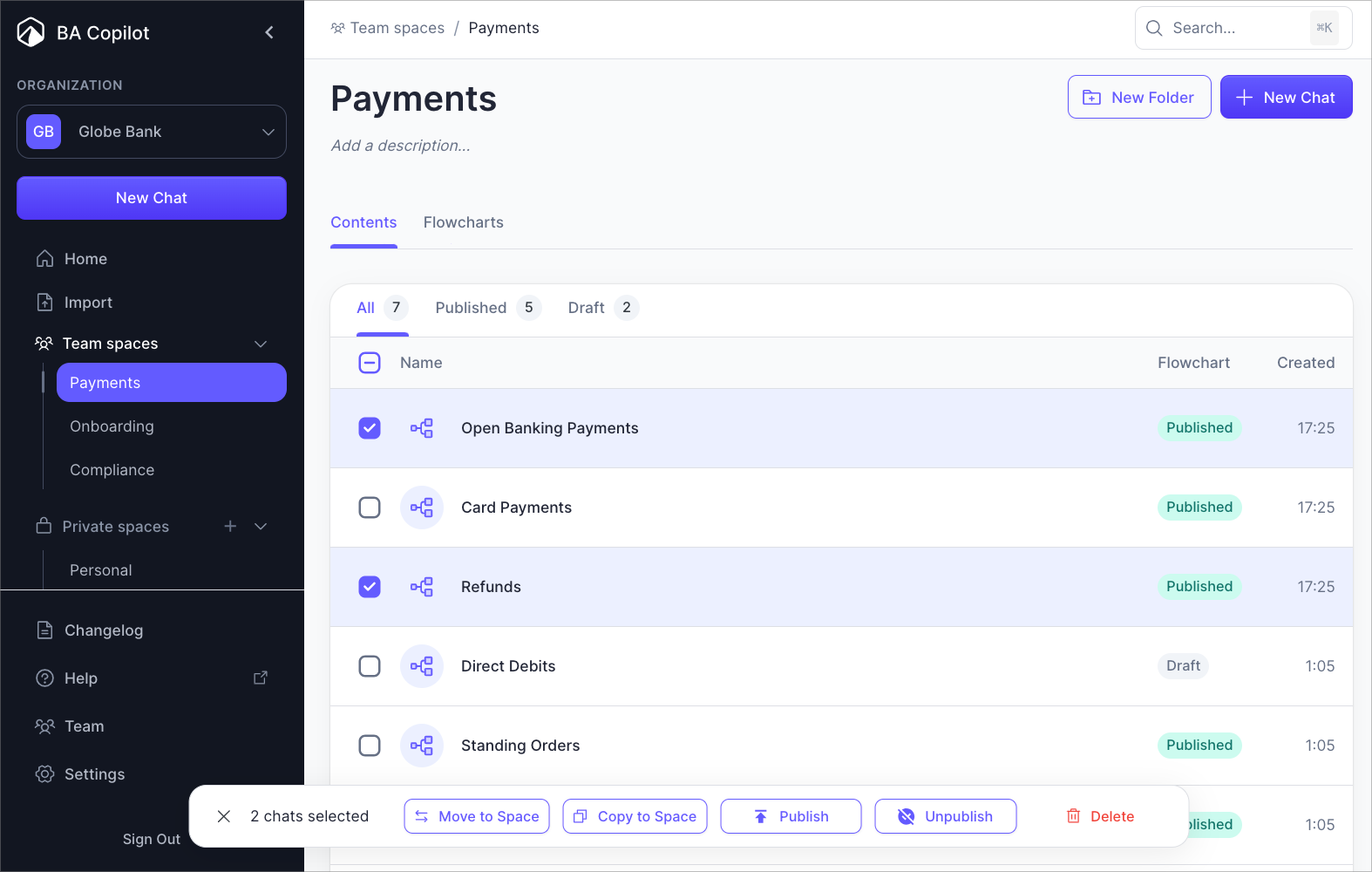
- Shift-click range selection on Contents rowsImproved
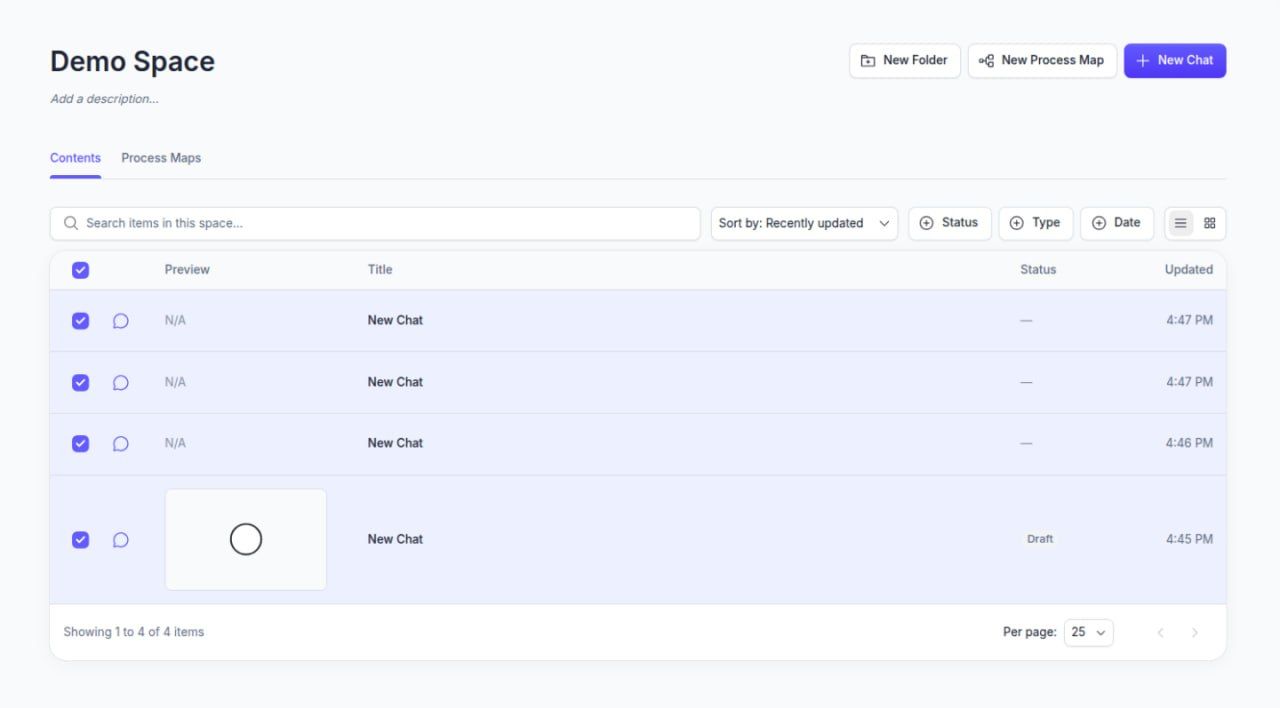
Contents rows now support shift-click range selection. Select one row, hold Shift, then click another row to select the full range between them. This makes bulk actions faster when you are organising…
- Subscription-wide MFA enforcementNew
Subscription admins can now enforce MFA across the whole subscription. This helps teams make multi-factor authentication the default security baseline for every user, instead of relying on each…
- Self-host
Deploy BA Copilot on your own infrastructure. For organisations whose policies require on-premise hosting.
- Generate process maps with the BA Copilot API
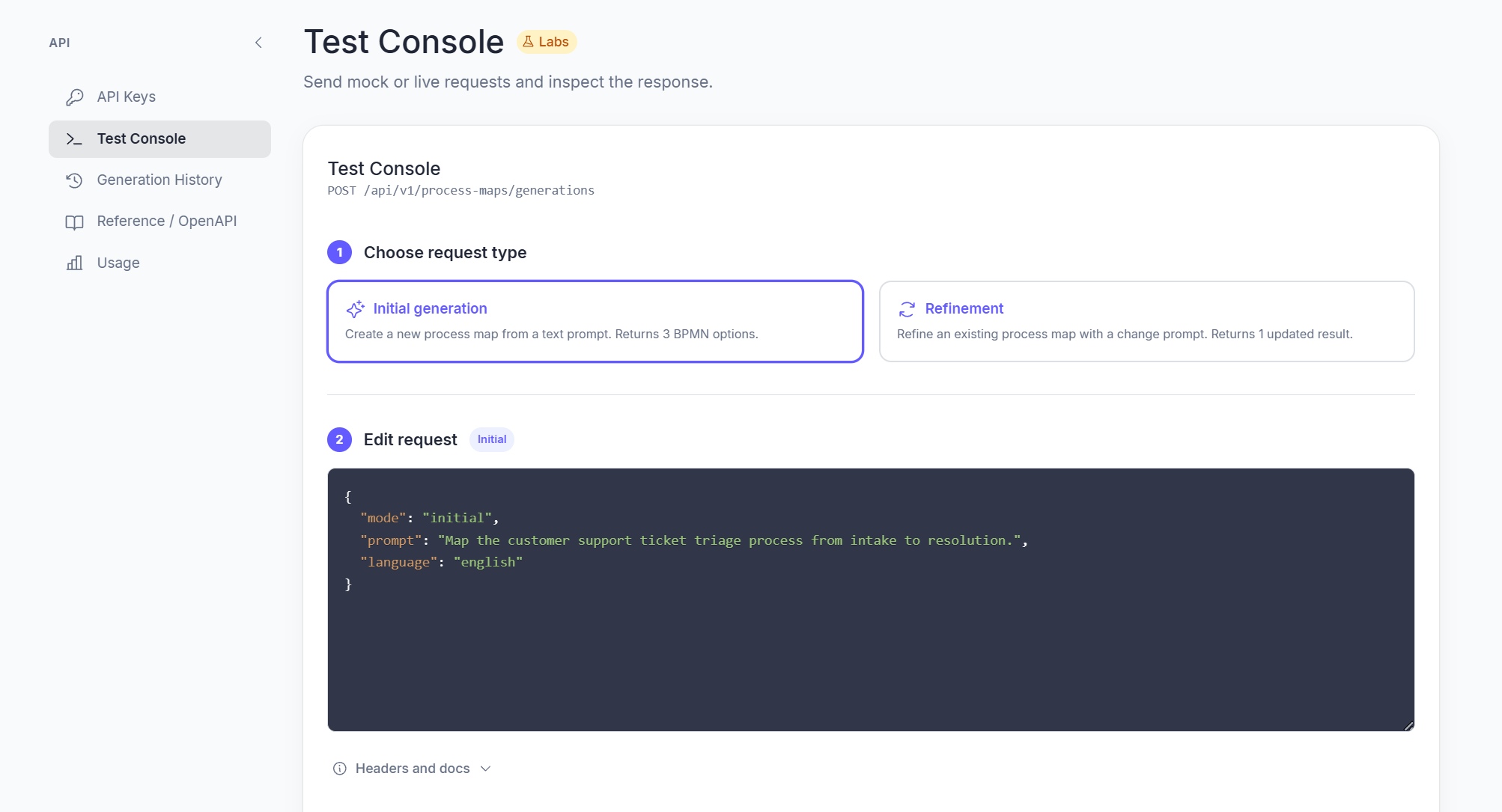
BA Copilot now has a REST API. Send a text prompt describing a process and get back BPMN 2.0 XML — three distinct options per request so you can pick the best starting point. Refine any option with…
- Added a public trust and security center
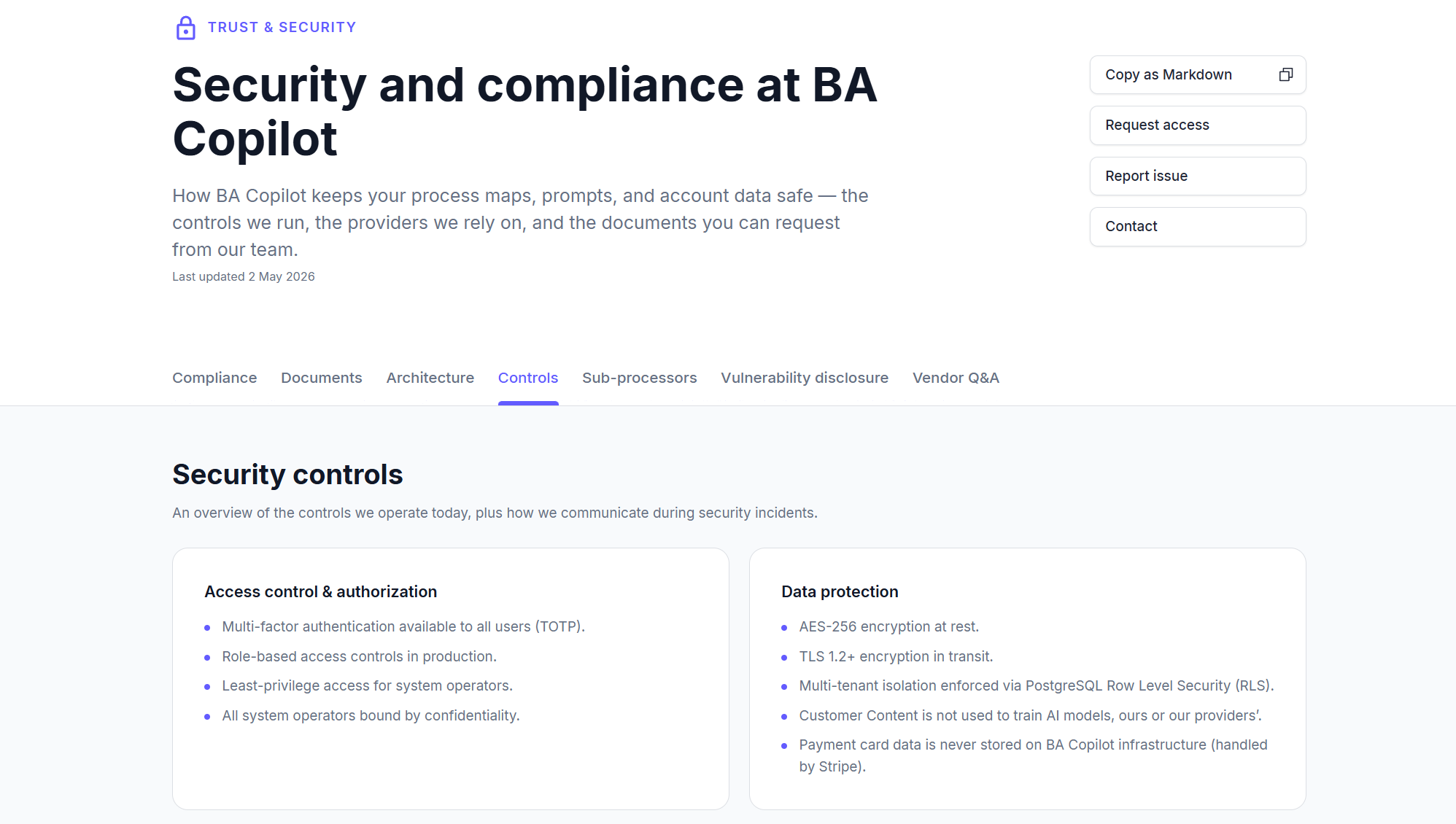
BA Copilot now has a public trust and security center, so it is easier for prospects, customers, and procurement teams to see how we keep their process maps, prompts, and account data safe. The page…
- Browse the process map library by industry
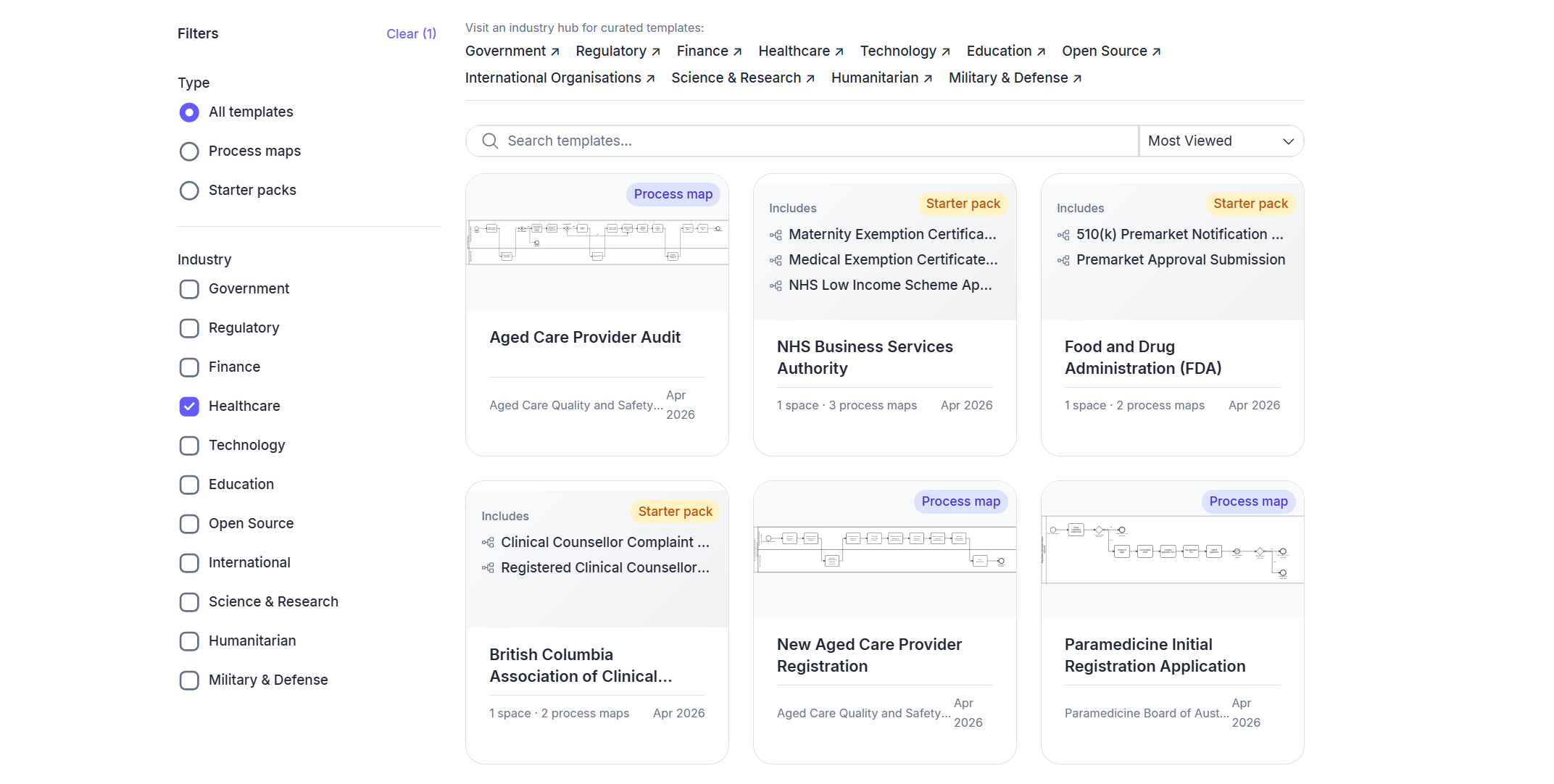
BA Copilot's templates page now surfaces 11 curated industry collections at the top of the page so you can jump straight to the templates that match your sector — Government, Regulators, Finance,…
- Added processmap.new and bpmn.new shortcuts
BA Copilot now responds to processmap.new and bpmn.new. Type either address in your browser and you'll land straight in the free AI BPMN process map generator, with the chat input focused and ready…
- Added the world’s largest collection of process maps, for free.
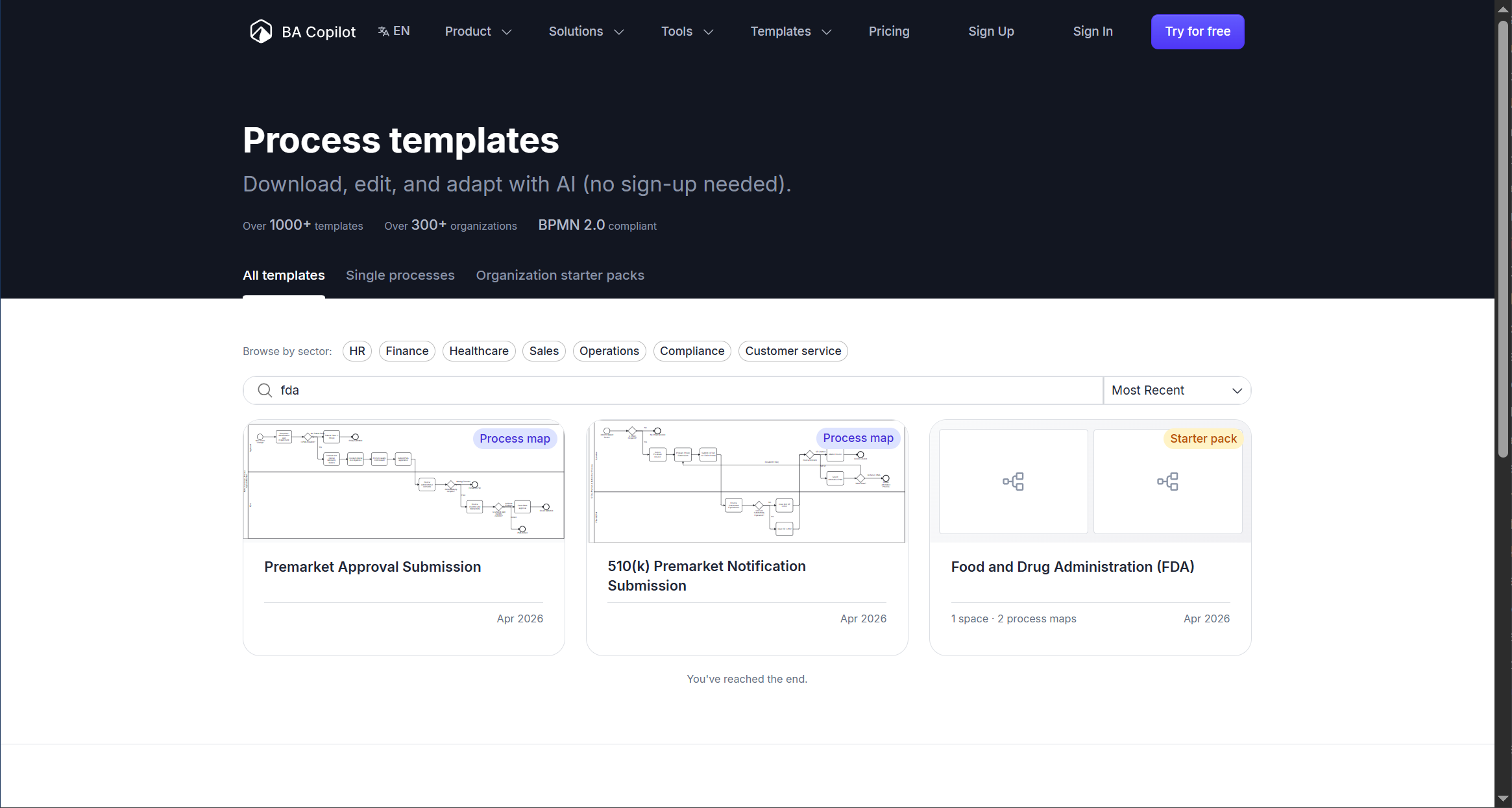
We’ve just launched the world’s largest collection of process maps. There are over 1,000 process maps created from hundreds of public organisations’ published processes. Organisations can use them to…
- Added team approvals and audit logNew
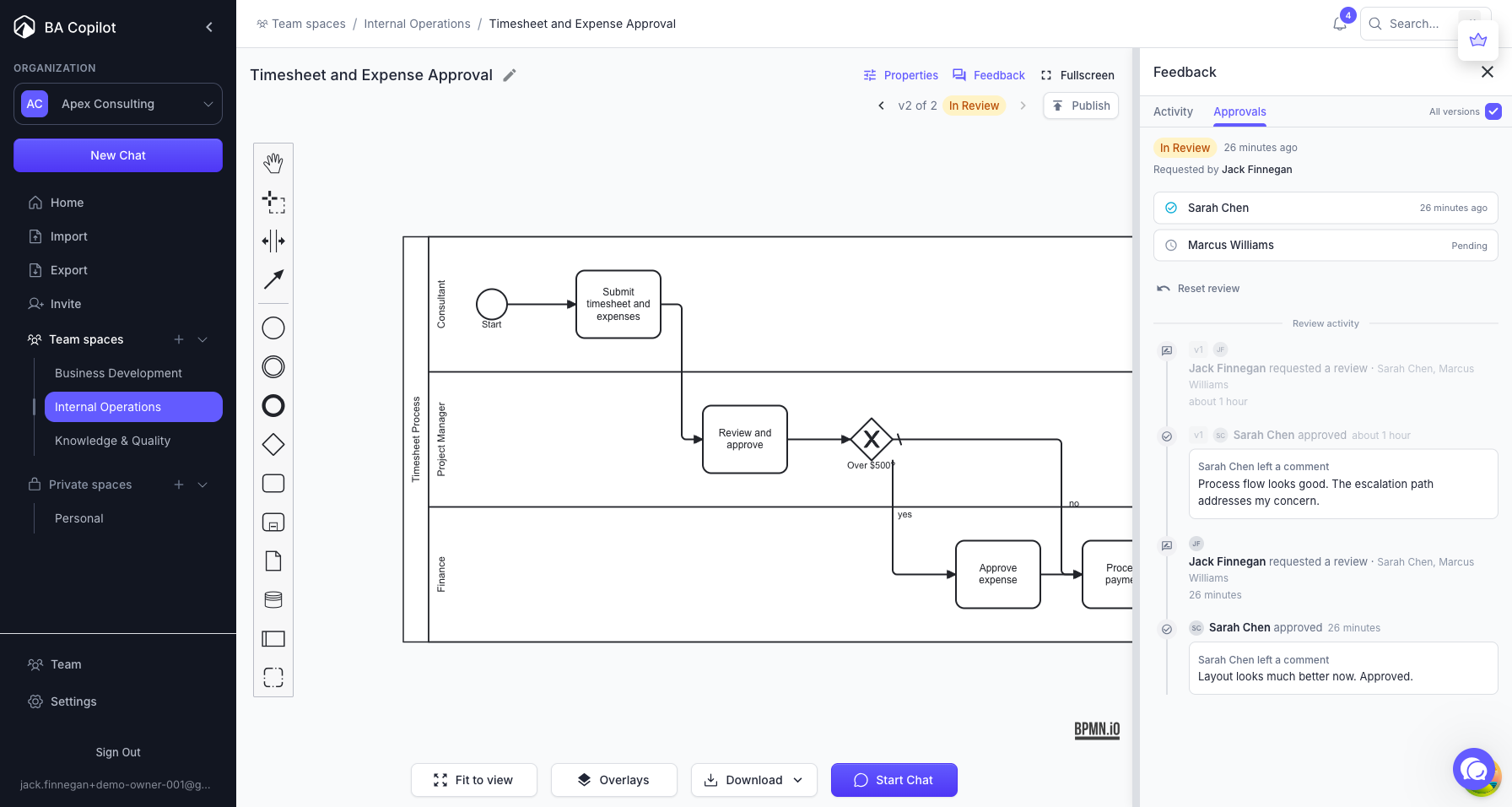
BA Copilot now has a team approval workflow for process maps. Assign reviewers from your team, and each reviewer can approve or request changes before a process map is published. The status updates…
- Added team comments on process mapsNew
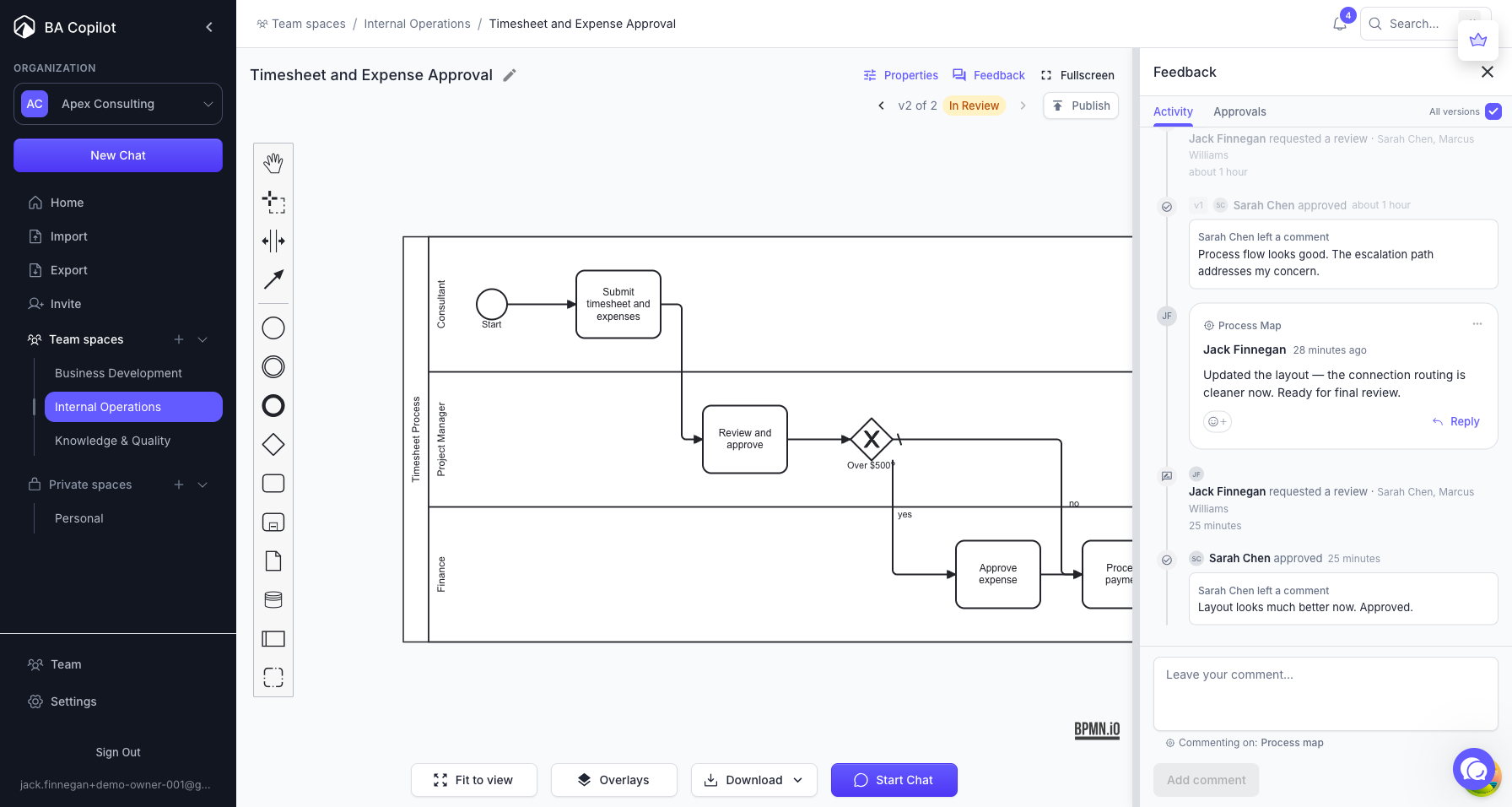
BA Copilot now supports threaded comments on process maps. Comment on specific tasks, gateways, or events — or on the map as a whole. Reply to threads and react with emoji. Comments are…
- Added in-app and email notificationsNew
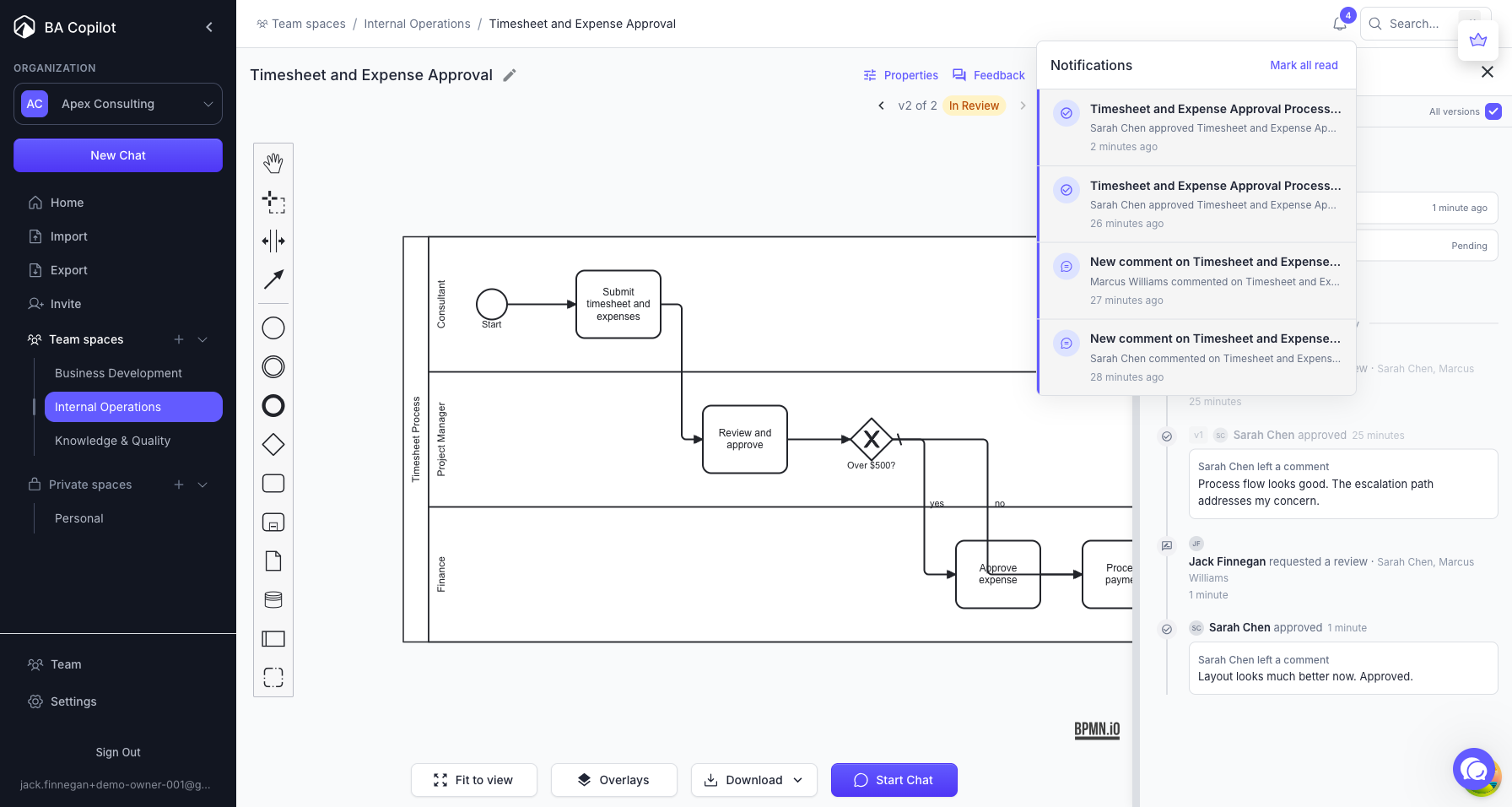
BA Copilot now notifies you when teammates interact with your process maps. A notification bell in the dashboard header shows your unread count. Click a notification to jump directly to the comment…
- Bulk import now supports Word documentsImproved
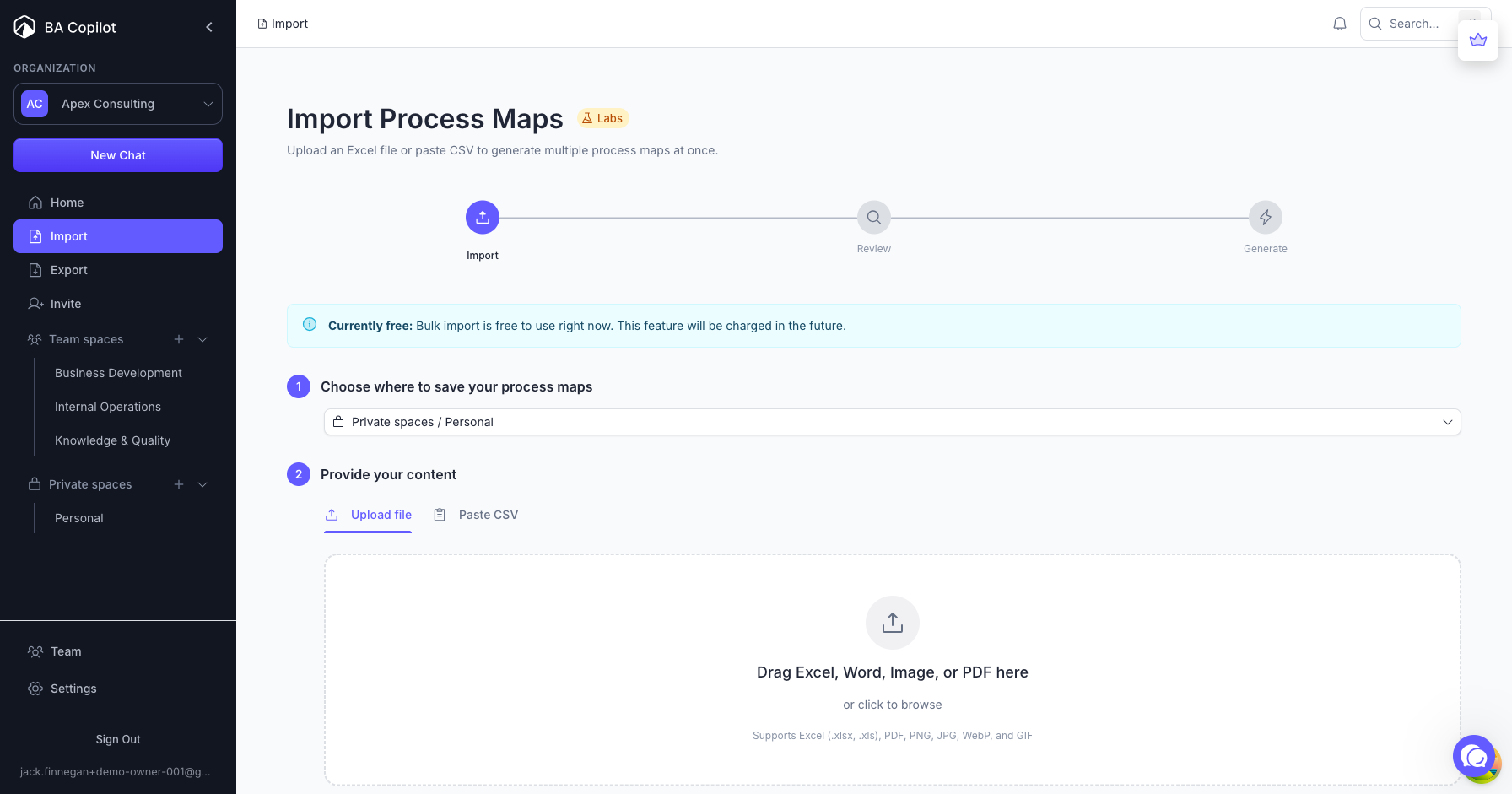
BA Copilot now accepts Word documents (.docx) in the bulk import tool, alongside Excel spreadsheets, PDFs, and images. Upload a Word document describing your business processes, and BA Copilot…
- Added bulk export of .bpmn filesNew
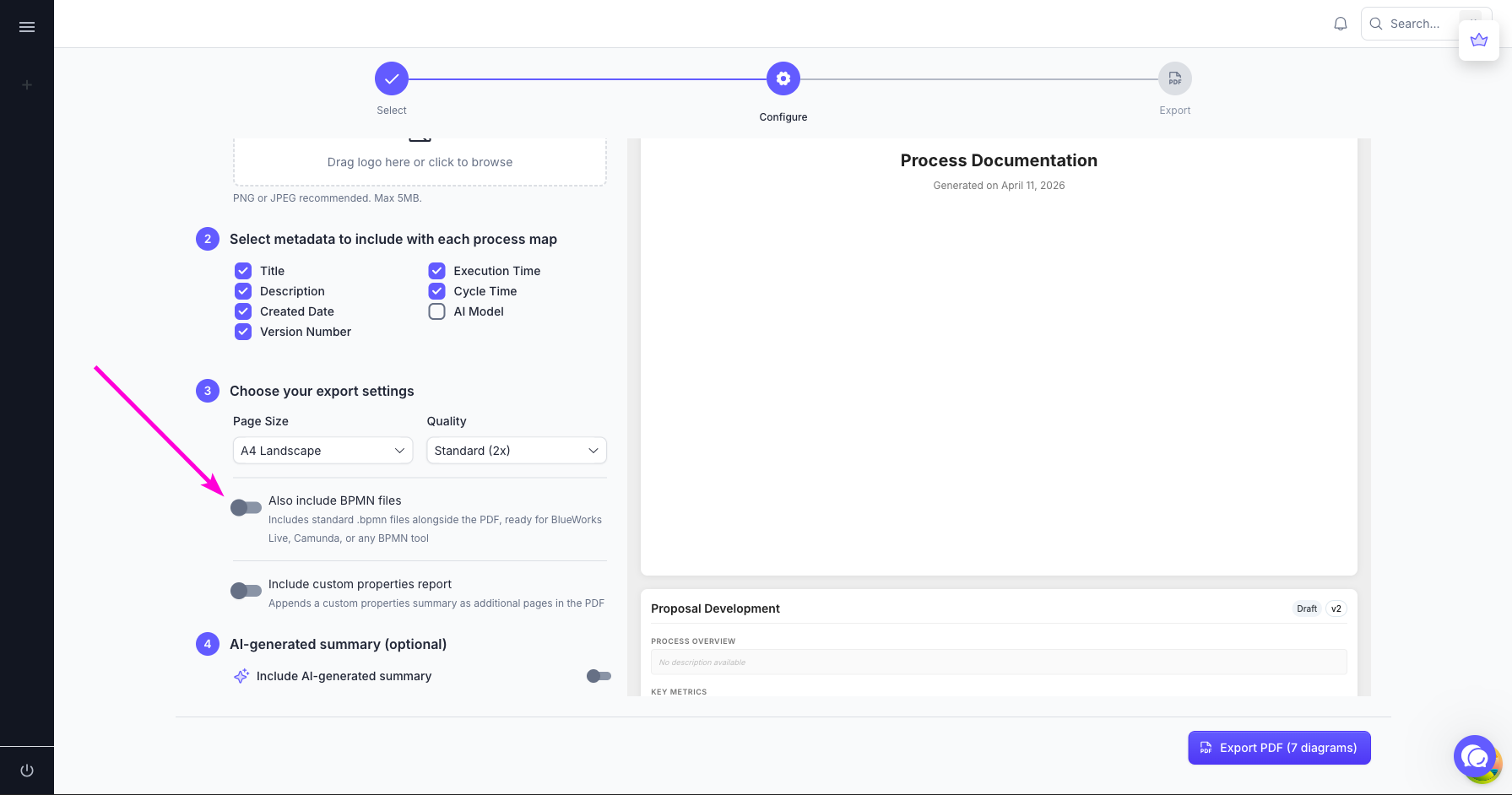
BA Copilot now lets you export your process maps as standard .bpmn files. In the export settings, toggle “Also include BPMN files” and your download will include .bpmn files alongside the branded…
- Improved PDF export with live previewImproved
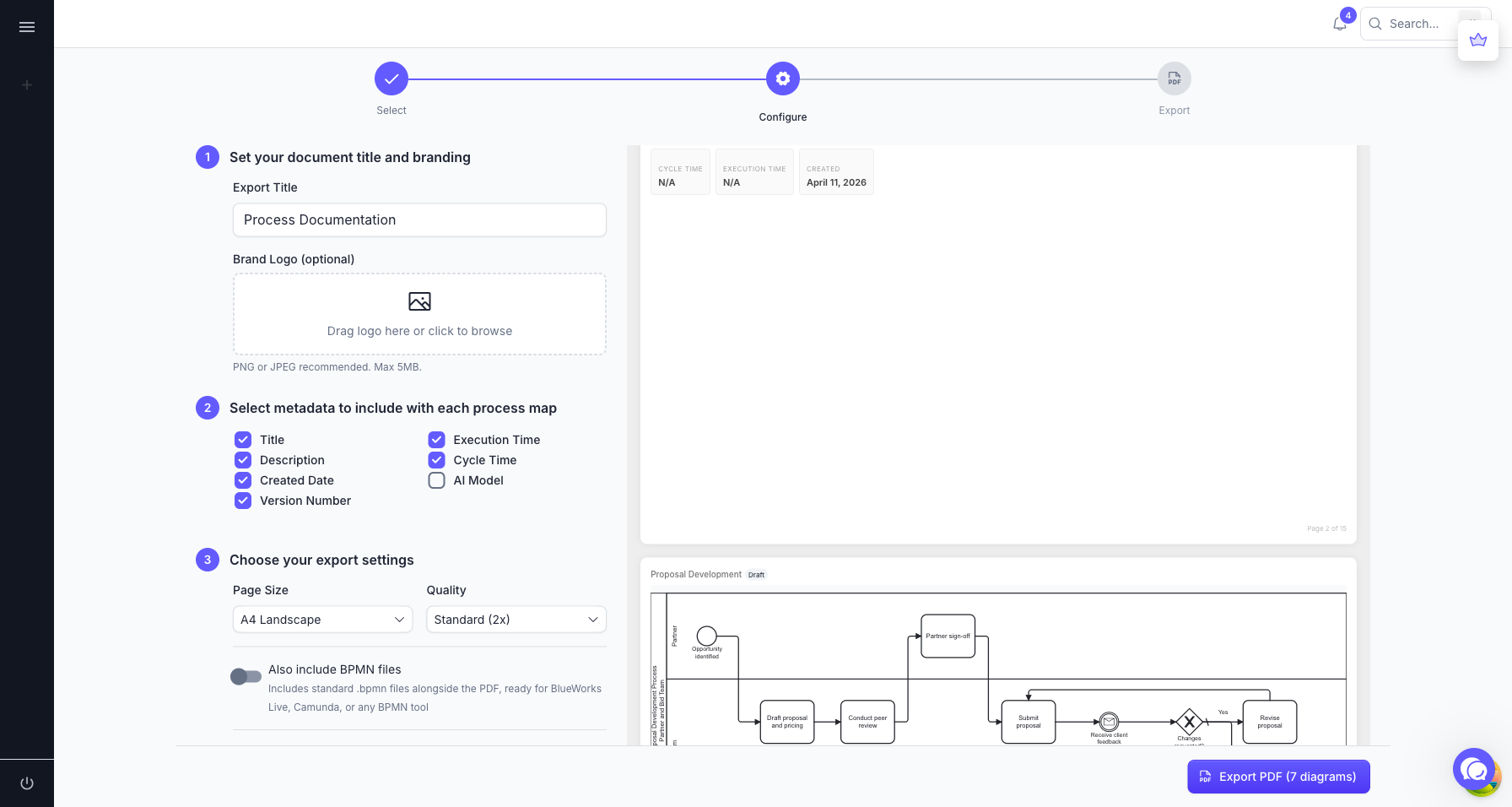
BA Copilot now shows a live PDF preview alongside the export configuration. The preview updates as you adjust settings, so you can see exactly what your export will look like before downloading. The…
- Dashboard performance improvementsImproved
BA Copilot’s dashboard now loads up to 34% faster. Pages show a loading indicator immediately instead of a blank screen, and navigation between pages is noticeably quicker. Process map previews load…
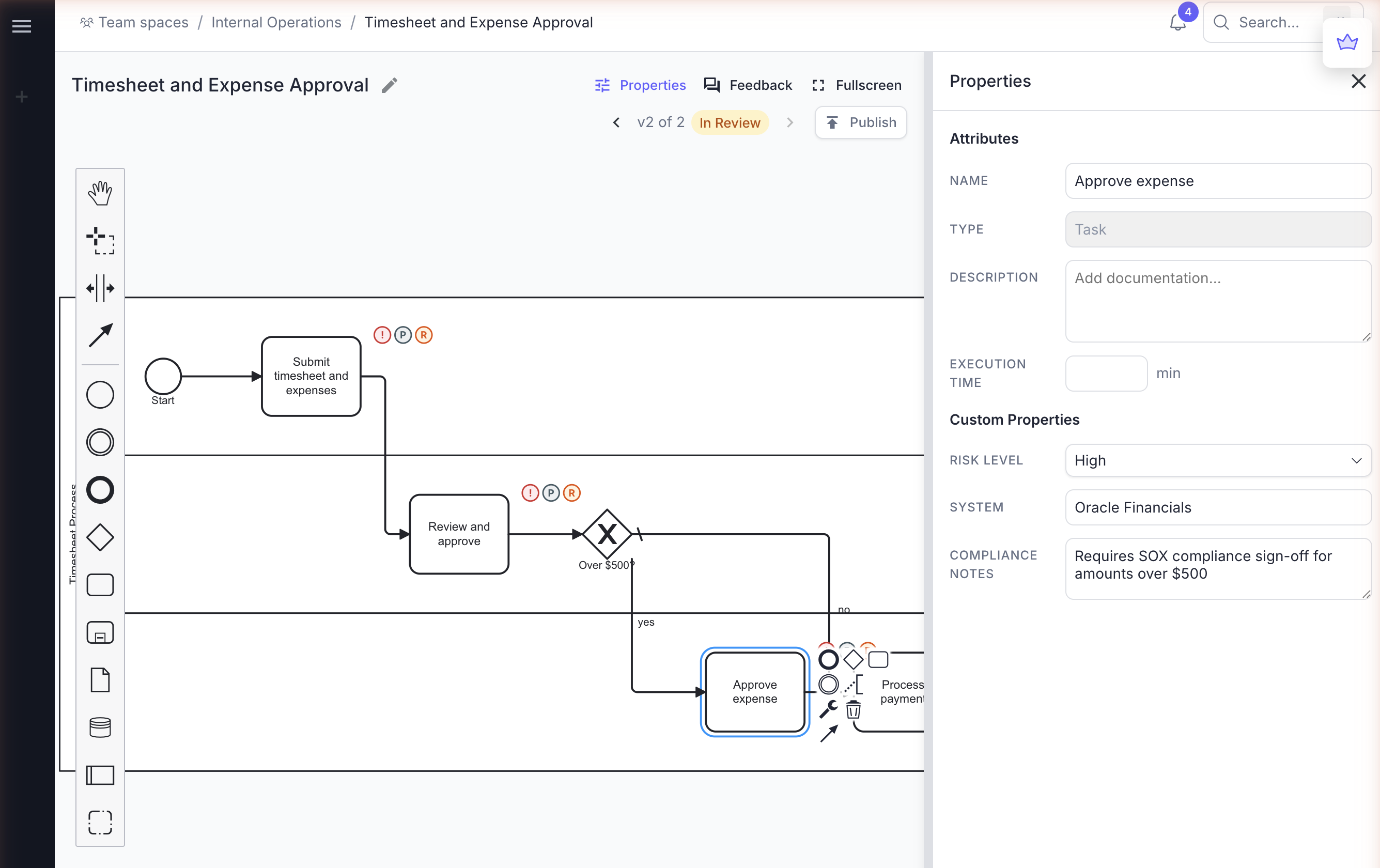
- Added custom properties for process map elementsNew
BA Copilot now supports custom properties on process map elements. Define text fields, multi-line text areas, or dropdown selectors at the organization level, and they appear on every BPMN element in…
- Fixed org selector initial clickFixed
BA Copilot fixed a bug where clicking the organization selector in the sidebar did not register on the first attempt. Switching between organizations now works on the first click.
- Upgraded Plus modelImproved
BA Copilot’s Plus model has been upgraded, so it now produces higher-quality process maps with fewer errors.
- Added drag and drop for independent process mapsNew
BA Copilot now supports drag and drop for independent process maps. Previously, only chats could be dragged between folders and spaces — standalone process maps had to be moved through menus alone.…
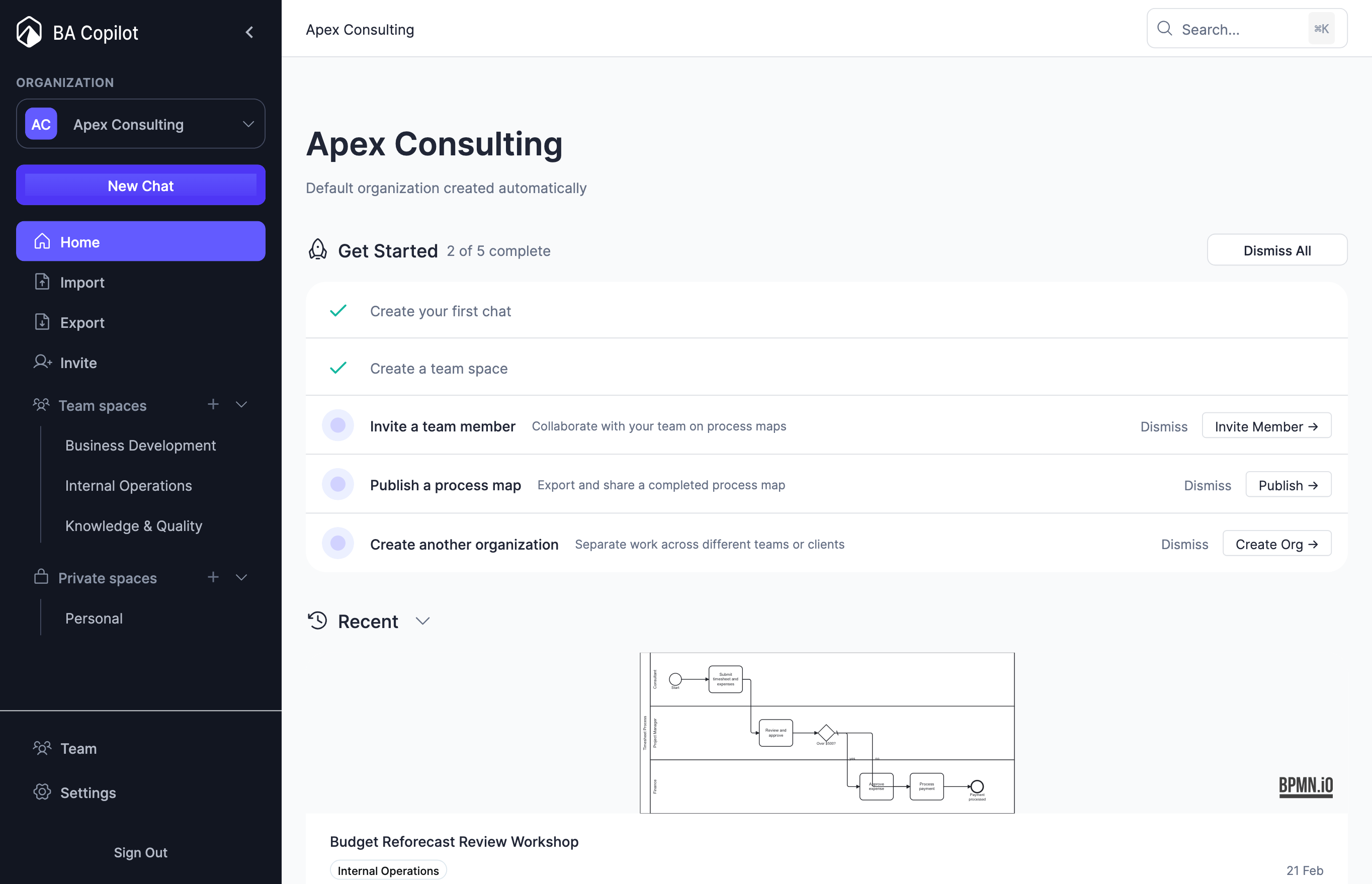
- Added Get Started checklistNew
BA Copilot now has a Get Started checklist on the dashboard home page, so it is easier to set up your account after subscribing. The checklist guides you through onboarding tasks with progress…
- Increased max process map generation time from 5 minutes to 13 minutesImproved
BA Copilot now allows process map generation to continue for up to 13 minutes, instead of 5 minutes. This means larger and more complex process maps can now complete successfully, even when they…
- Removed BA Copilot watermark from PDF exportsImproved
BA Copilot no longer adds the “Created with BA Copilot” branding to PDF exports for Pro subscribers. Image downloads also no longer include the “Generated with ba-copilot.com” watermark.
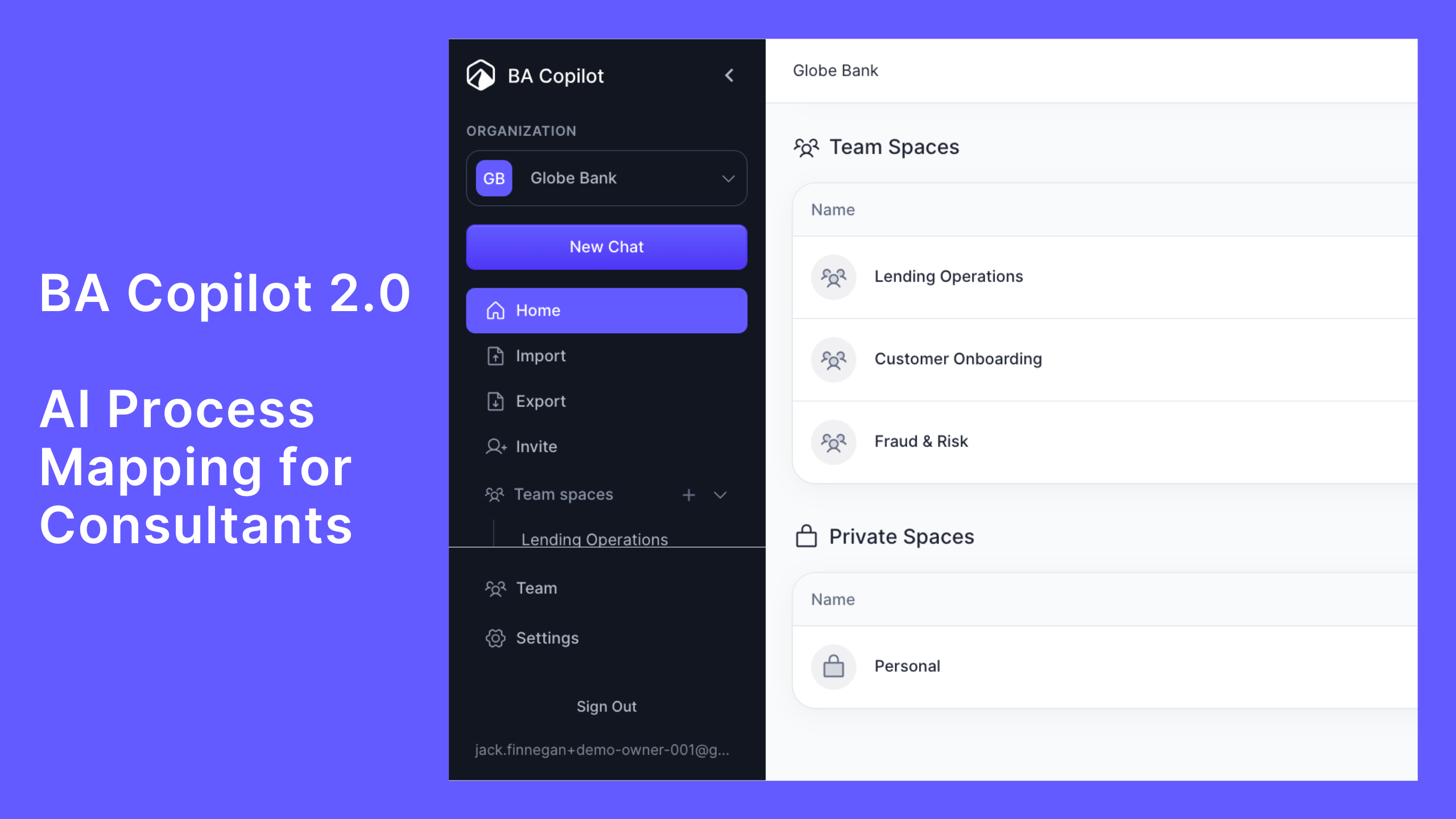
- Launched BA Copilot 2.0 — Built for Consultants
BA Copilot 2.0 is live. This release brings together everything we've been building over the last few months into a platform designed for how consultants actually work. A consultant is anyone who…
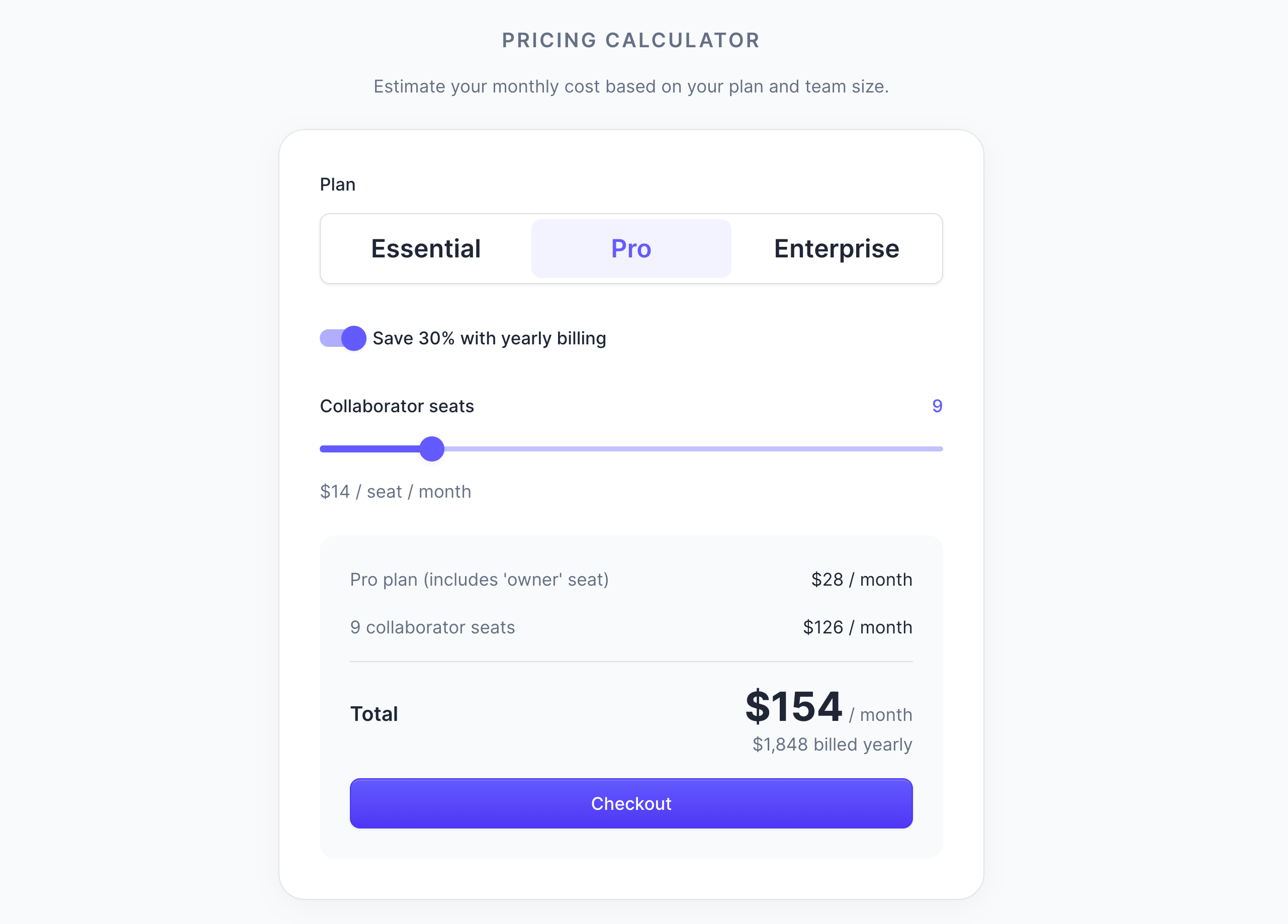
- Added price calculator and checkout
You can now easily see how much a given BA Copilot plan for you and your team will cost. As a new subscriber, you can then checkout in one go. As an existing subscriber, you can use it to add team…
- Updated help center docs
You can access our help center here: https://help.ba-copilot.com
- Improved 'Process map' column
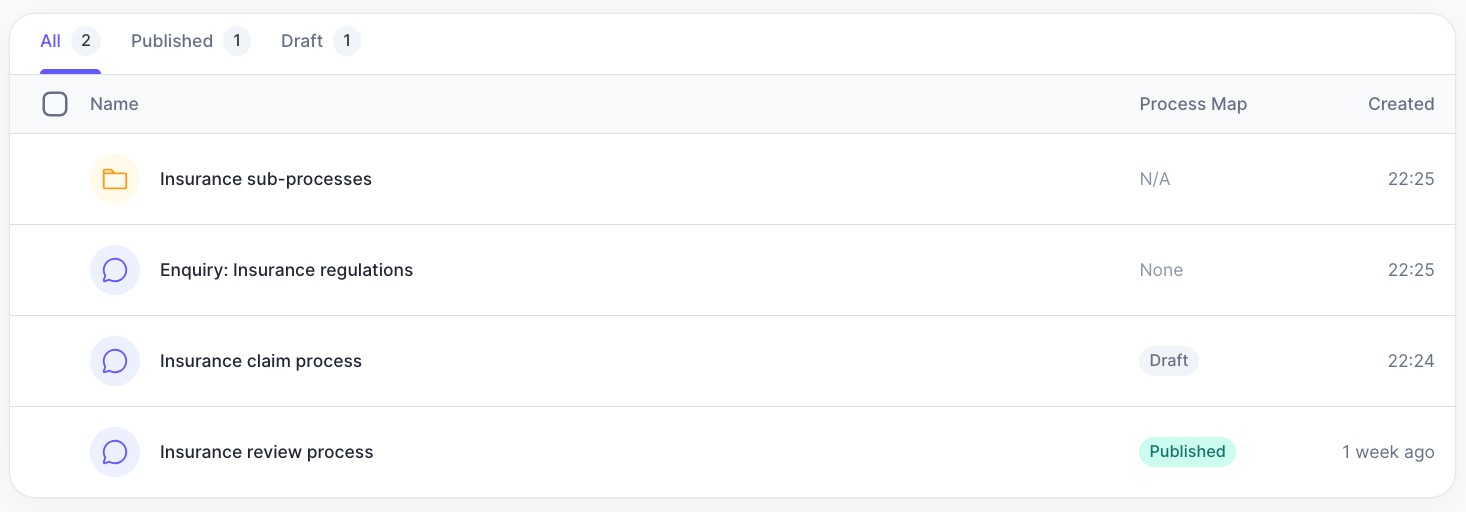
We’ve made the following improvements to the ‘Process map’ column: 1. Fixed bug where the column value showed ‘—’ when it should have shown ‘Draft’ or ‘Published’ 2. If a chat has a process map, then…
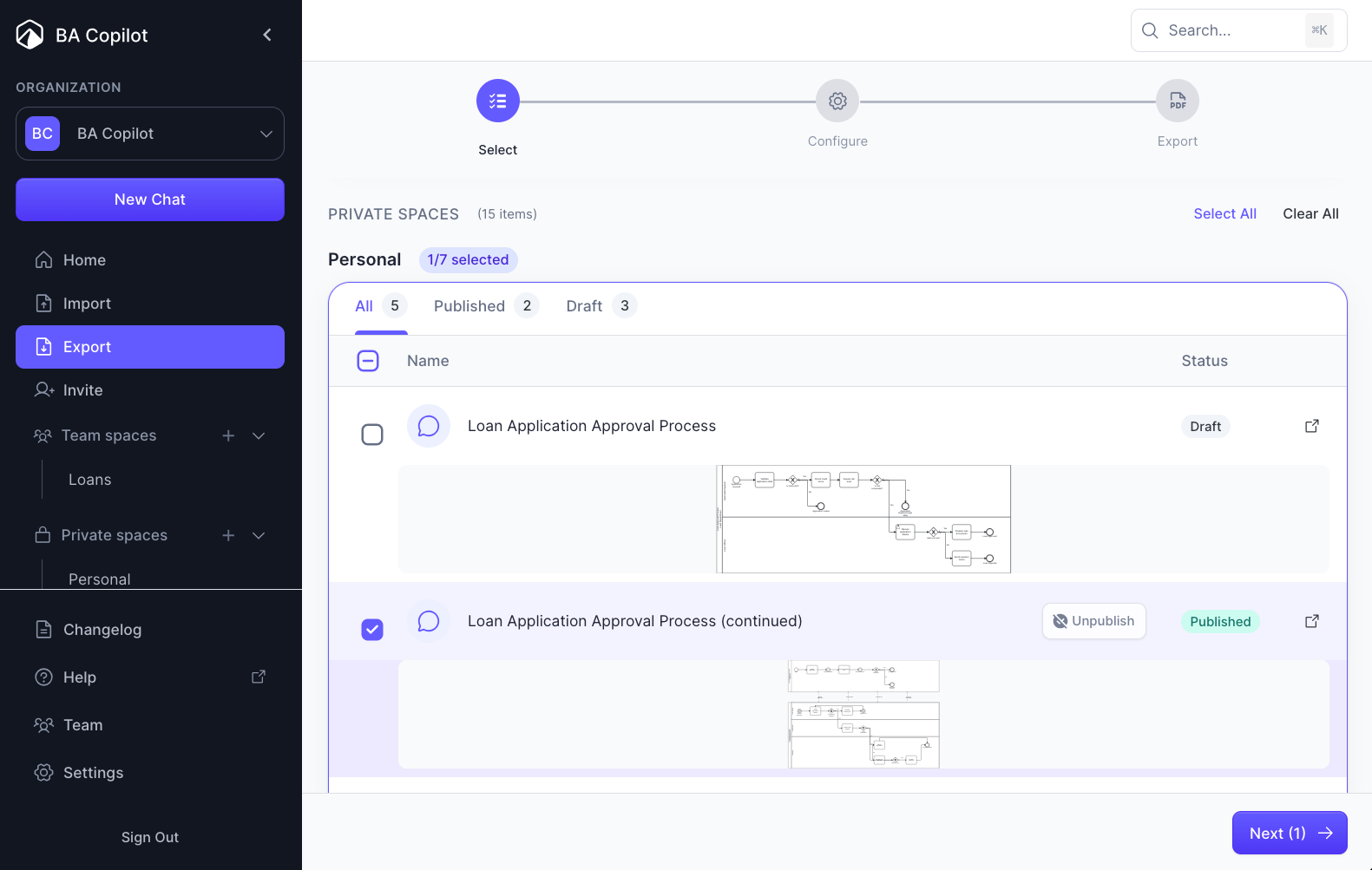
- Added 'bulk export to branded PDF'
Just click Export, select your process maps, configure your branding, and export. This is great for handing over beautiful, branded, process map PDFs to clients.
- Added 'auto populate metadata of process map'
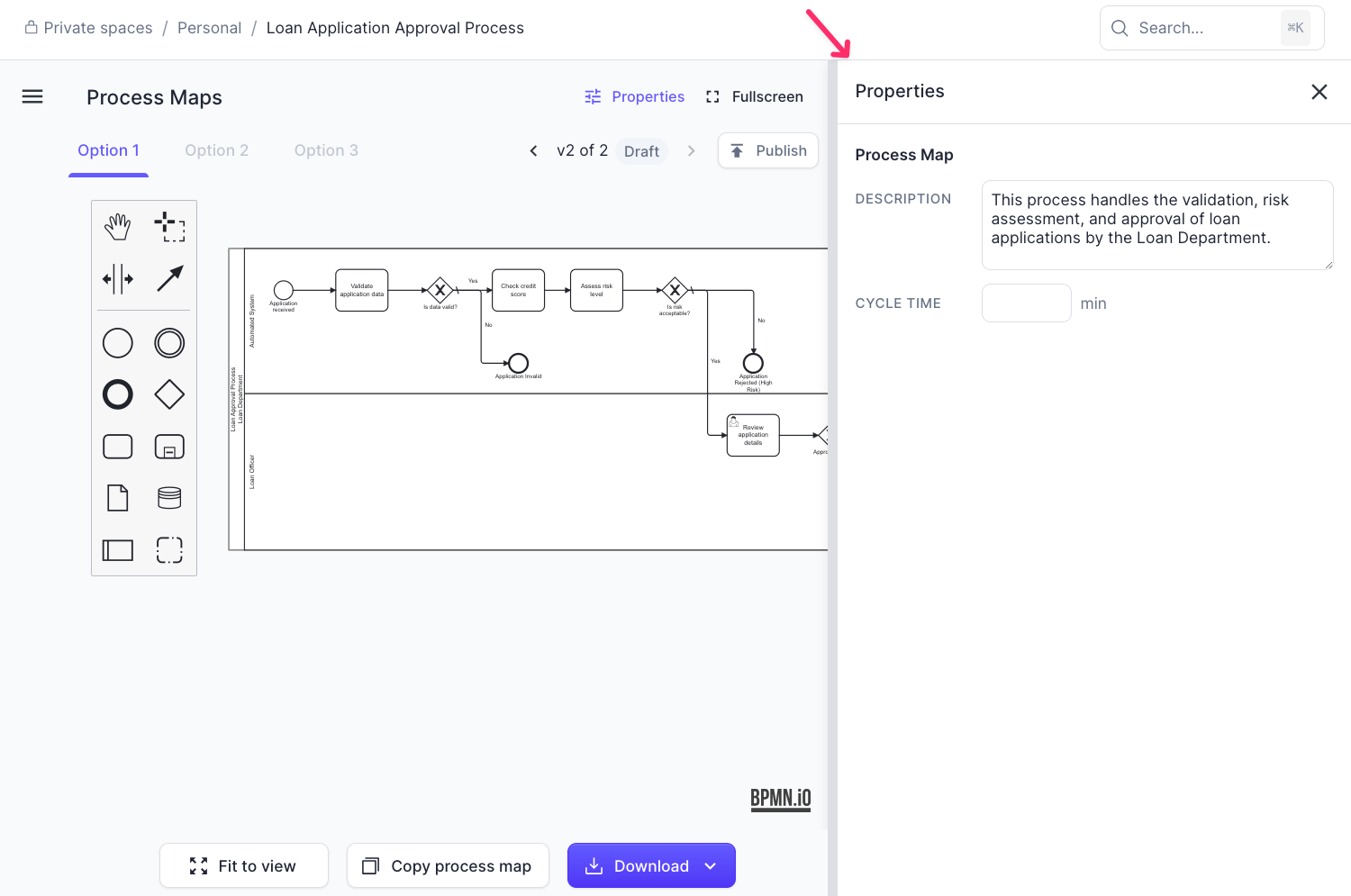
BA Copilot will now populate metadata for the overall process map, and for its elements (e.g. tasks). In this screenshot, it has auto populated a process map description. What metadata would you most…
- Fixed bug with process map refinements
The following bug is now fixed: When requesting a refinement to a process map, it generated it, but didn’t auto display that version (e.g. it stayed on v1 of 2, when it should have change to v2 of 2).
- Made process map generation 32% faster
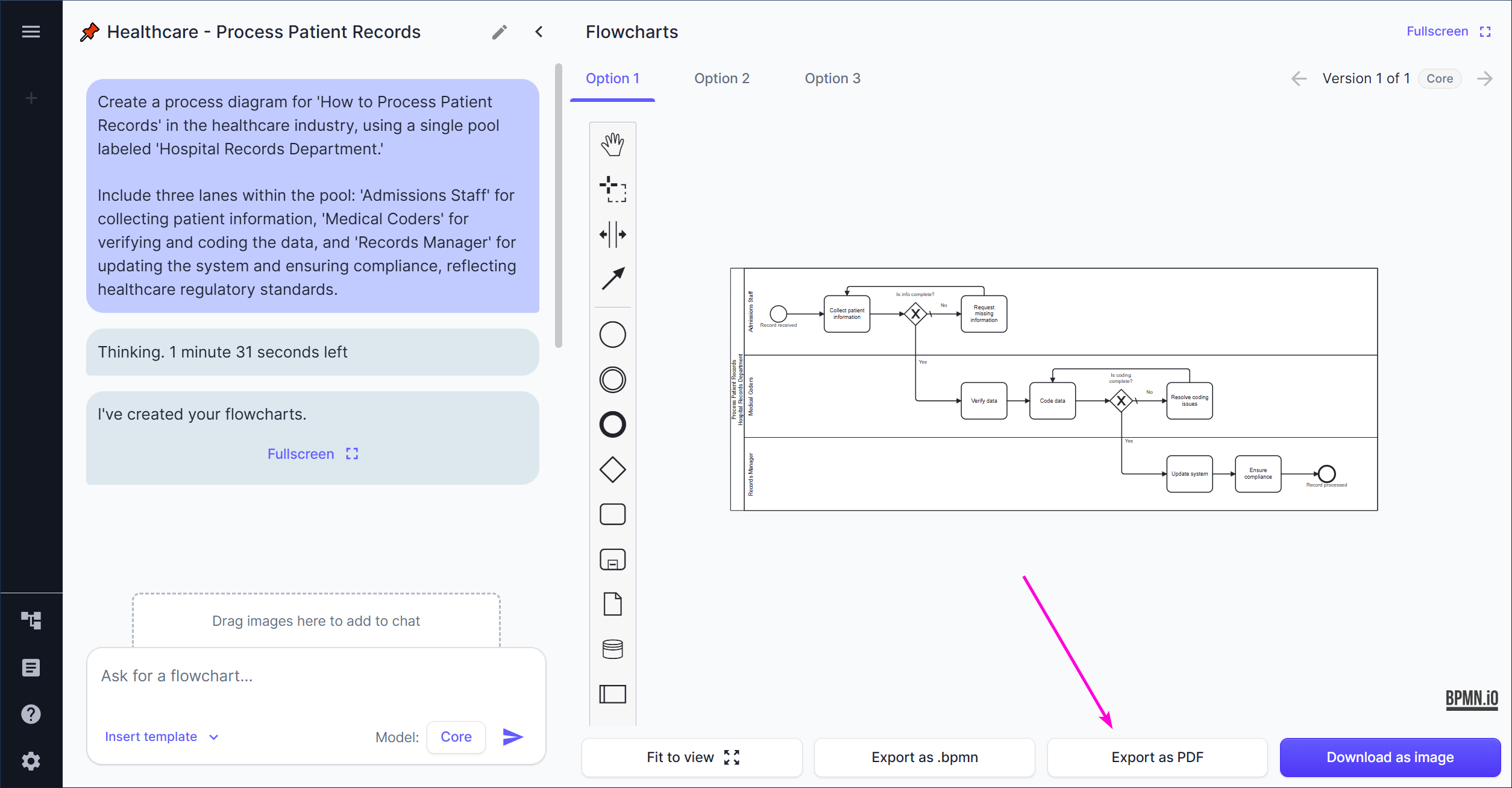
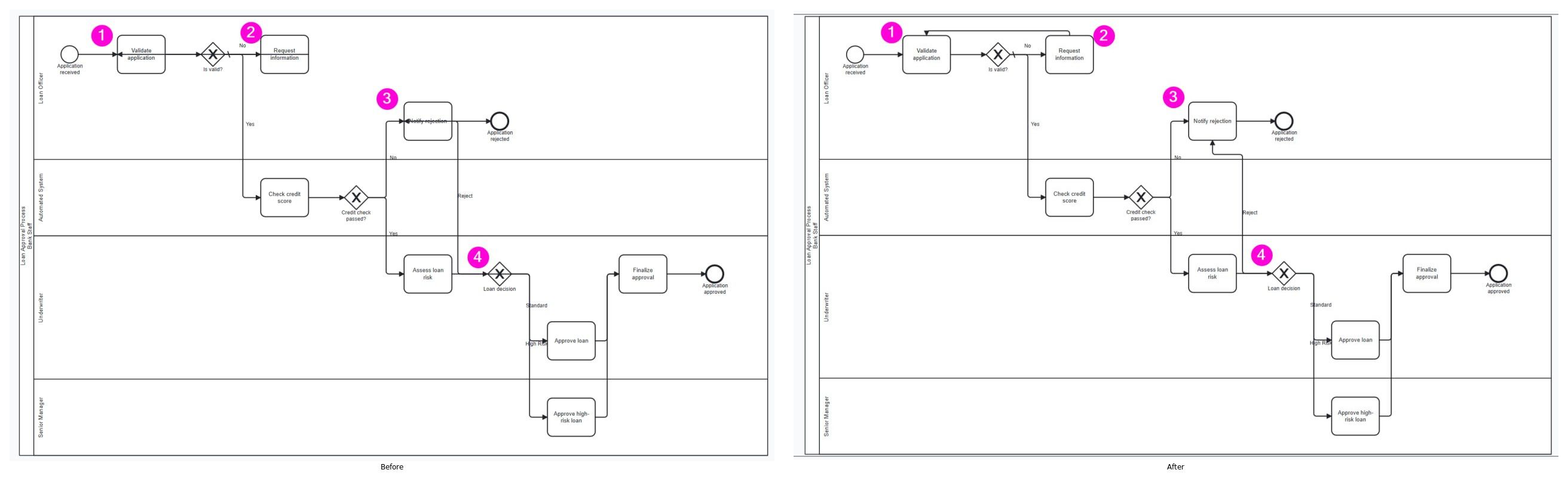
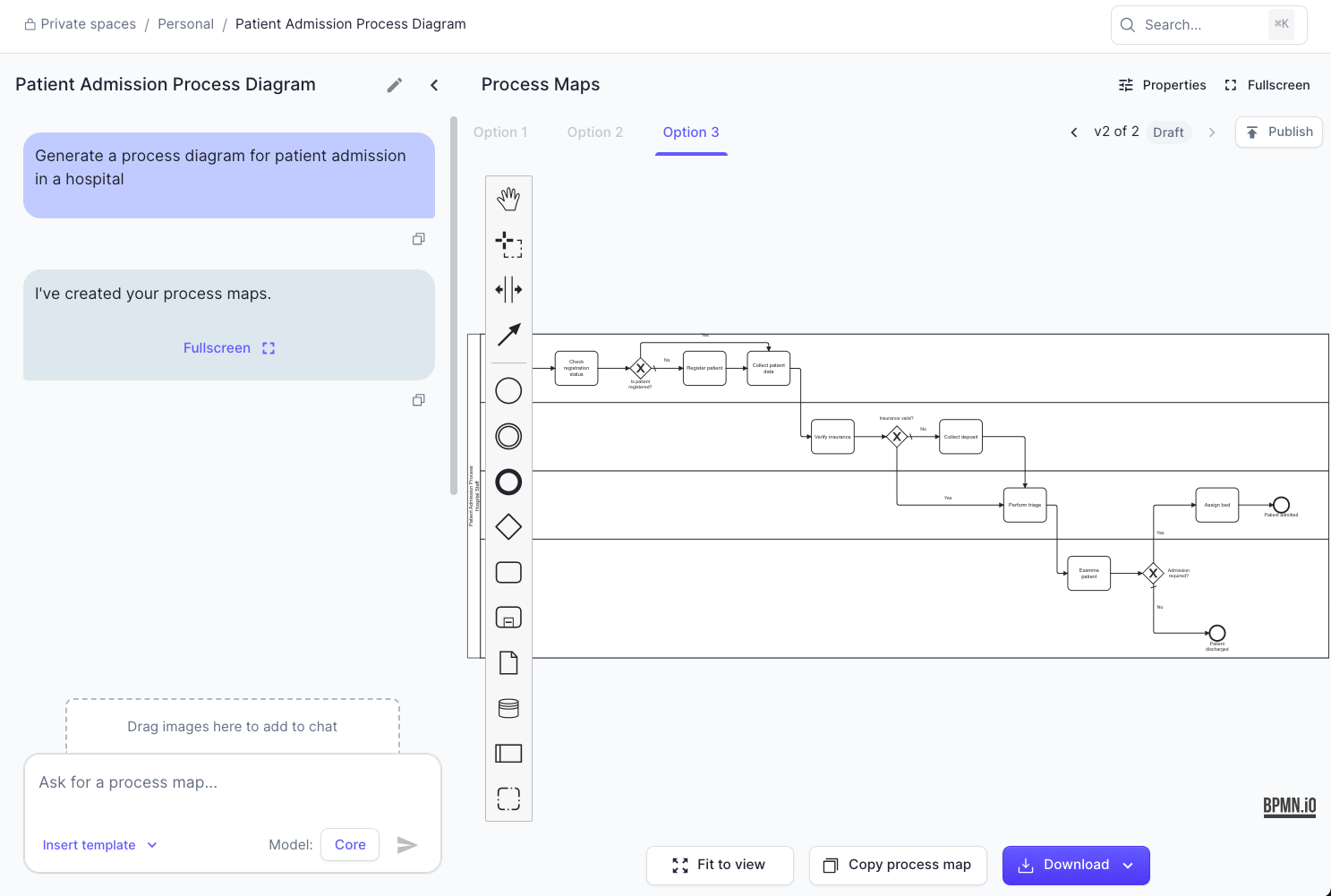
Our process map generation is now 32% faster on the 'Core' model. It also generally creates more detailed process maps 👍 (see attached image).
- Added 'PDF upload'
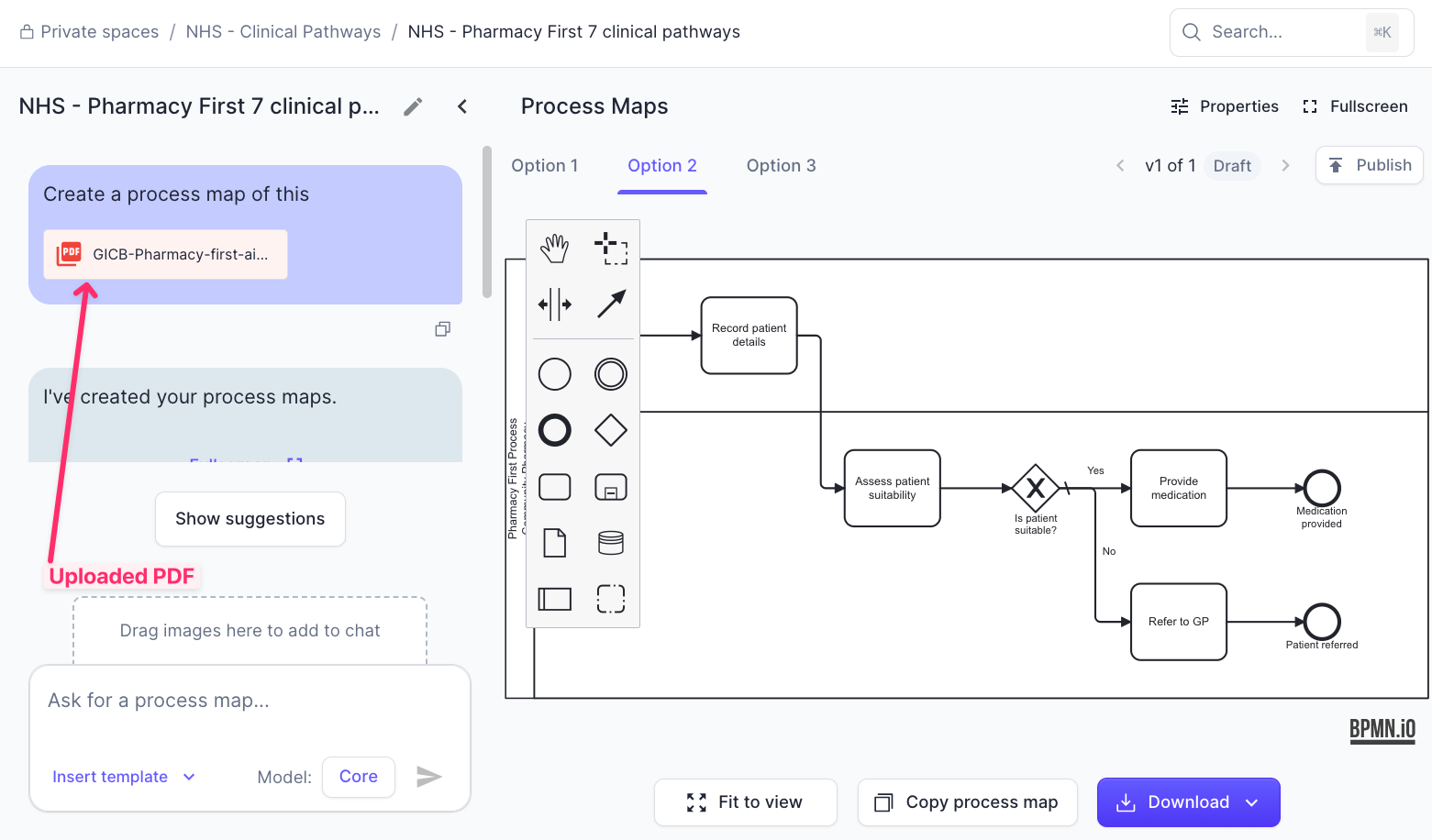
You can now upload PDFs. Do it one of these ways: 1. Drag a PDF into a new chat (attached image), or 2. Click ‘Import’ in the sidebar, and drag a PDF in there
- Relabelled 'flowcharts' to 'process maps' throughout platform
Flowcharts are now known as ‘process maps’ throughout the platform. The reason for this change is that process maps better represent what BA Copilot enables you to manage. From day 1, we’ve been…
- Added independent flowcharts
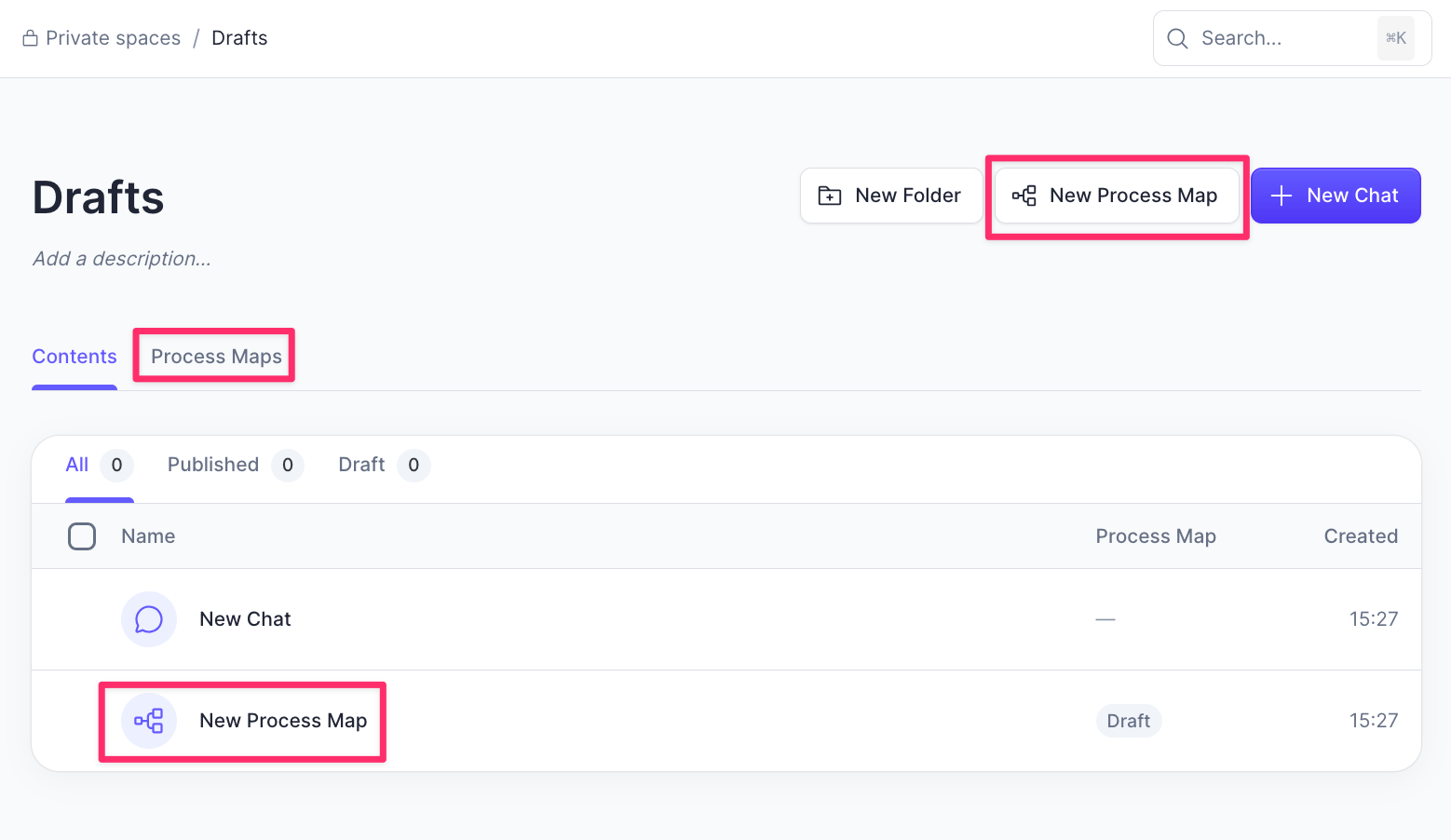
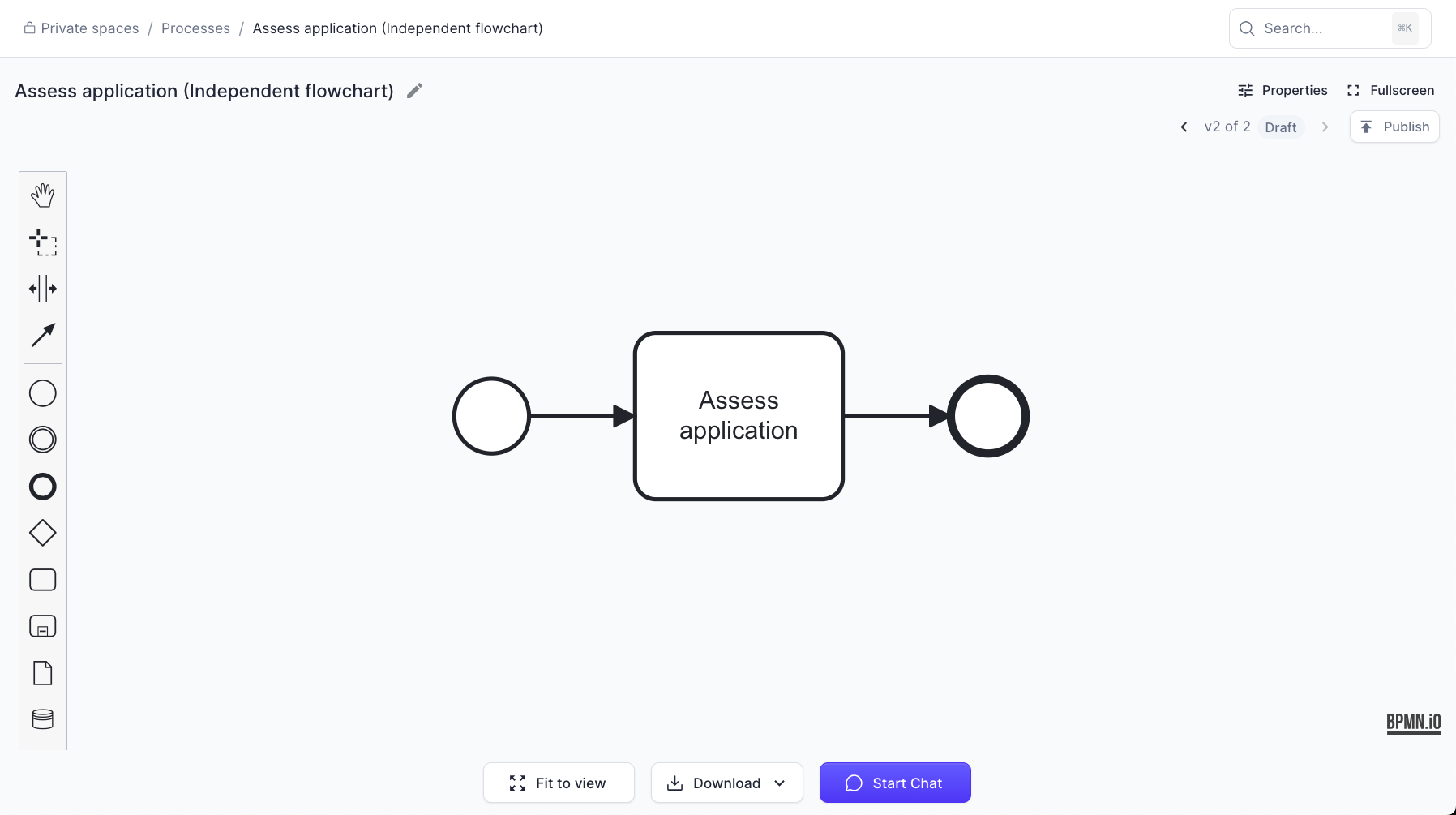
You can now create flowcharts independent of chats. Example use cases: 1. Consultant creates a chat with a flowchart. 2. Consultant refines flowchart. 3. Consultant clicks ‘copy flowchart’ to make an…
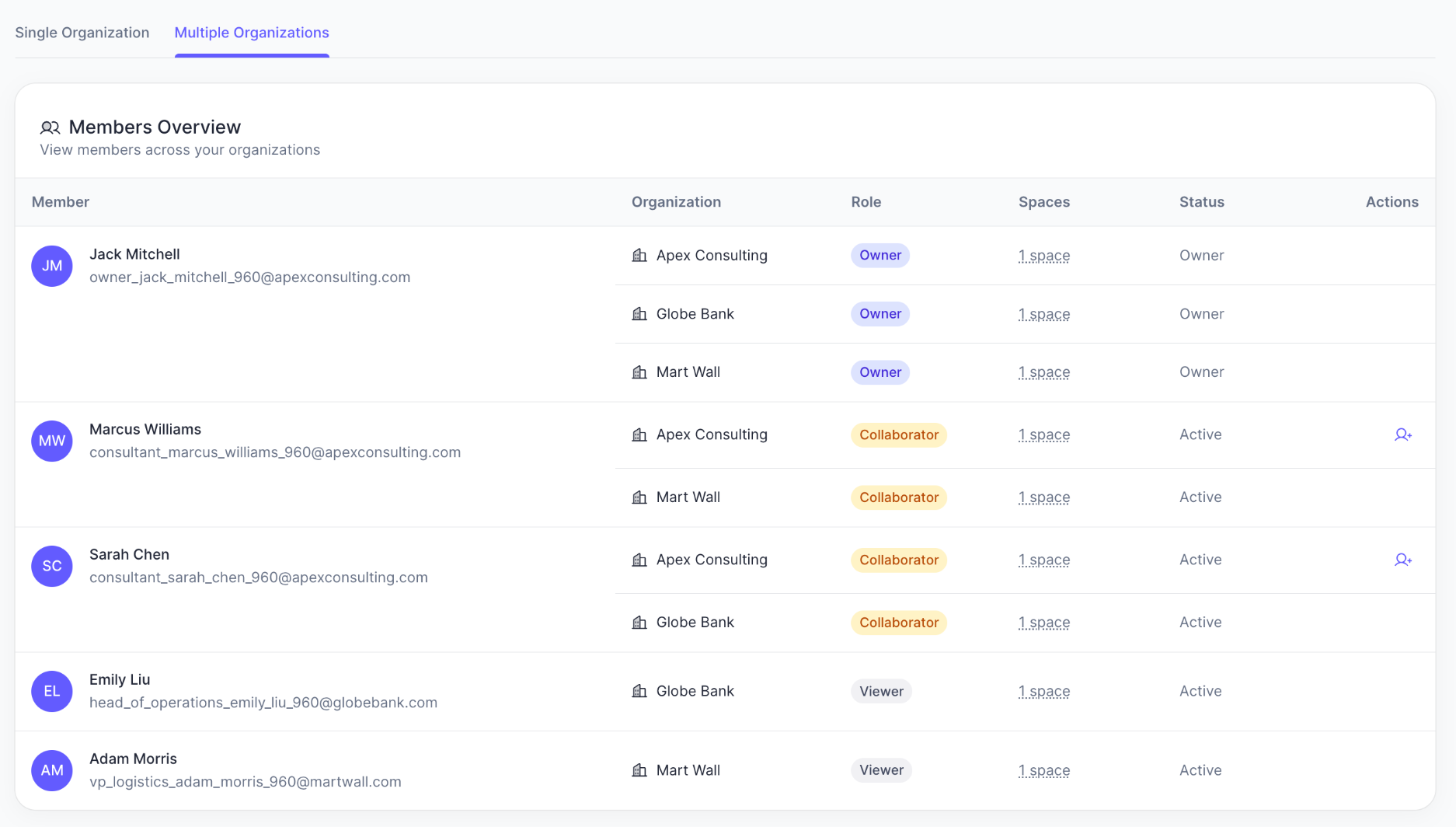
- Added collaborator team member invites
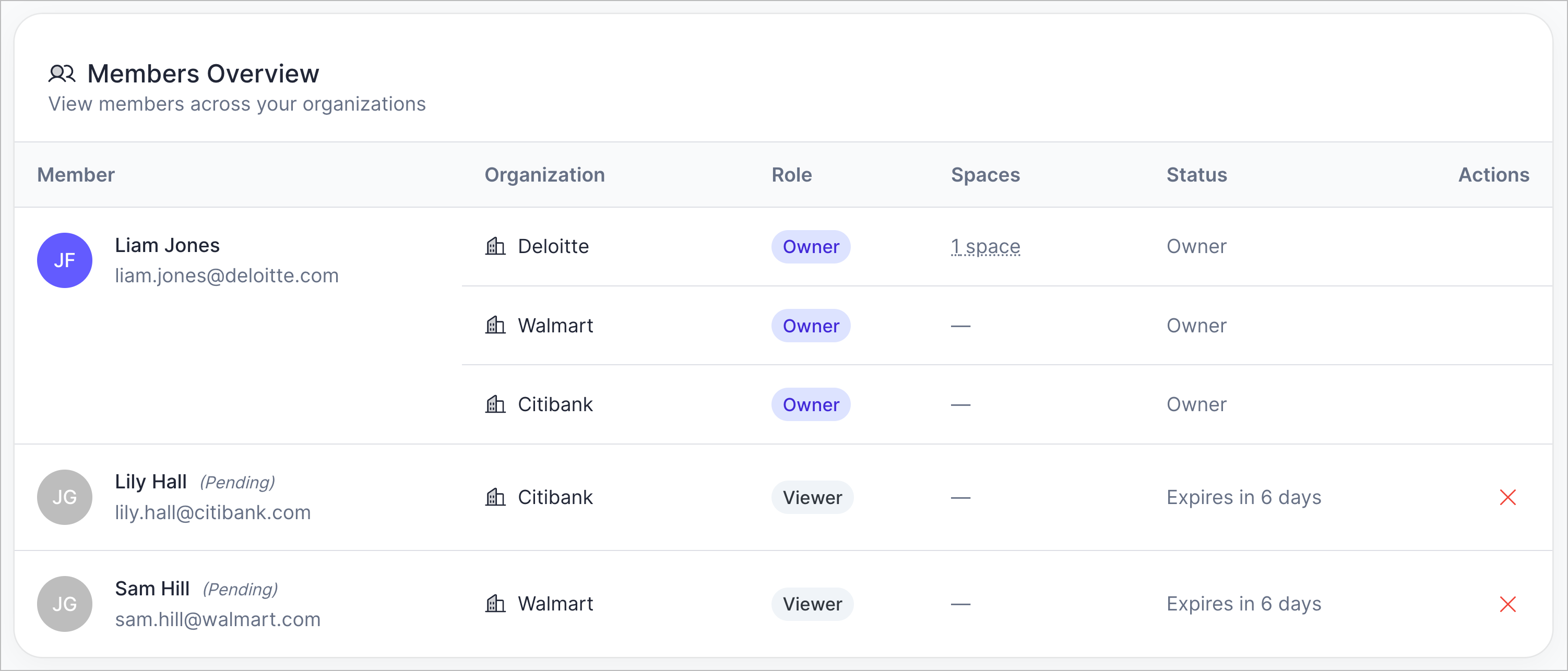
You can now invite collaborators to spaces within your organizations. This is useful for consultancies who want to assign consultants to different clients. See the image above. The existing ‘viewer’…
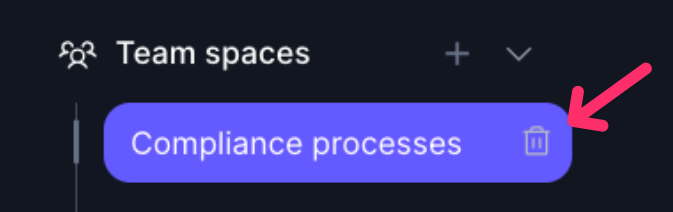
- Added ability to delete spaces
You can now delete team spaces or private spaces. Just hover over the space in the sidebar, and click the trash icon.
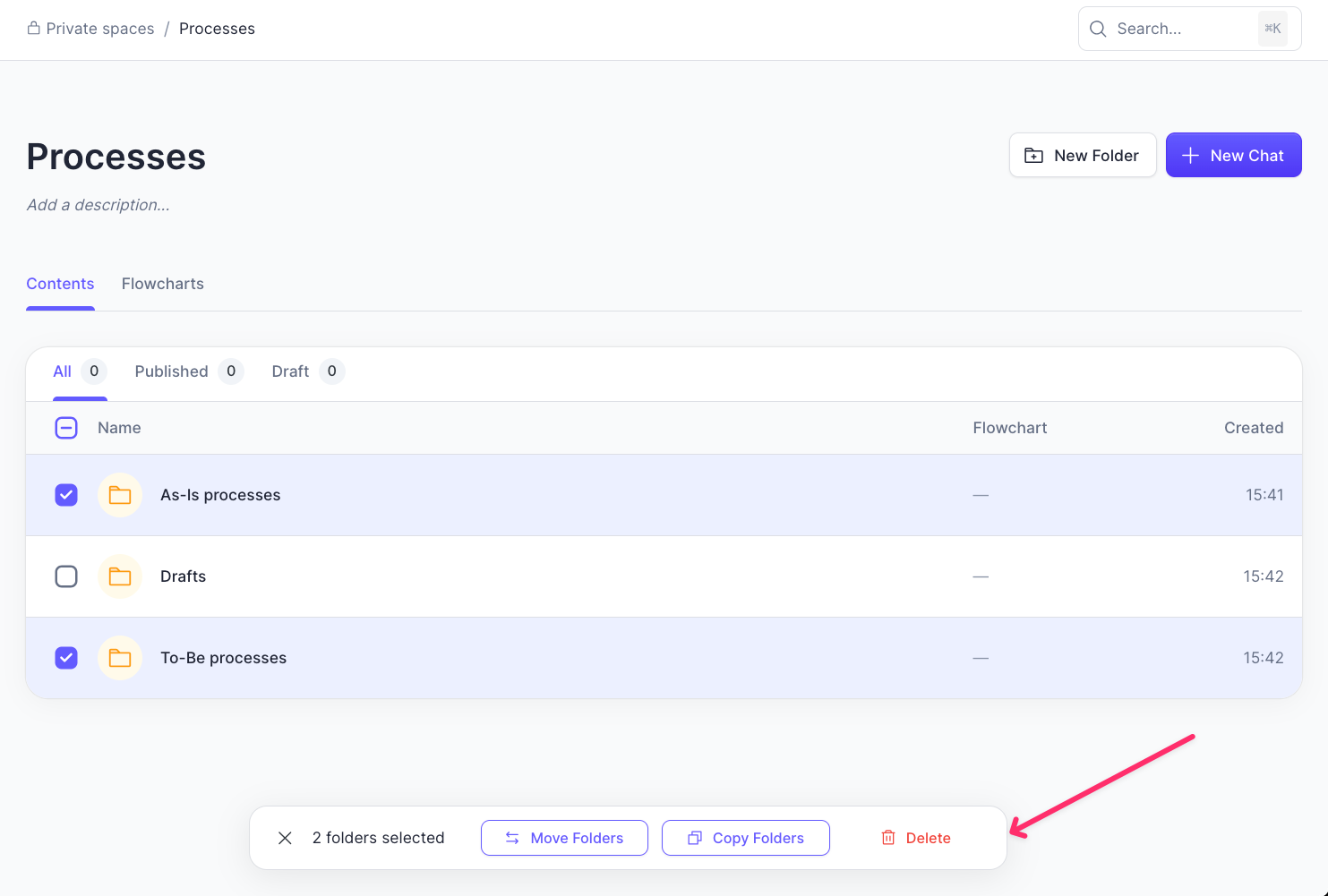
- Added 'move, copy, and delete multiple folders'
You can now multi-select folders and do the following to them: - move - copy - delete
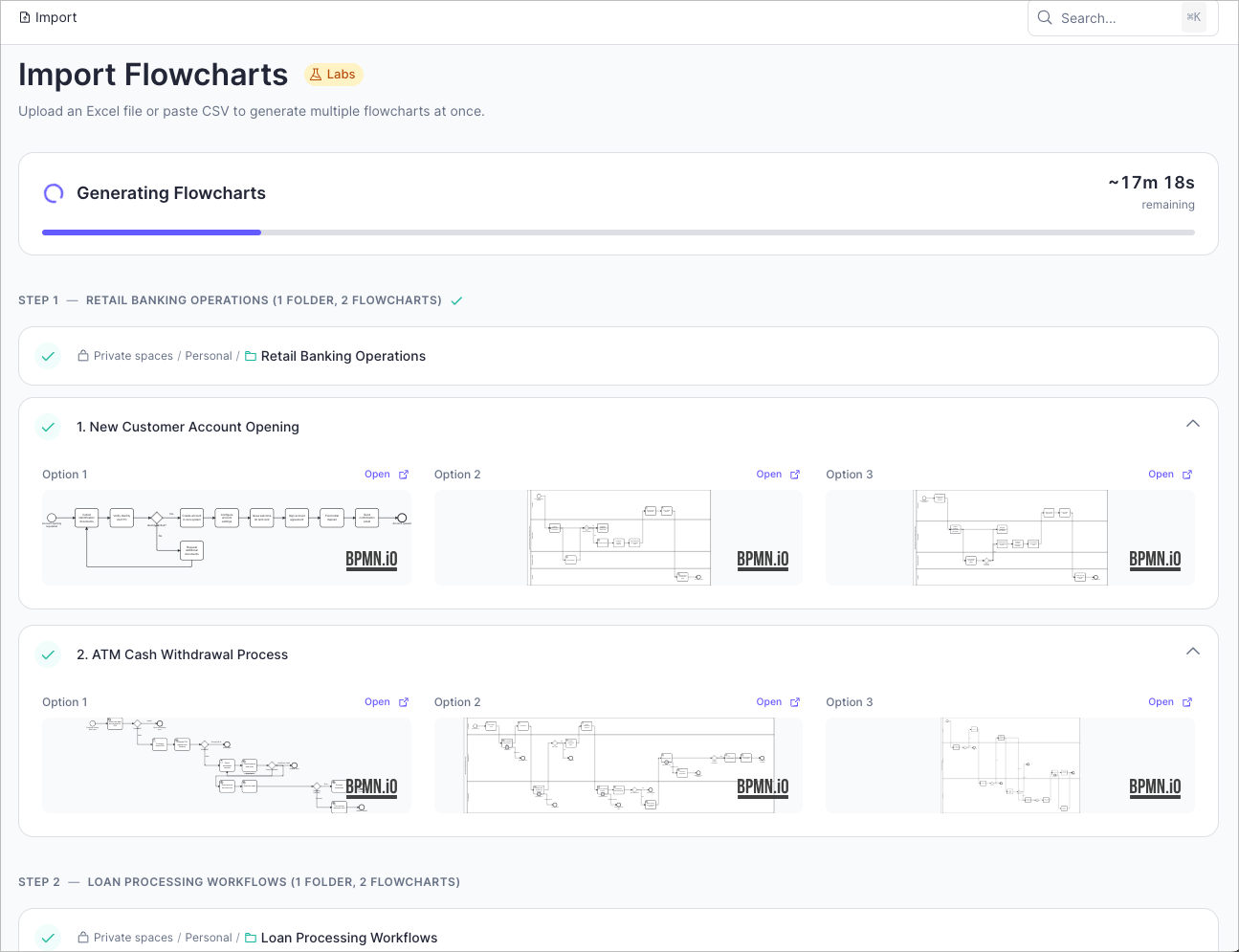
- Made 'Import' generate flowcharts 6x faster
When importing Excel processes to generate flowcharts, you can now generate 6x faster. This means that a 3 hours 20 minutes flowchart generation run will now complete in approximately 33 minutes. Try…
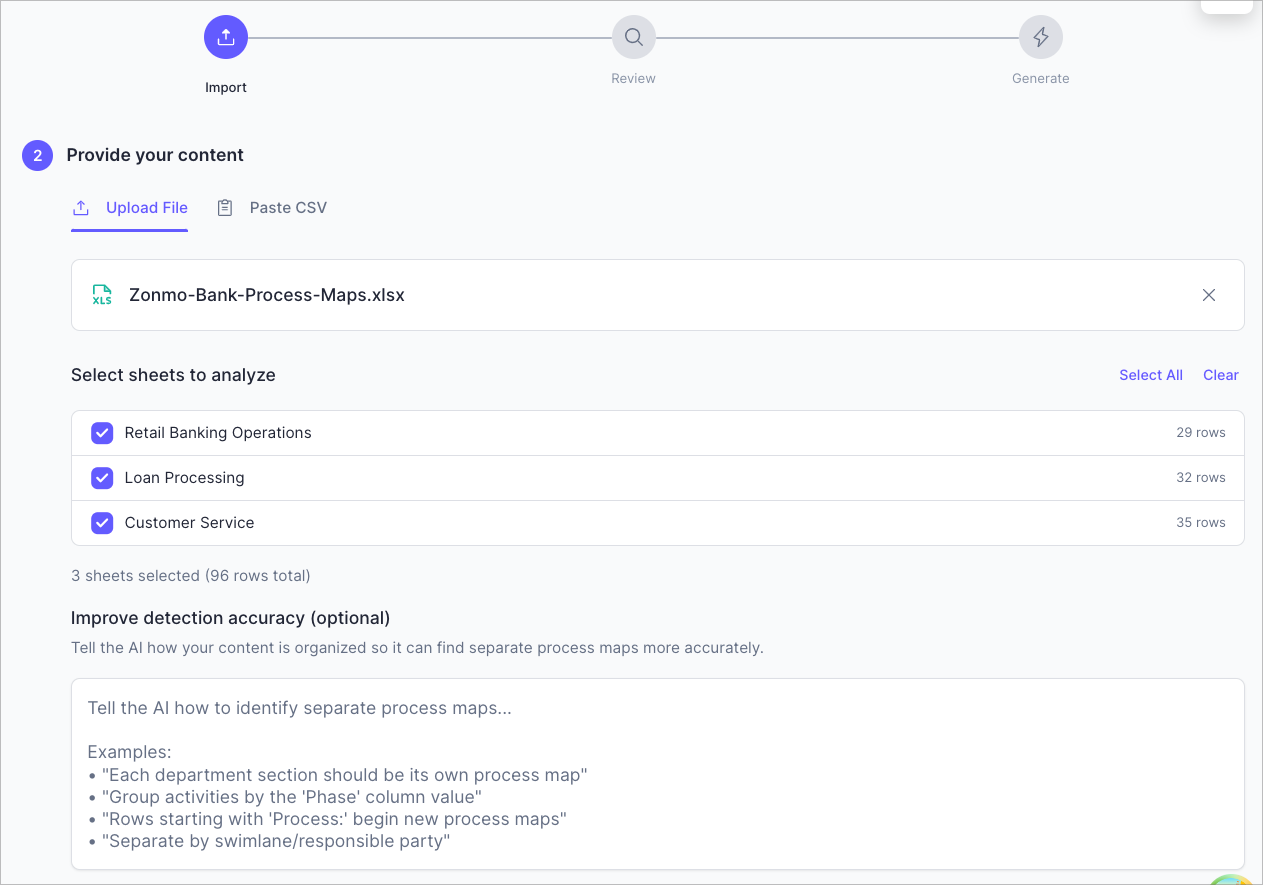
- Made 'improve detection accuracy' section more obvious on import pages
You could always guide the AI on how it detects process maps in Excel sheets. We’ve now made it easier to see the section where you can do that.
- Added multi-select
You can now select and process multiple chats at once.
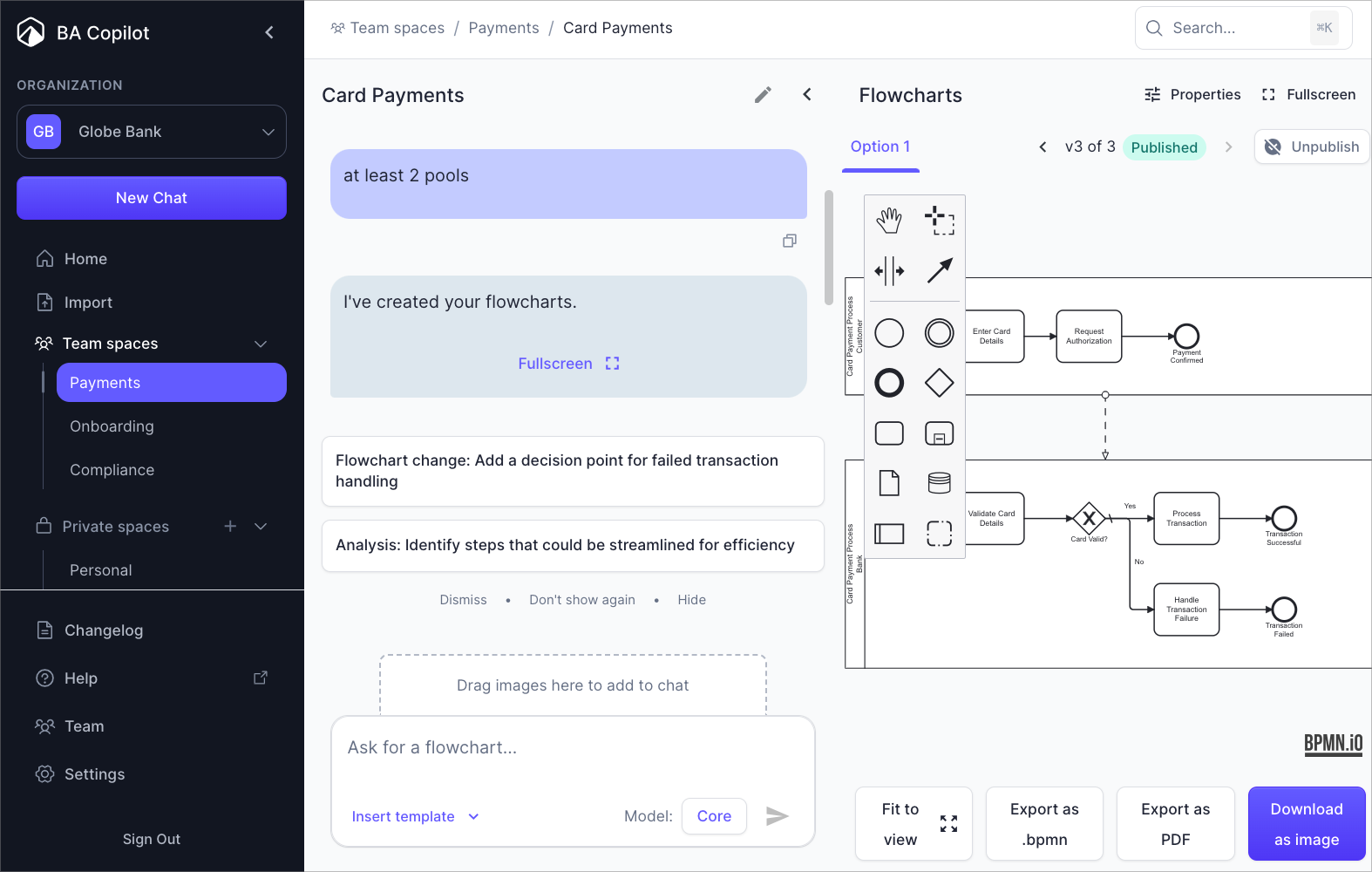
- Added flowchart statuses
Publish flowcharts that you deem official, and ready to be executed. Just click the publish/unpublish button at the top right of flowcharts.
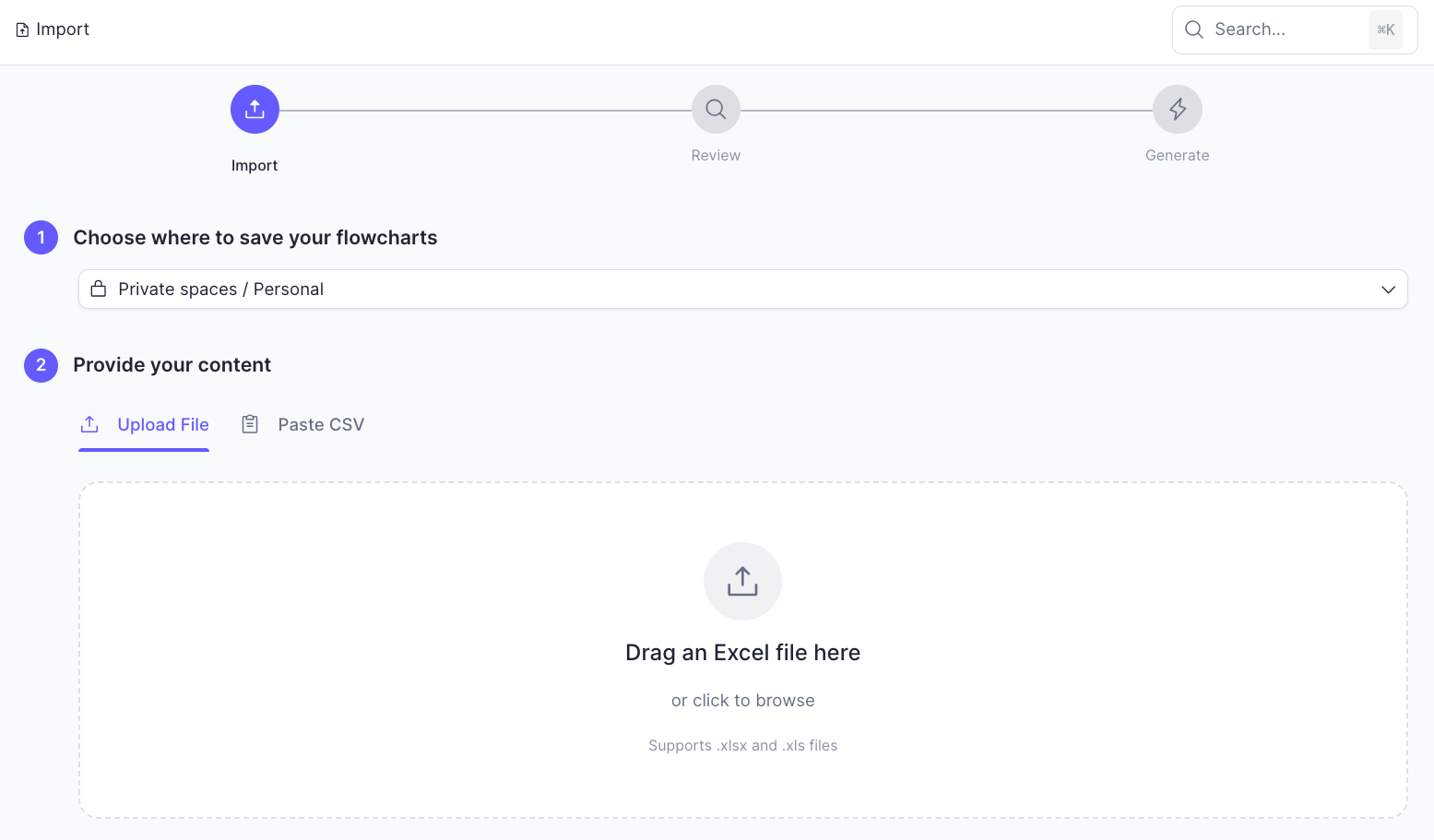
- Added 'Import from Excel'
You can import multiple text flowchart descriptions from Excel, and then generate flowcharts from them, in bulk. Try it here: https://ba-copilot.com/dashboard/import
2025
- Added ability to invite team members 👥
Pro plan users can now invite up to 5 viewers per organization. You can choose exactly which spaces they can see. They get read-only access — perfect for gathering feedback from stakeholders without…
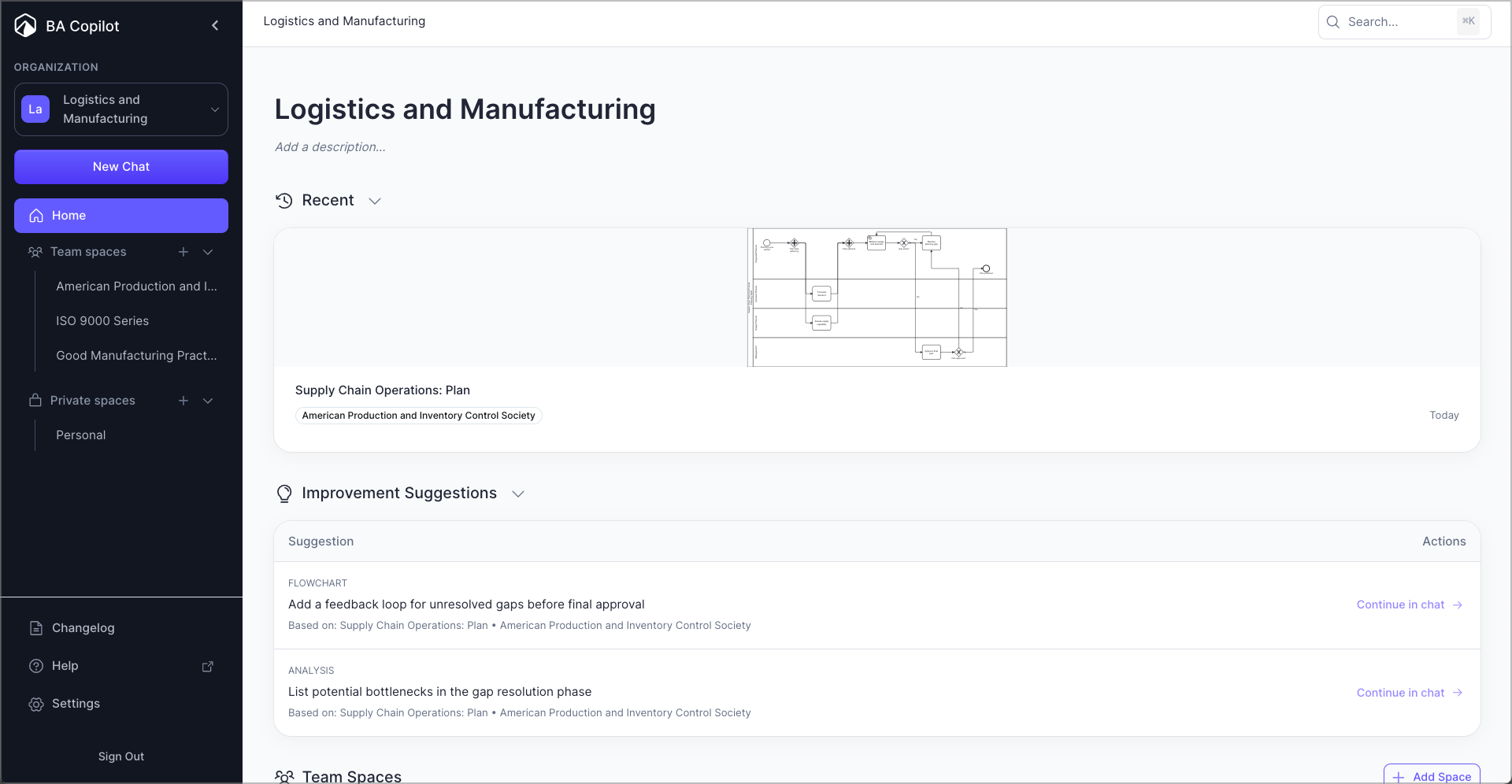
- Added organization homepage
We’ve added a homepage for each organization in BA Copilot. This shows: - The most recently edited process map - Improvement suggestions to processes - All team spaces - All private spaces
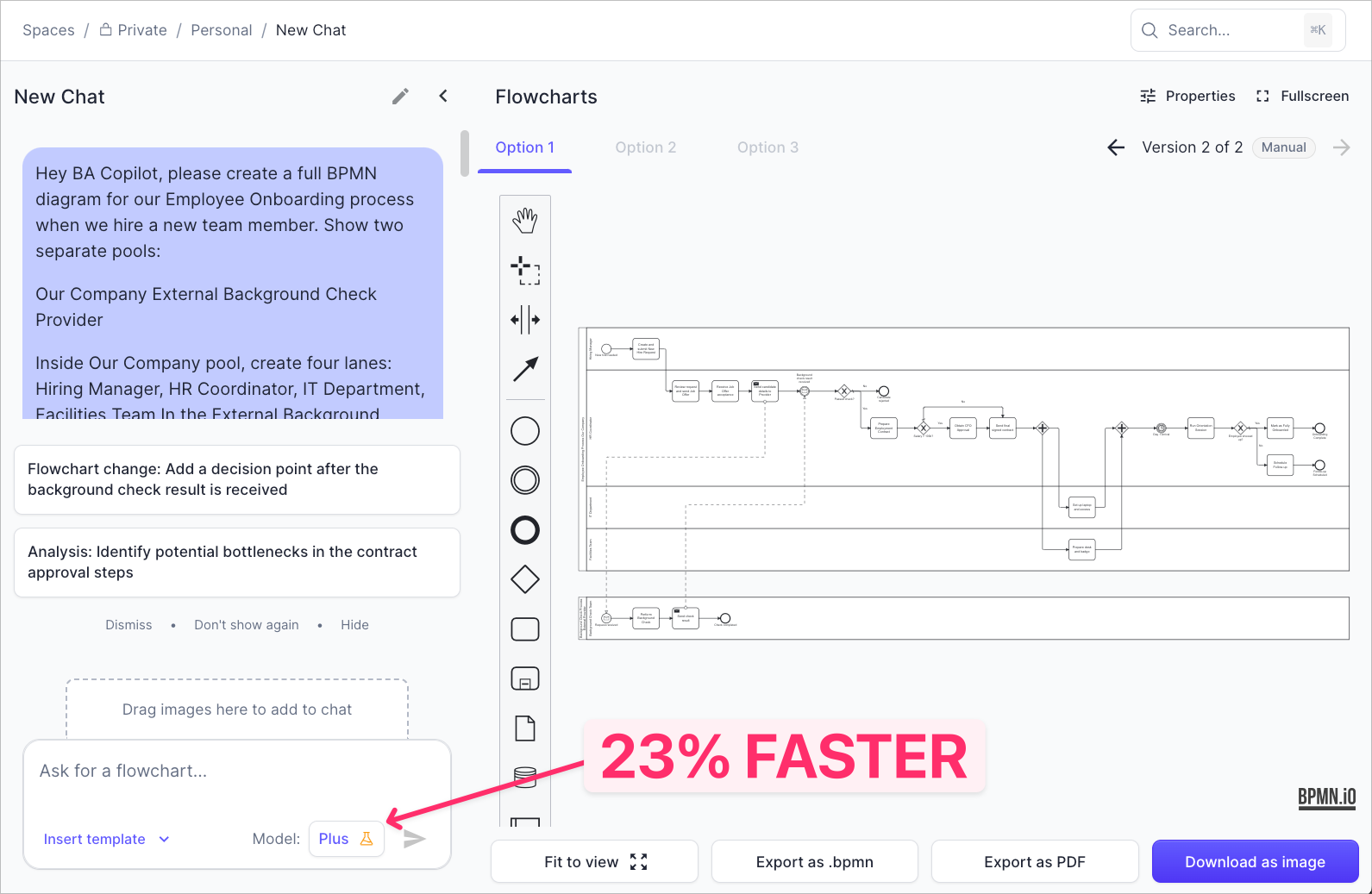
- Improved 'Plus' model flowchart generation speed by 23%
We also fixed a bug where flowcharts weren’t generating with this model.
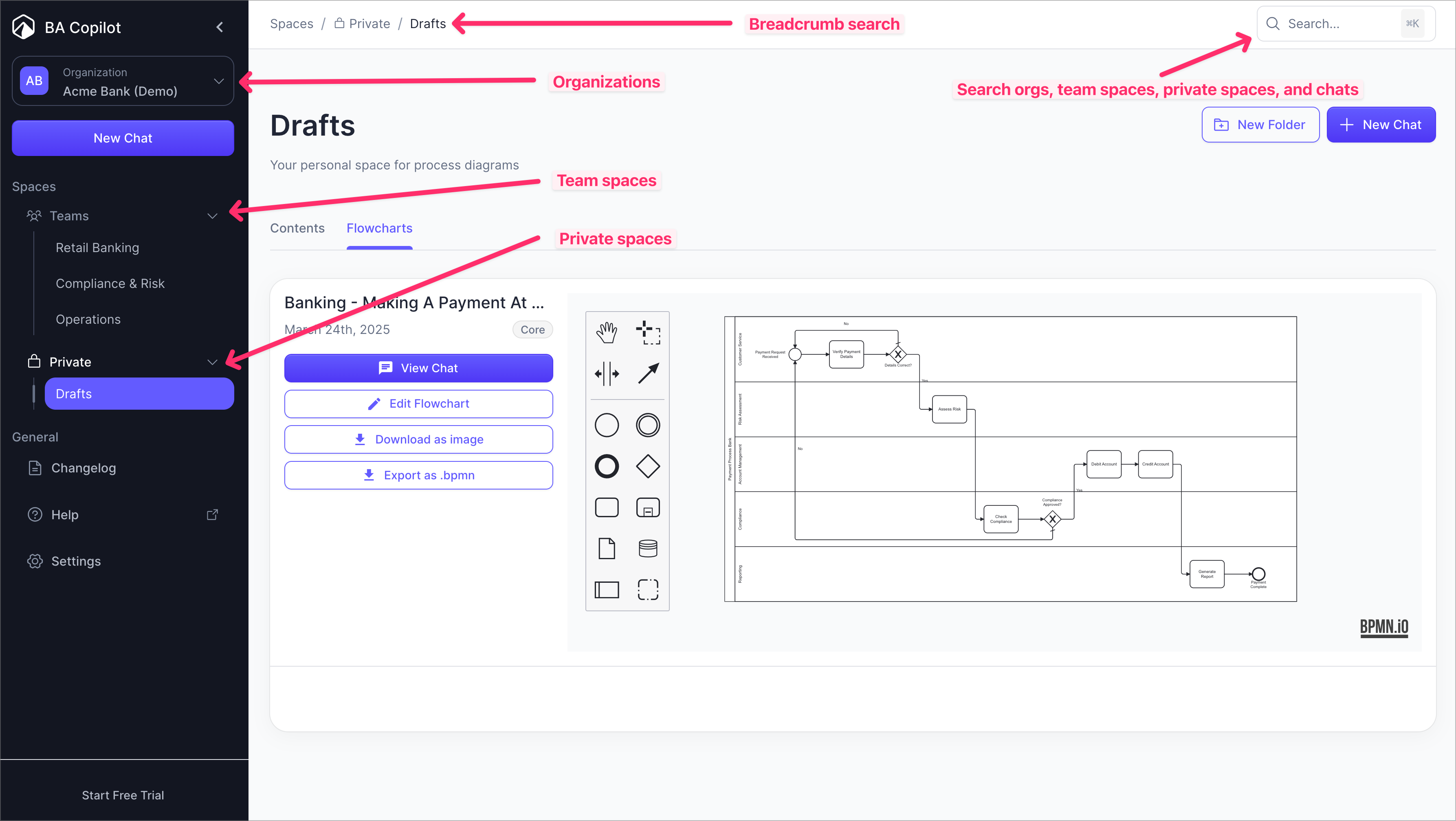
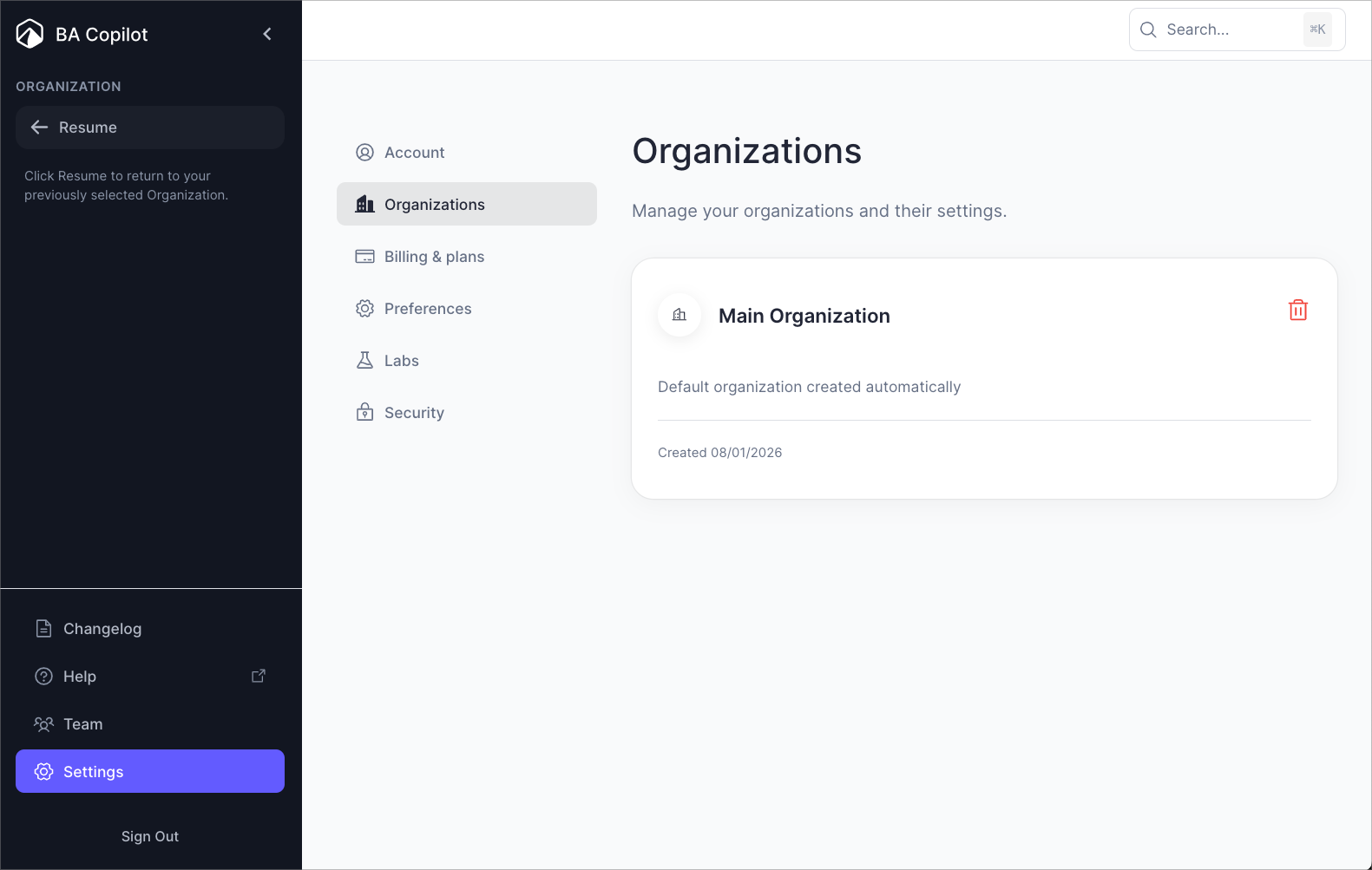
- Added organizations, spaces, and more
Our latest release transforms how consultants manage process maps for clients. What's new: 🏢 Organizations — Separate areas for each client or company. Examples: 'Walmart', 'Citibank', 'National…
- Removed 📌 and [Folder N] from chat titles
📌 and Folder functionality still works. This was purely an aesthetic improvement.
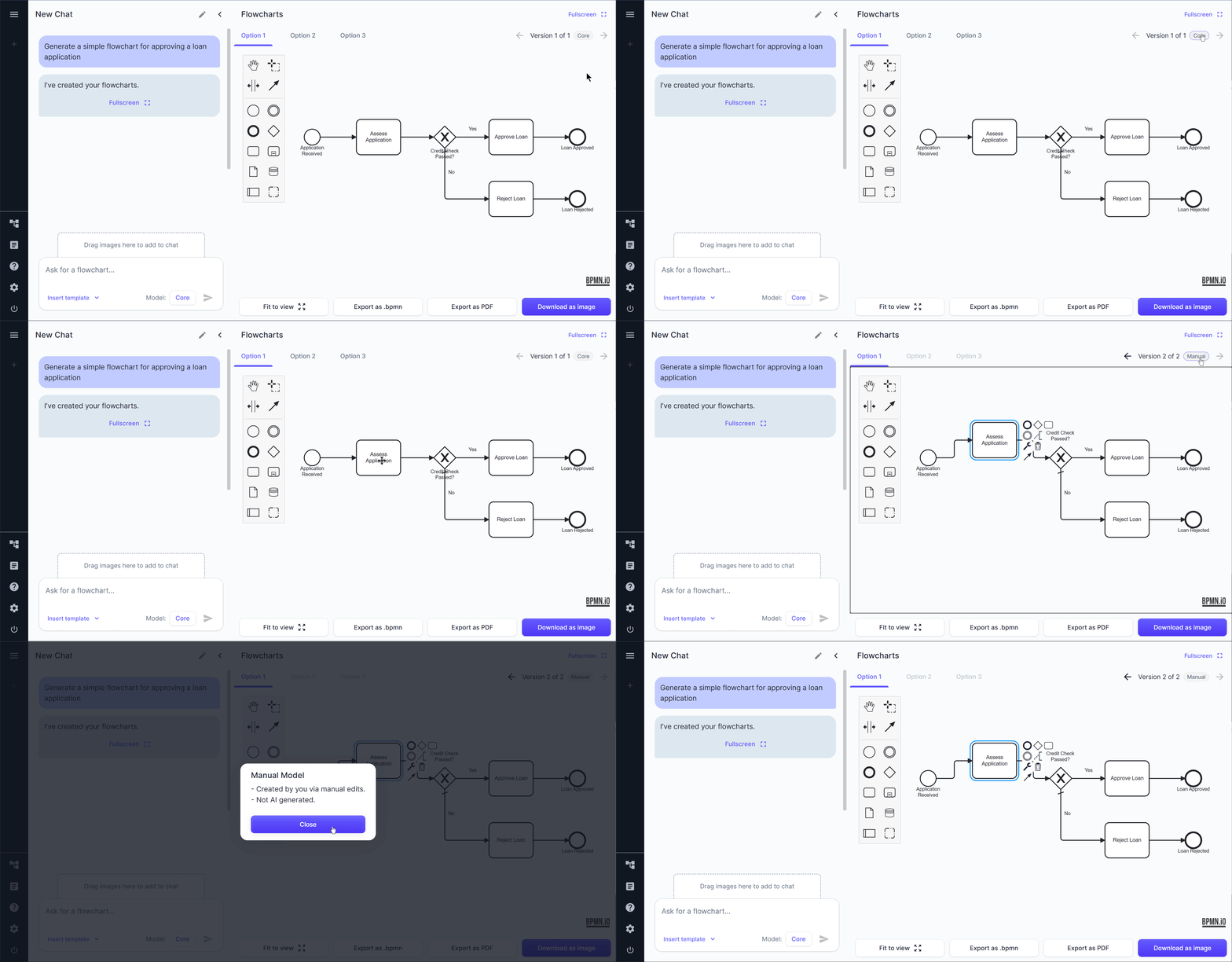
- Track manual changes as their own version
When you edit a diagram manually, it will be saved as its own version. This is useful for when you want to know what changes the AI made vs you made manually.
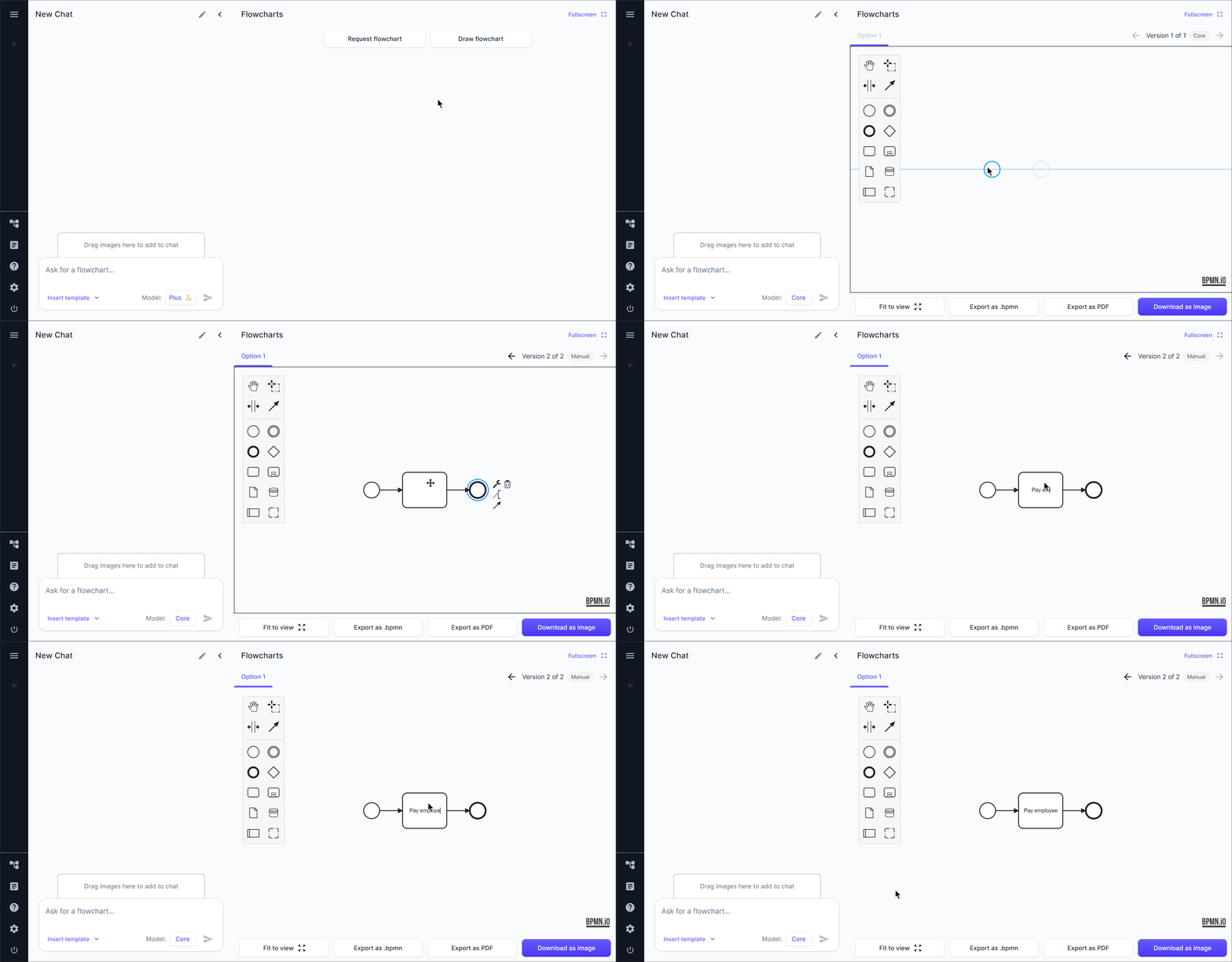
- Added 'Draw flowchart'
You can now draw a flowchart manually if you’d prefer.
- Fixed AI creating flowcharts even when text response was expected
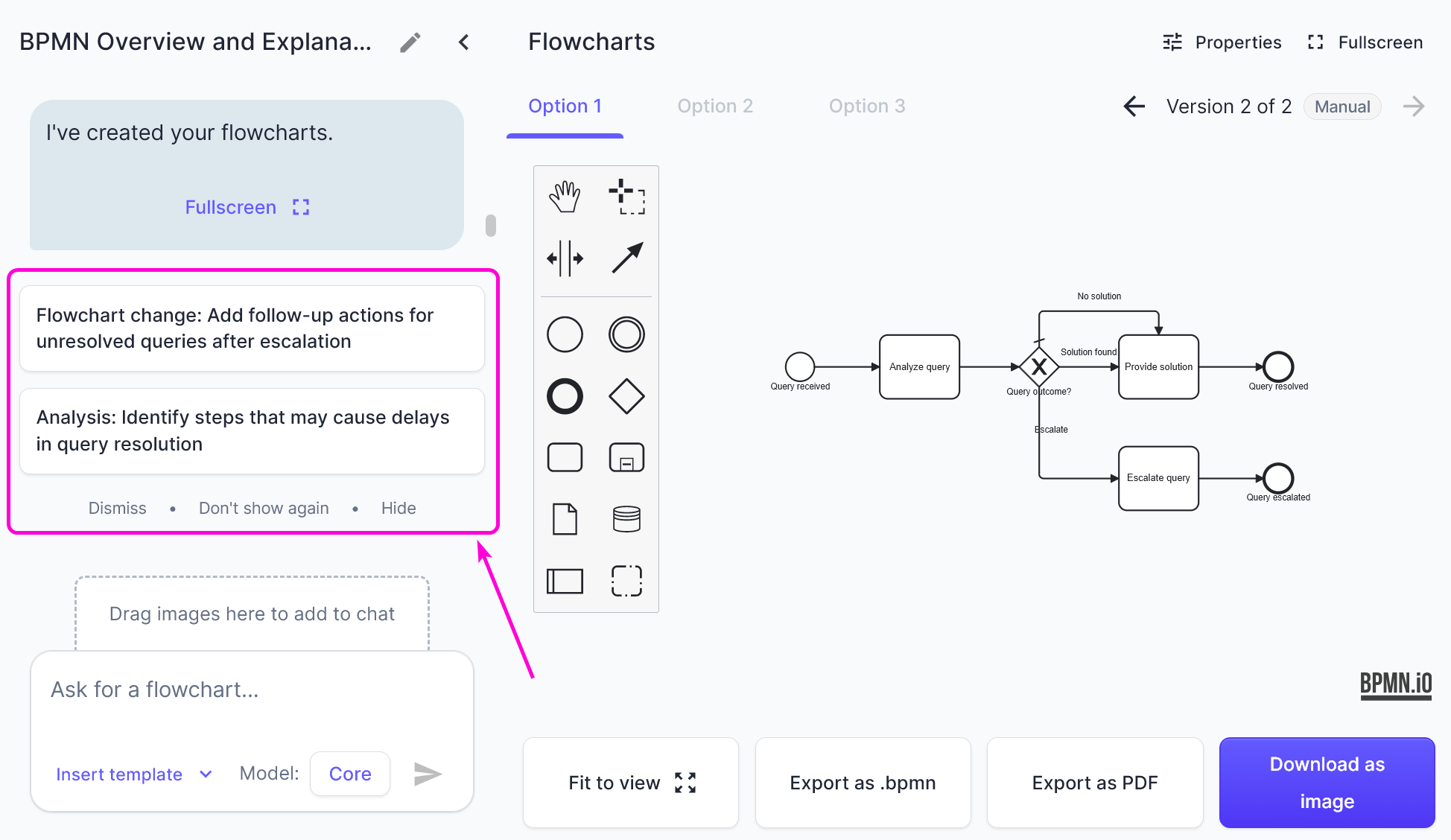
When asking the AI something like ‘where are the process bottlenecks here?’, the AI would create a new flowchart. Obviously, the user actually expected a text answer. Now, it will give a text answer…
- Added AI Help Center
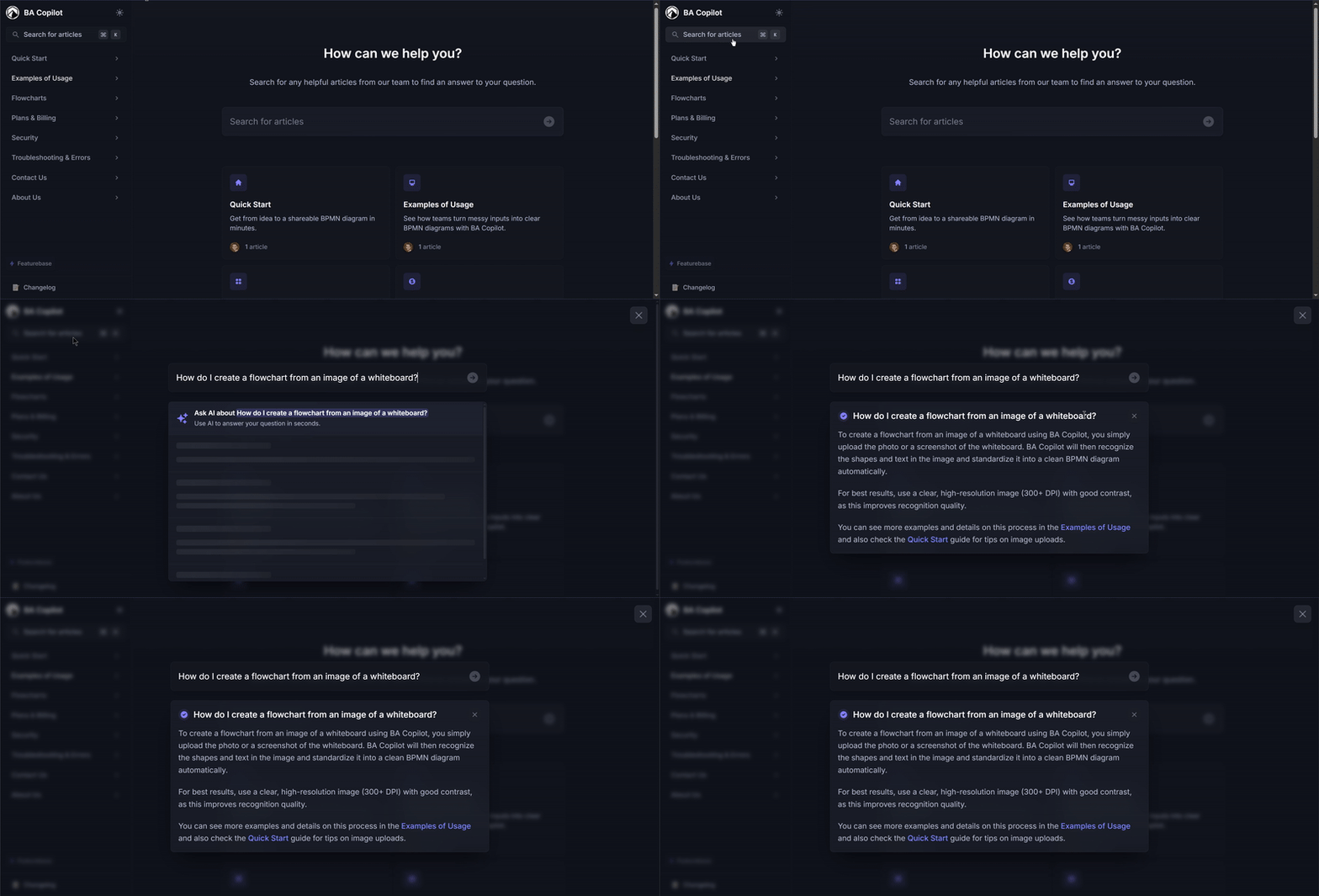
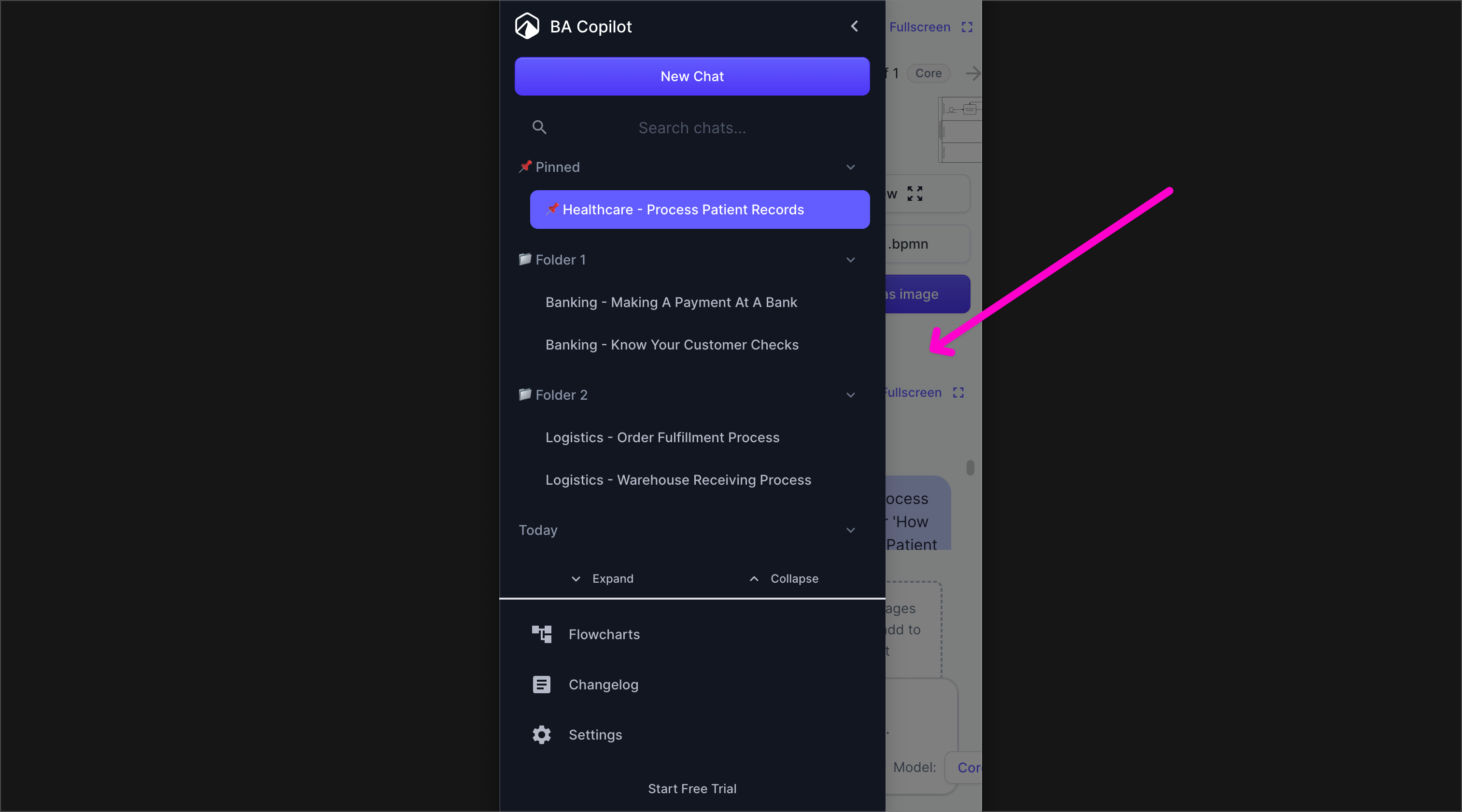
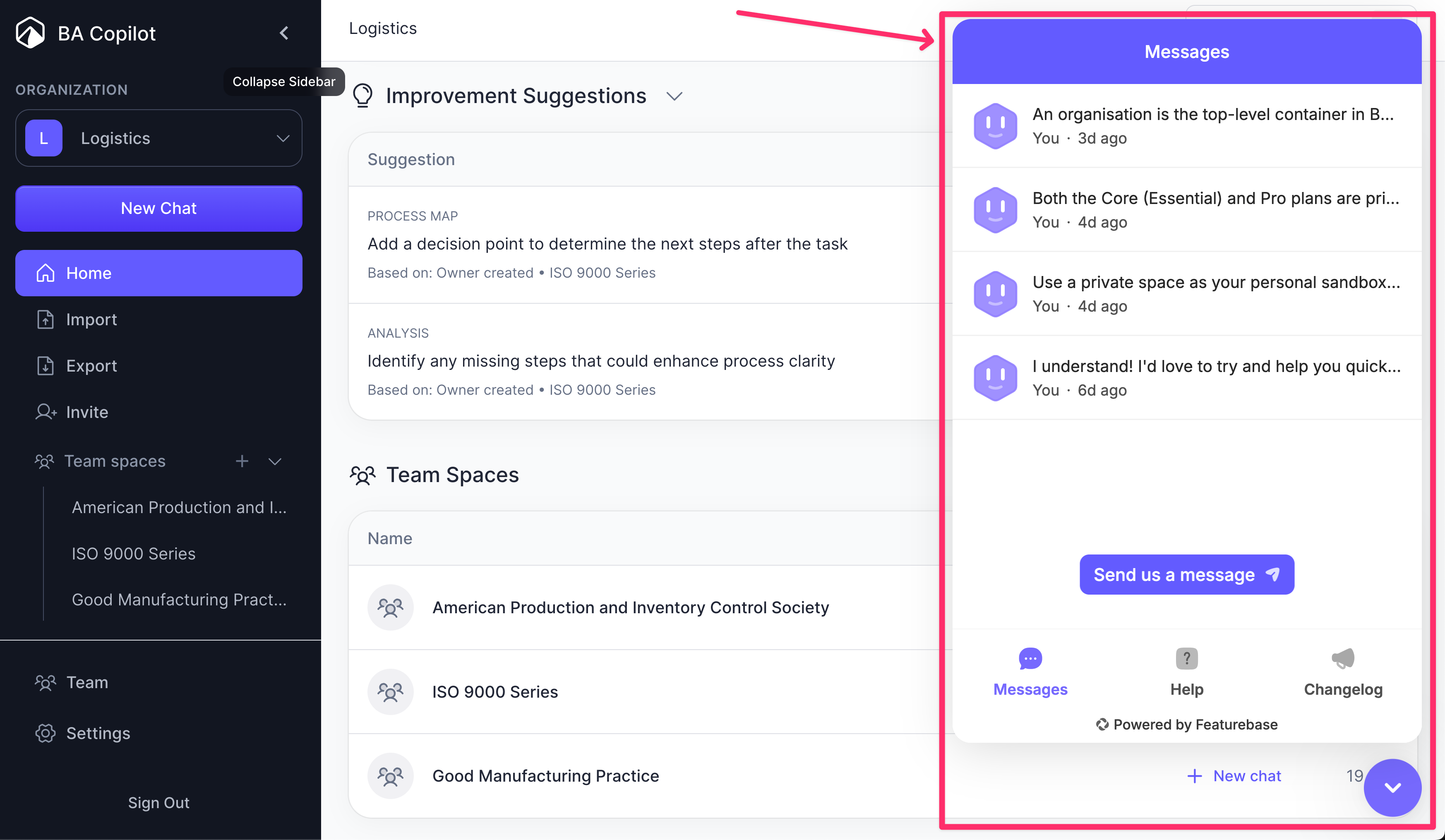
We've added an AI assistant and help center. This lets you ask targeted questions like 'how do I create a flowchart from an image of a whiteboard?'. Access it here or from the sidebar:
- Fixed 'chat not found' bug
Occasionally when signing in no chat would load, and a message ‘chat not found’ would display. This is now fixed.
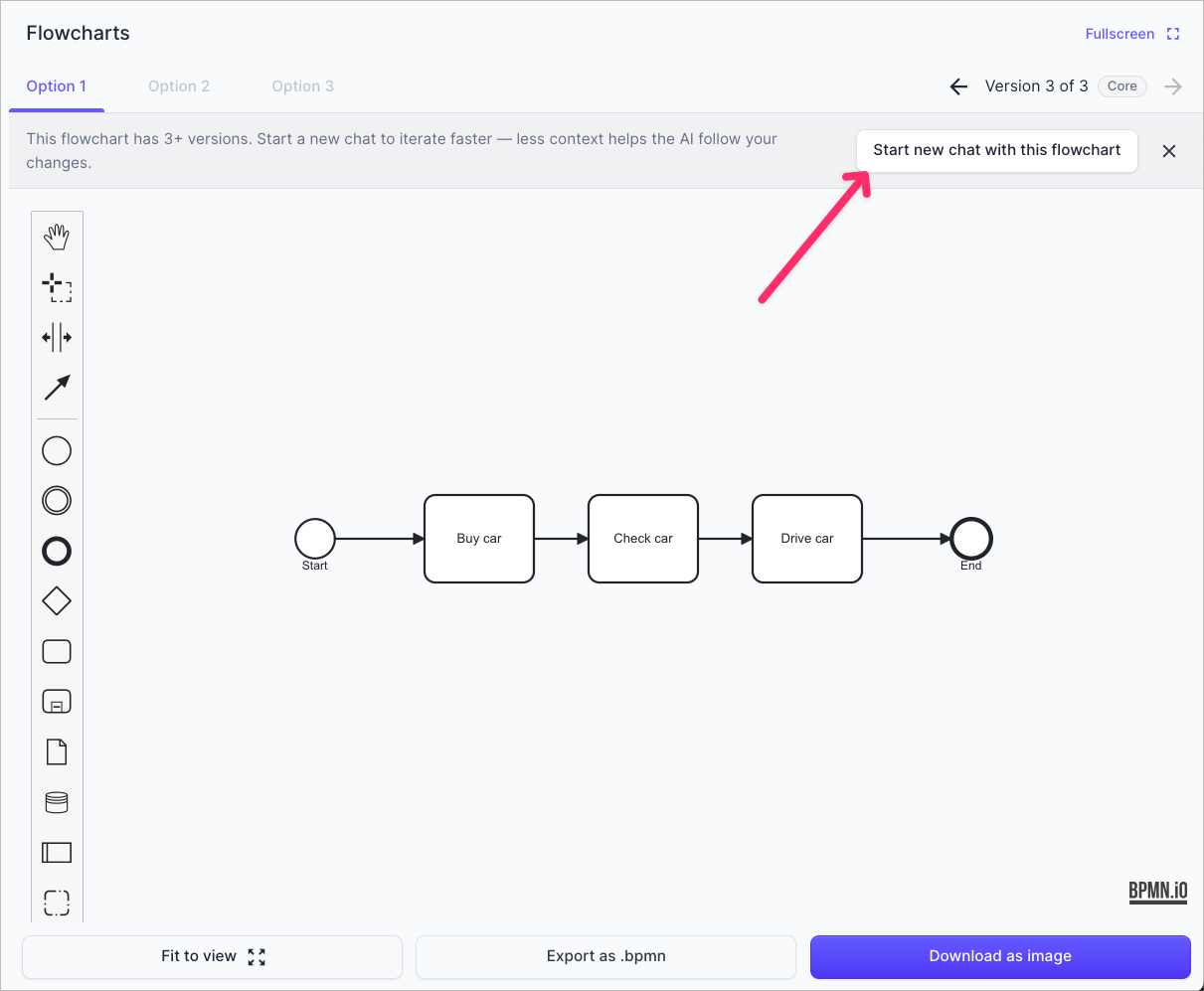
- Added 'Start new chat with this flowchart'
The quality of flowchart generations can decrease if the ‘context window’ gets too big. The ‘context window’ is the amount of messages and flowcharts in the current chat. Often, you will only care…
- Fixed issue where keyboard shortcuts on flowcharts could lose focus
Previously if you were editing a flowchart with keyboard shortcuts, they could lose focus. For example, if you had an element selected and held the down key, then it might move down (correctly) for 5…
- Less sensitive zoom on trackpads
Previously, the zoom on trackpad was too sensitive. This meant it would zoom in and out much more than you typically wanted. We’ve now made it less sensitive.
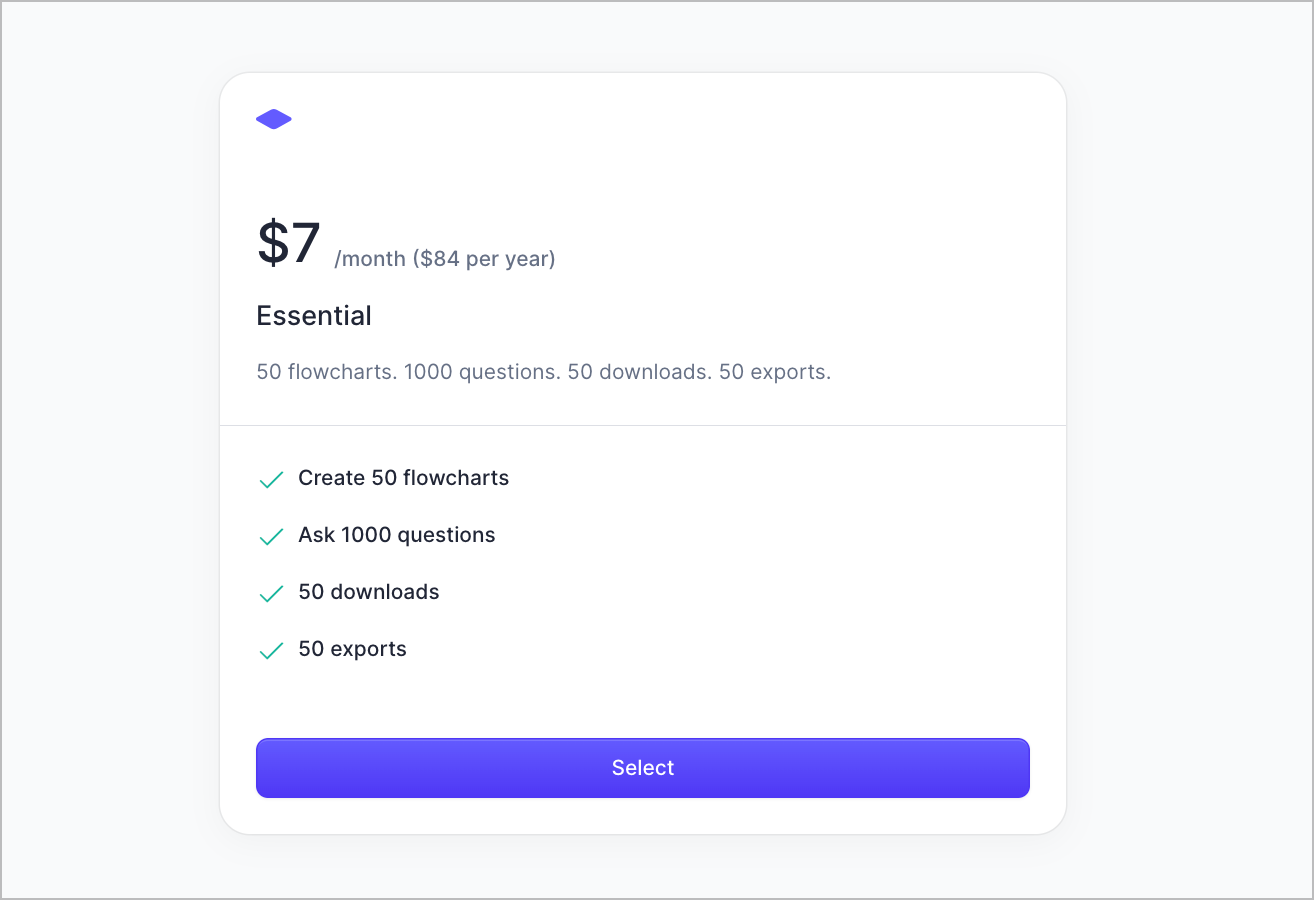
- 30% off with annual plan
You can now get BA Copilot for $7 a month, rather than $10, when you subscribe annually. If you’re already on a monthly plan, the amount left for the given month will be refunded when you upgrade.…
- Navigate menus from the bottom, on mobile
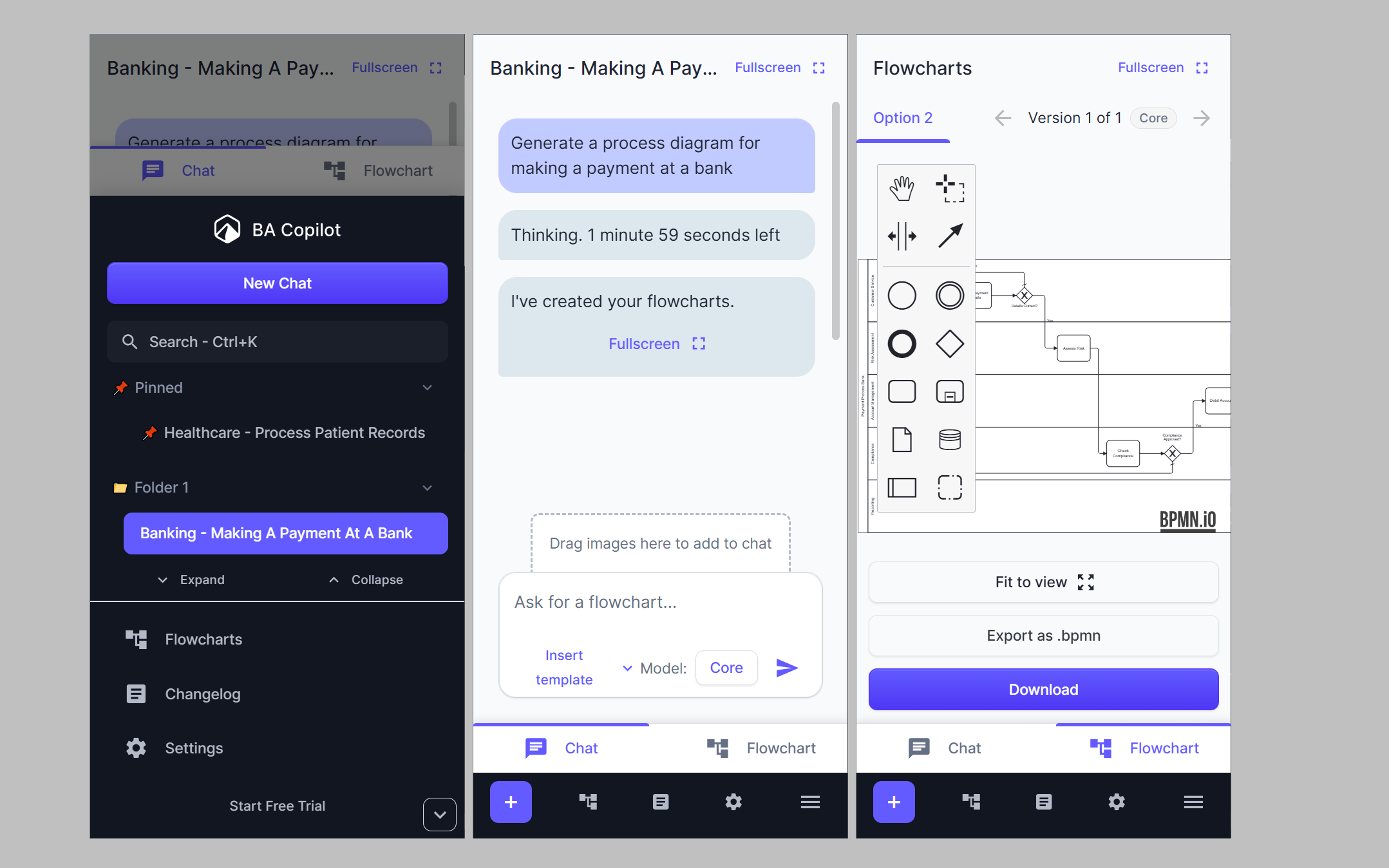
We’ve moved the main navigation to the bottom, so it’s easier to reach on mobile. We’ve also added ‘chat’ and ‘flowchart’ tabs at the bottom (above the main navigation).
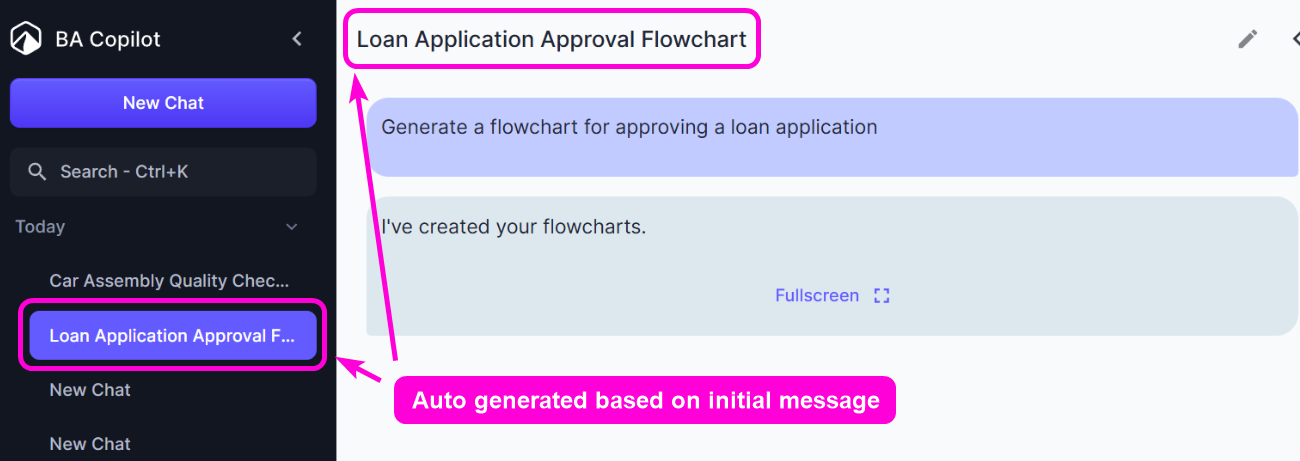
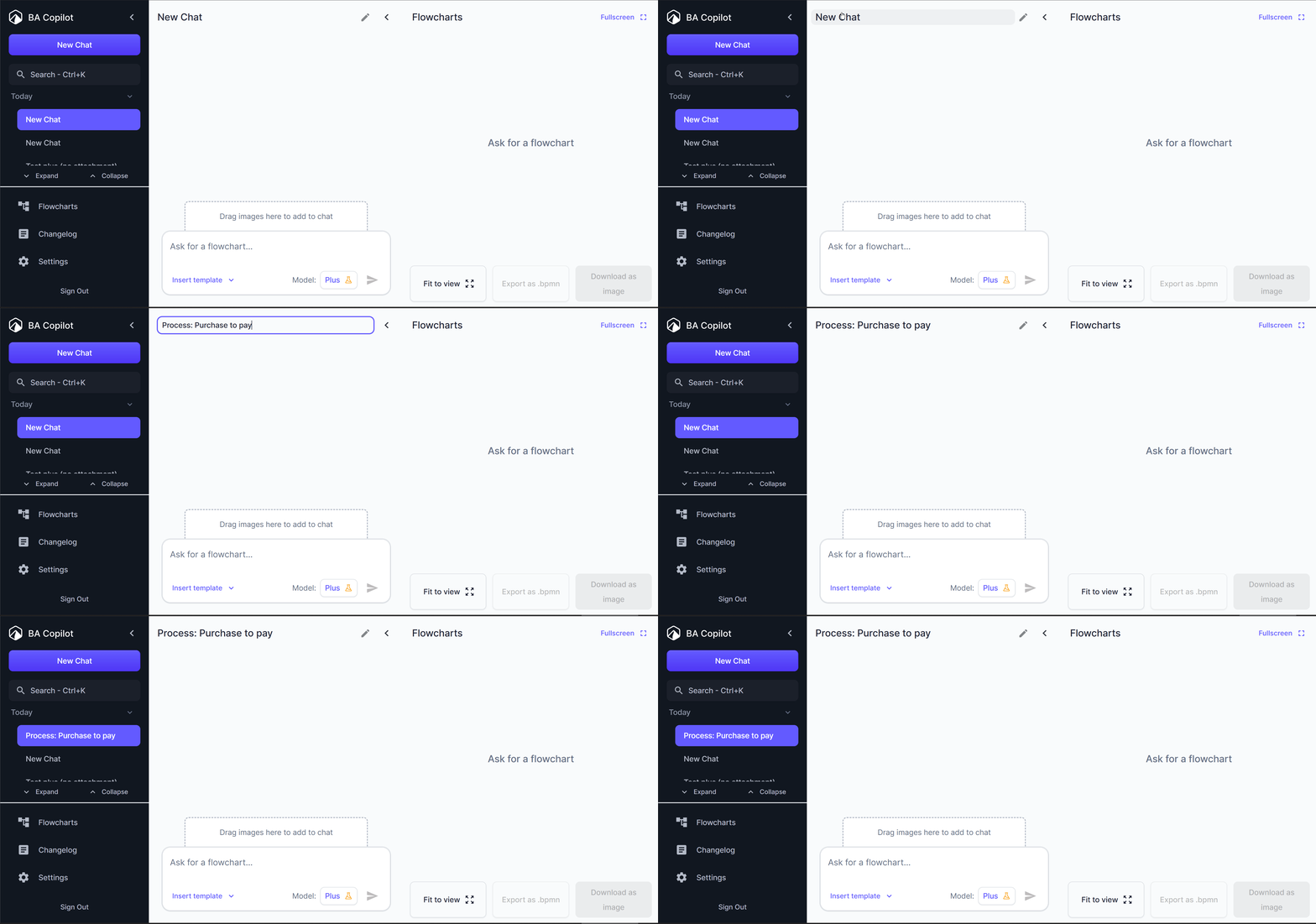
- Editable Chat Titles
You can now rename your chat conversations by simply clicking on any chat title in the sidebar. This makes it much easier to organize and find your process diagrams later, especially when working on…
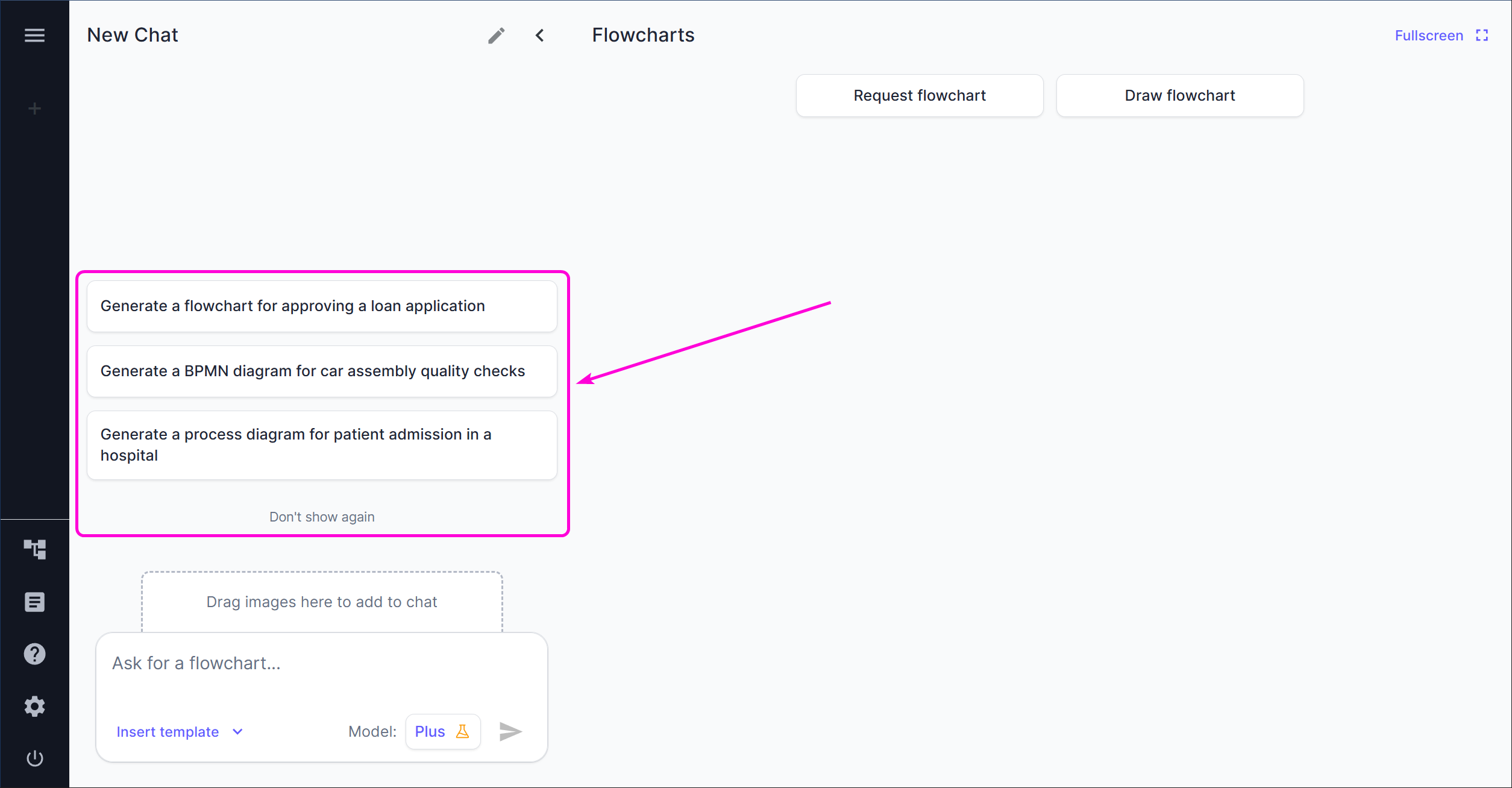
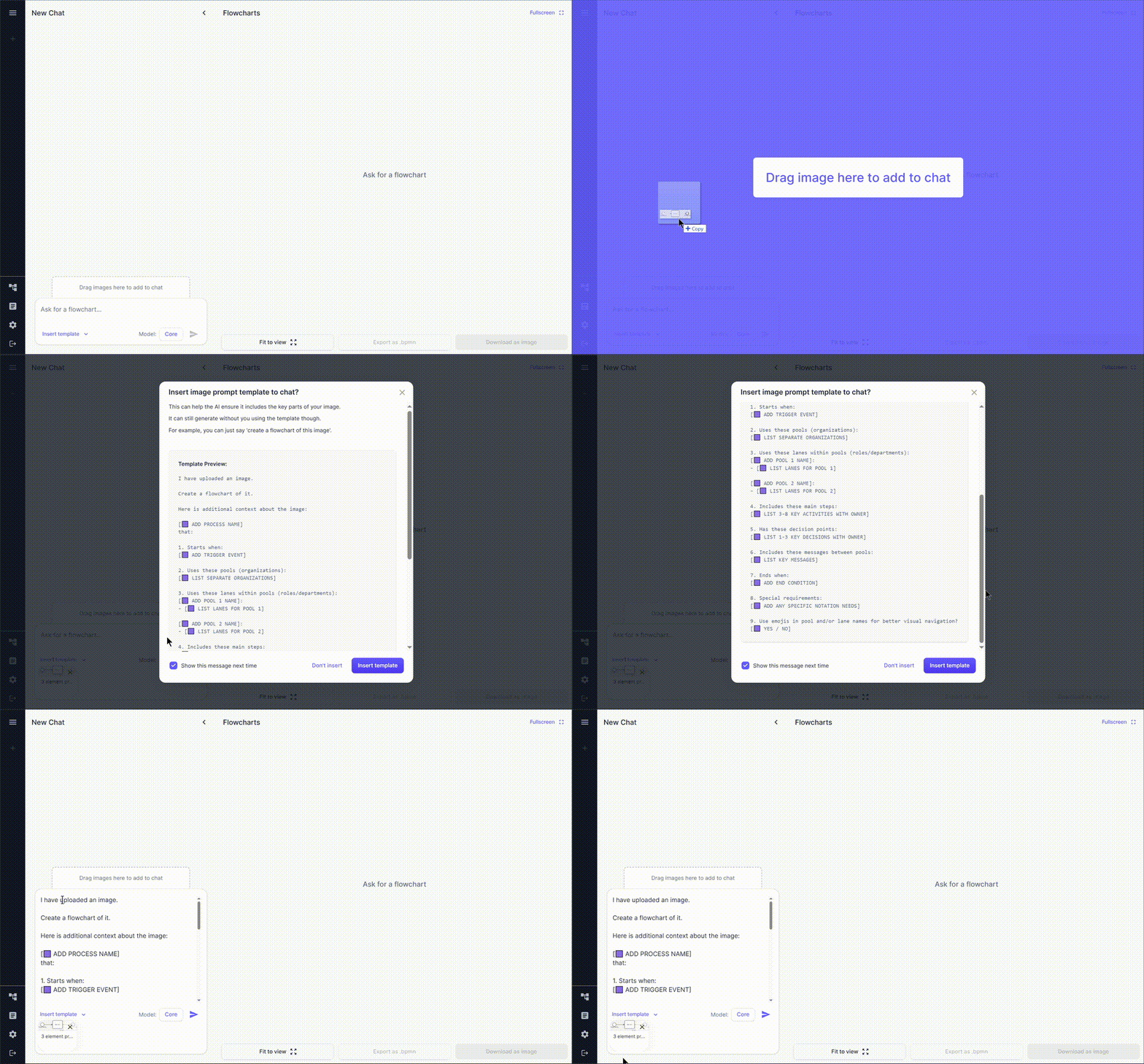
- Image Template Prompt
When you upload an image, we now offer to insert a specialized prompt template to help the AI better understand your image. This optional template helps ensure the AI captures key details from your…
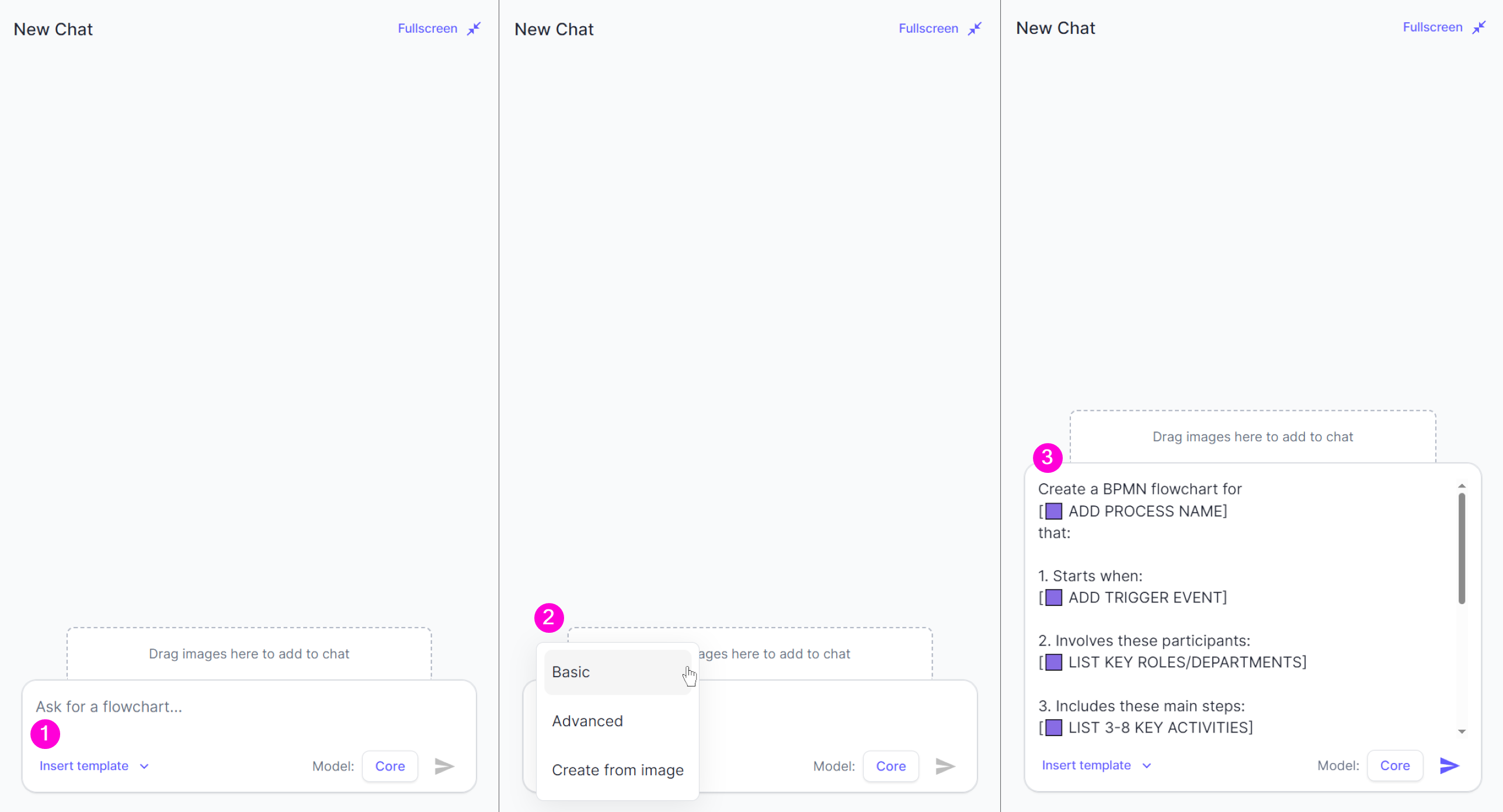
- Enhanced Template System
We've added 🟪 to prompt templates as placeholders for you to optionally replace with more detail. This is useful when you want to provide more structured input to BA Copilot. But BA Copilot will…
- Precise diagram iterations
You can now iterate on diagrams with more precise edits. Previously, a small change such as ‘add a gateway’ could result in a diagram with the added gateway, but also other different elements. Now,…
- Search from keyboard shortcut
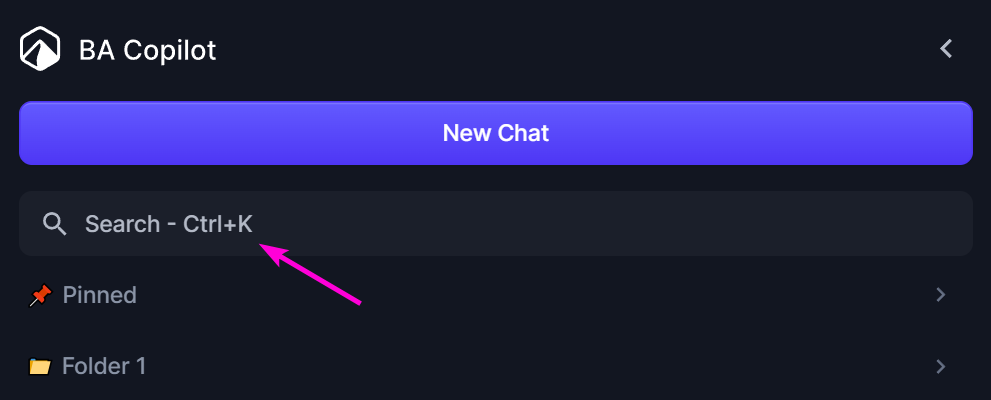
You can now search chats with a keyboard shortcut. Just use the appropriate one for your device: Windows - Ctrl + K macOS - Cmd + K
- Multi-Factor Authentication
You can now enable multi-factor authentication. This increases the security of your account, by requiring a TOTP from an authenticator app, in addition to your main log-in method. For example, you…
- Updated website, terms and conditions, and privacy policy to reflect transition to BA Copilot Ltd
We’re now trading as BA Copilot Ltd. This allows us to better deliver on our global plans. Your service won’t change. As always, if you do not agree with the updated terms, then you have the right to…
- Menu on mobile allows you to tap behind it
Previously, the menu would take the entire screen. This was confusing to some of you, because it wasn’t clear that it was a menu, or how to get rid of it. Now, the menu only takes 80% of the width of…
- Automatically scroll latest message to top
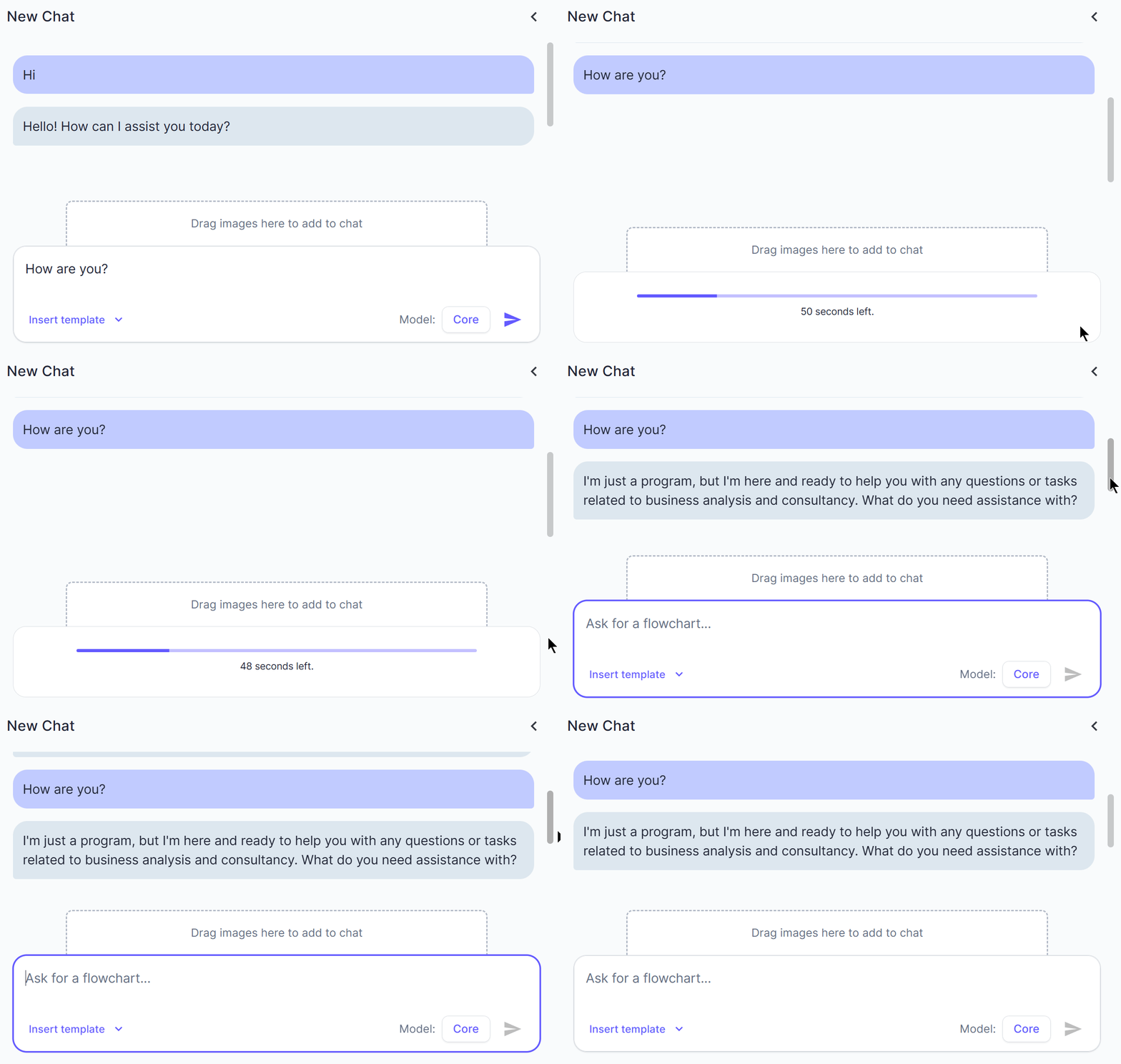
Previously, when you sent a message, it showed on the bottom of the chat area, which meant the AI reply would stream in below where you could see. This meant that you needed to scroll down to see it.…
- Updated T&Cs and Privacy Policy to be GDPR compliant
You can view them at: https://ba-copilot.com/terms https://ba-copilot.com/privacy
- Added 'Plus' AI model to Labs
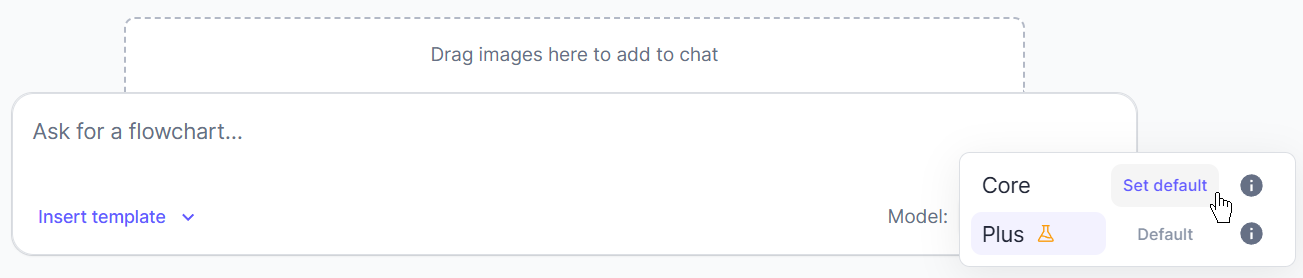
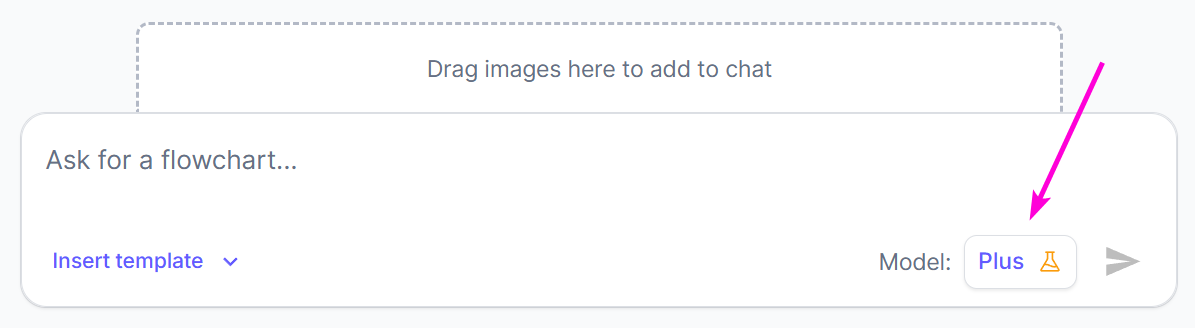
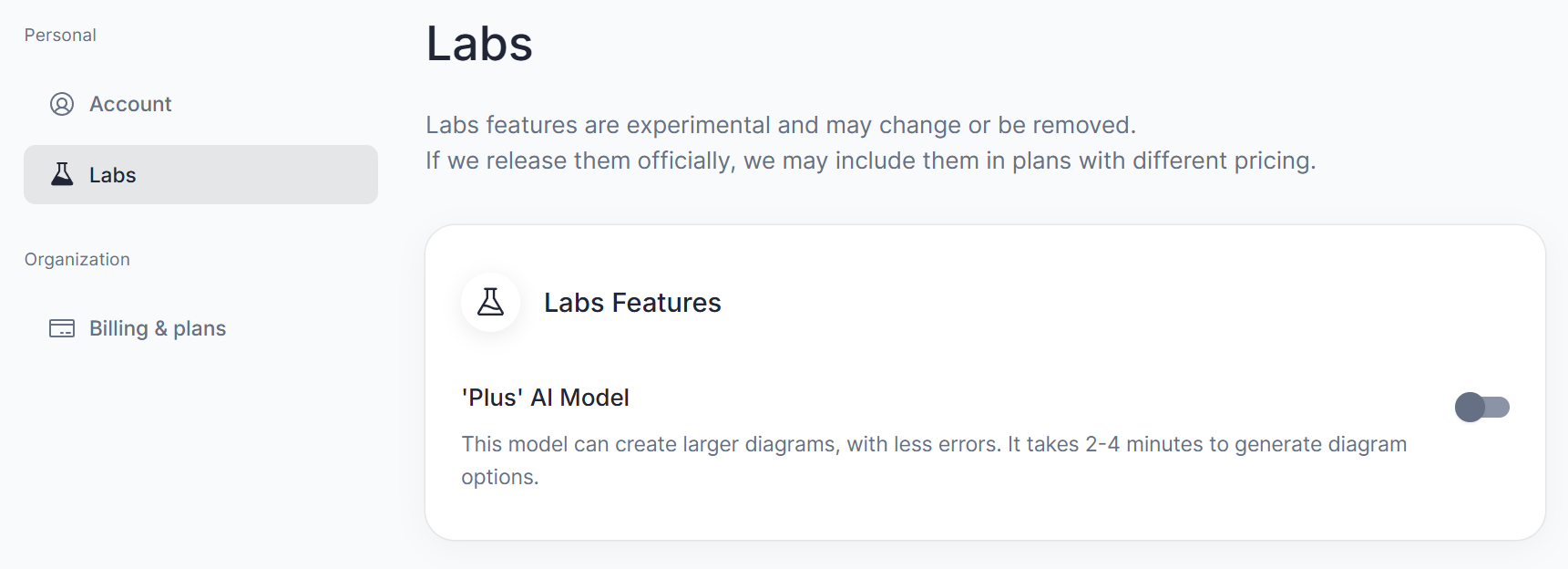
We’ve created a new ‘Plus’ AI model. This model can create larger diagrams, with less errors. It takes 2-4 minutes to generate diagram options. Each generation of 3 diagram options counts as 1…
- Added 'Labs' to Settings
We want to release experimental features to you early, so we can refine them with you. To enable this, we’ve added the ability for you to opt-in and out of different labs features.
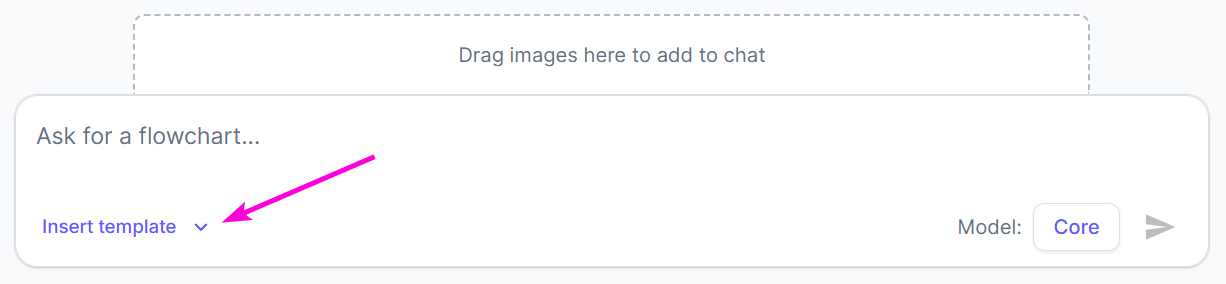
- Renamed templates drop-down to 'Insert template'
This was called ‘Use prompt’ before. We felt ‘Insert template’ made more sense.
- Added 'new' label to new features
We’ve added a ‘new’ label to the Flowcharts page, which we redesigned recently. We’ll use this ‘new’ label throughout the platform as we add new features. This should make it easier for you to…
- Changelog Pop-up
We’ve added this change log, so that we can update you on new features, fixes etc. each time you log in. You can also access it by clicking ‘Changelog’ in the left sidebar, near the bottom.