
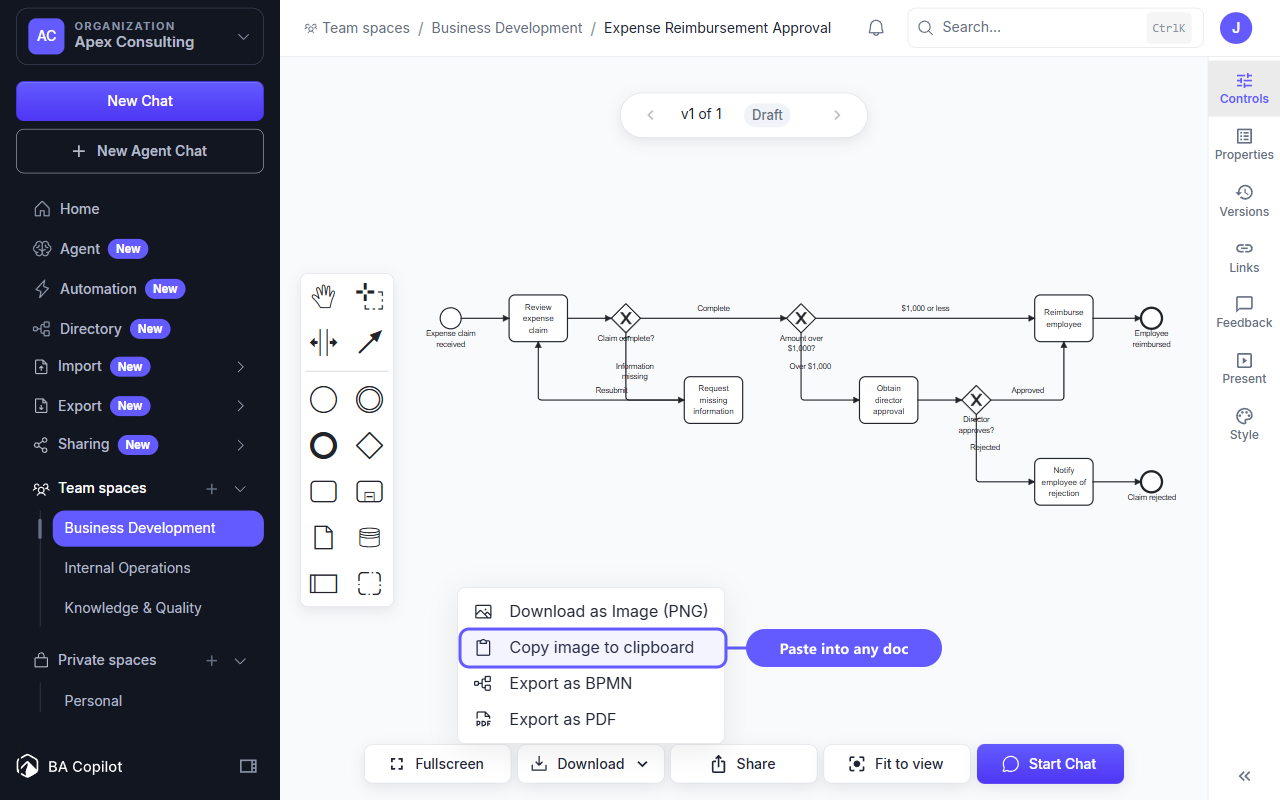
Copy a process map as a PNG and paste it directly into Word, PowerPoint, Slack, Confluence, or another compatible app. The new Copy image to clipboard action is available from the Download menu in chat and on standalone maps.
The copied image uses the same presentation layer, branding, watermark, and access rules as Download as Image. You get the same artifact without saving and finding a file first.
Browsers that do not support image clipboard access keep the action visible and explain why it is unavailable.
Open a process map, choose Download, then select Copy image to clipboard.