
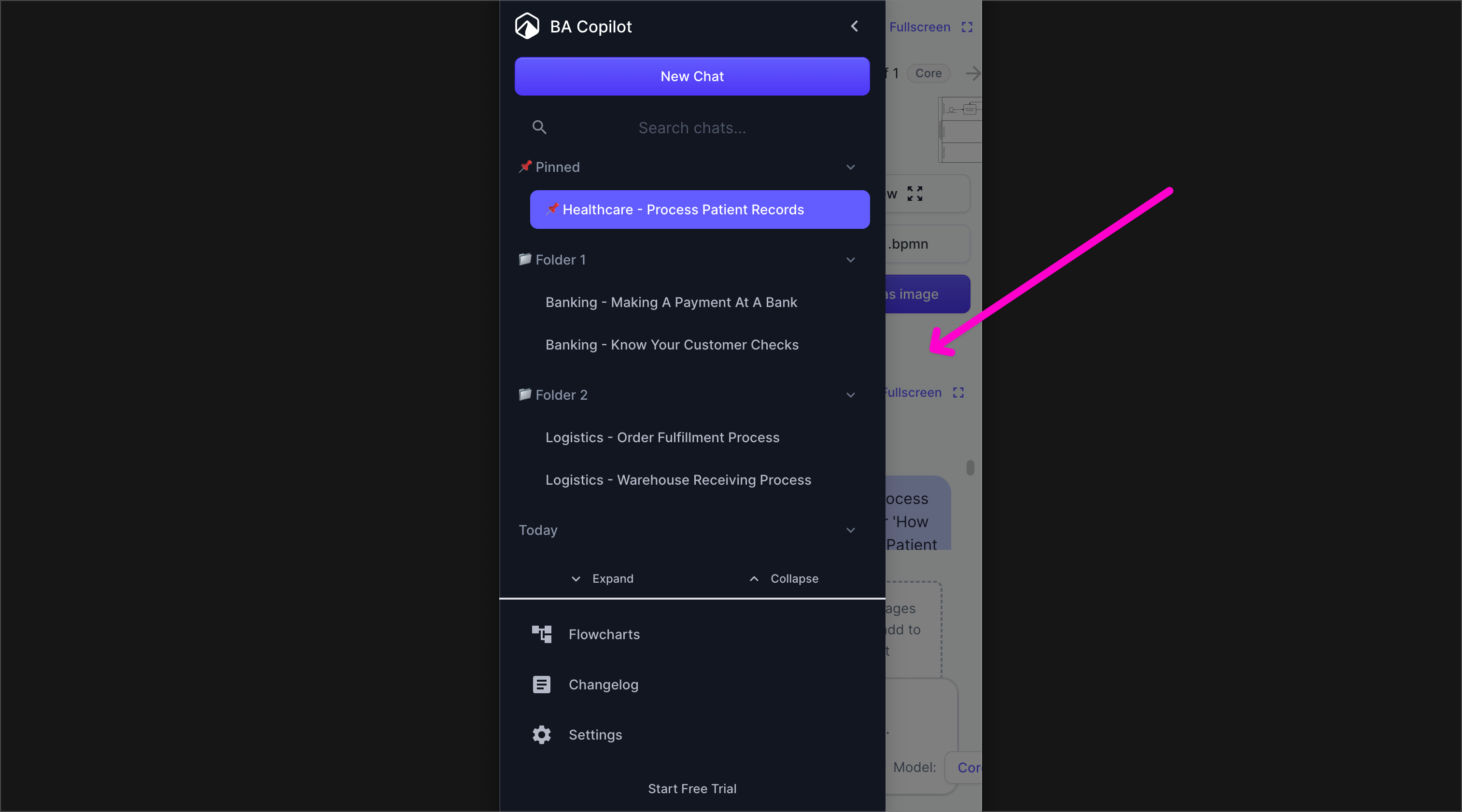
Previously, the menu would take the entire screen.
This was confusing to some of you, because it wasn’t clear that it was a menu, or how to get rid of it.
Now, the menu only takes 80% of the width of the screen.
So you can see it is a menu, and tap the screen behind it (pink arrow in image) to close the menu and go to that screen.