
What the directory contains
The Organization Process Directory keeps shared records for people, teams, systems, data objects, and other named items found in process maps within an organization space. Private maps outside an organization space do not populate the shared directory.
Organization members can view the directory. Owners and collaborators can analyse maps, review suggestions, edit entries, merge duplicates, manage relationships, and change automatic identification settings.
Identify items from a process map
- Open a generated or imported process map in an organization space.
- Open Properties, then About this process.
- Review the identified people, teams, systems, and data objects.
- If needed, select Analyze process to run identification manually.
Automatic identification is enabled by default for new and imported organization-space maps. An owner or collaborator can turn it off in the directory settings. BA Copilot grounds suggestions in names present in the process map and sends ambiguous matches for review.
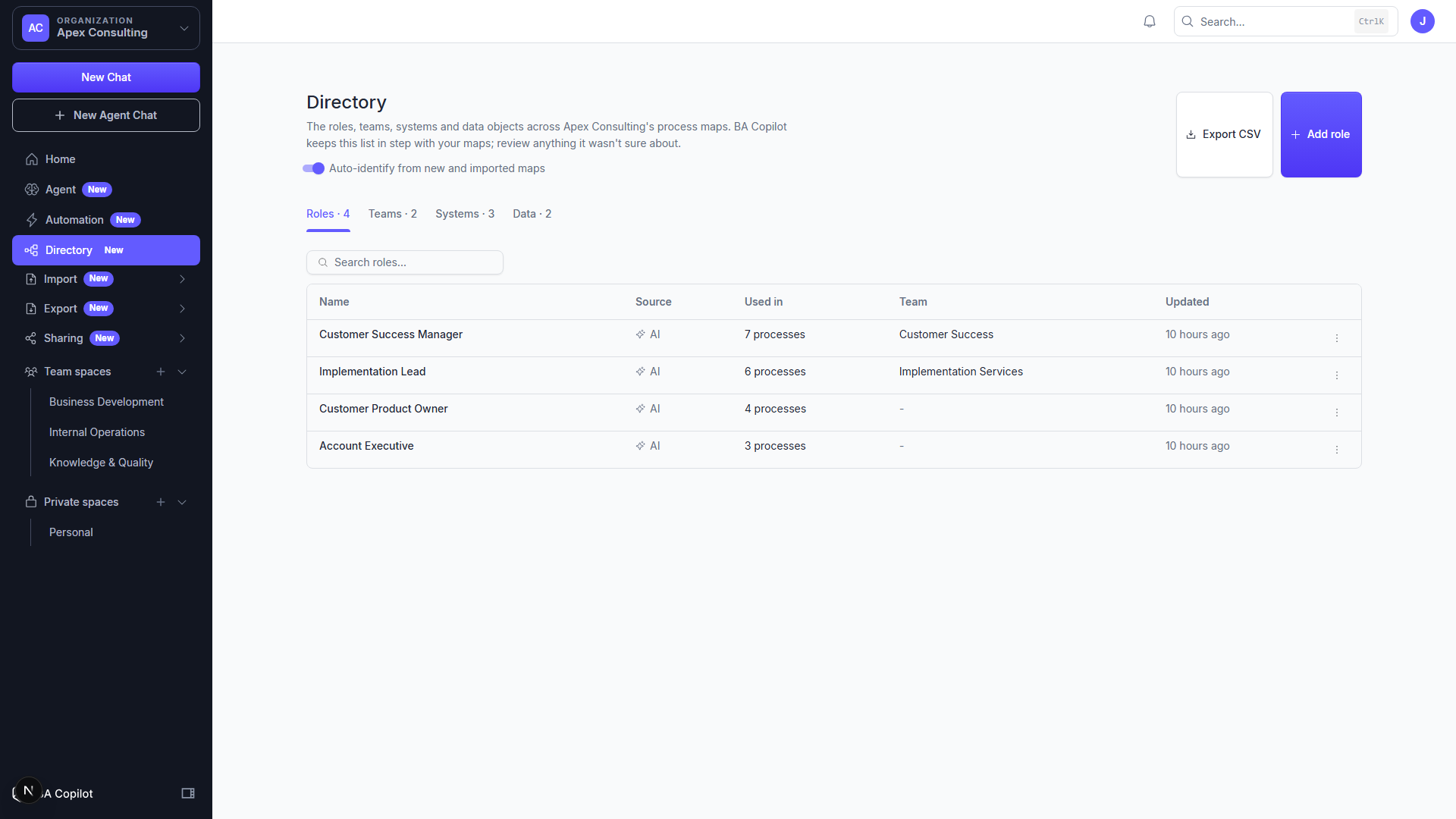
Review and organise entries
- Open
/dashboard/directory. - Open the review queue and accept or resolve uncertain suggestions.
- Rename an entry or add an alias when the same item appears under different names.
- Merge confirmed duplicates.
- Add relationships between entries where they help explain the organization.
Check a merge before confirming it. The resulting directory entry is shared across the organization space.
Build a RACI matrix
Open the directory's RACI view, select a process activity, and assign the relevant people or teams as Responsible, Accountable, Consulted, or Informed. Export the matrix as CSV when you need to review or reuse it outside BA Copilot.
Include directory data in exports
Directory and RACI CSV exports are available as direct actions. When creating a PDF or Word export, enable the directory-data option to include the relevant records. PDF and Word output continues to follow the normal export access for the map.