
Who can import
Import BPMN Anywhere is available to signed-in owners and collaborators. You need at least one team or private space where you have permission to create a process map. Viewers cannot import, and guests are redirected to the dashboard.
Supported files
BA Copilot accepts .bpmn, .bpmn2, and .xml files up to 1 MB. The file must contain valid BPMN 2.0 process data and renderable diagram layout information, including the shapes and edges needed to display the map.
Files that contain only process semantics without diagram layout cannot be opened as editable maps. Files with DOCTYPE or ENTITY declarations are rejected before they are saved.
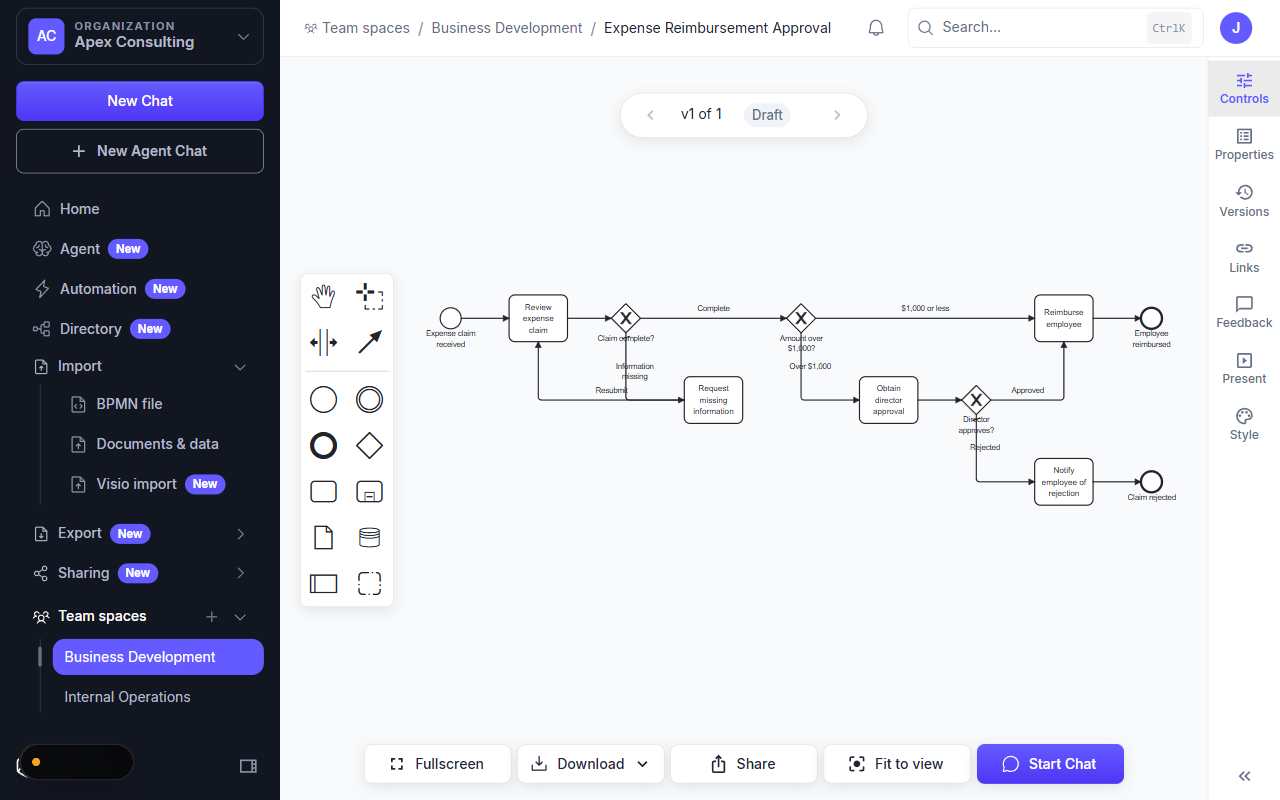
Import from the dedicated page
- Open
/dashboard/import-bpmnfrom the Import section of the sidebar or the Home quick action. - Drop a supported file into the import area, or select it from your device.
- Wait for validation to complete.
- Enter or confirm the process map title.
- Choose an editable team or private destination space.
- Select Import editable map.
The imported map opens in the editor with the source layout and labels preserved.
Other import entry points
You can also start the same validated import from an editable space, a chat attachment, or a play-through. Choose the destination and title when prompted. Each entry point creates an editable saved map rather than regenerating the content with AI.
If validation fails
Check the file extension and size first. If the file is valid BPMN 2.0 but still cannot be rendered, export it again from the source tool with diagram layout information included.